Minilog vs Mode
Compare Minilog vs Mode and see which AI Analytics tool is better when we compare features, reviews, pricing, alternatives, upvotes, etc.
Which one is better? Minilog or Mode?
When we compare Minilog with Mode, which are both AI-powered analytics tools, Interestingly, both tools have managed to secure the same number of upvotes. Since other aitools.fyi users could decide the winner, the ball is in your court now to cast your vote and help us determine the winner.
Not your cup of tea? Upvote your preferred tool and stir things up!
Minilog
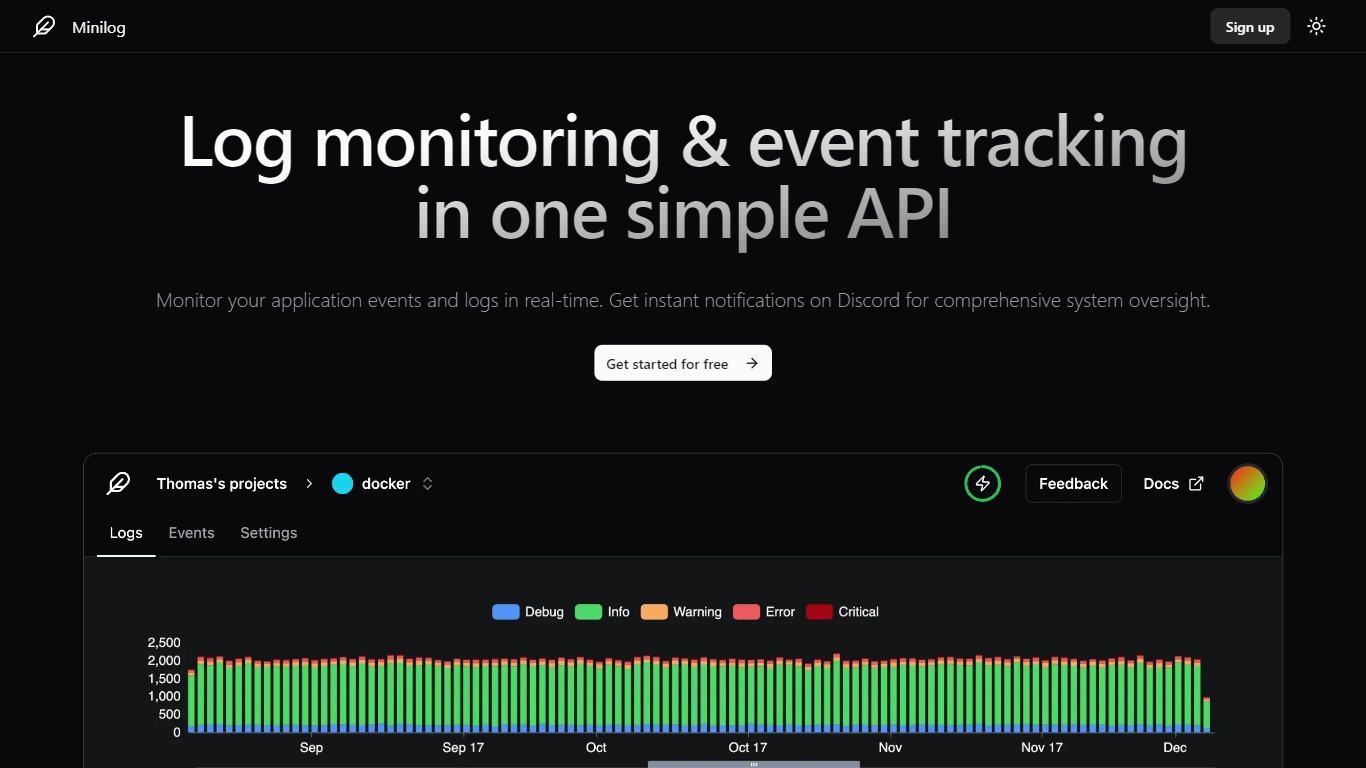

What is Minilog?
Minilog is an analytics and log monitoring service built around a single HTTP API. You POST JSON logs from any language, search and filter them on a timeline, and get push or email alerts when something critical hits. No agent install, no SDK dependency, just a bearer token and a curl command.
Most log platforms want you to run collectors, agents, or heavy integrations before you see a single line. Minilog flips that: send one POST request and monitoring starts. It also plugs into Docker's built-in Splunk logging driver, so container logs route to Minilog without extra sidecars.
Developers, DevOps engineers, and small teams running a handful of services fit here, especially when they want Discord or email alerts without standing up Elasticsearch or Datadog. The free tier covers 1 project and 1,000 logs per month, with paid plans scaling to 1 million logs.
Mode
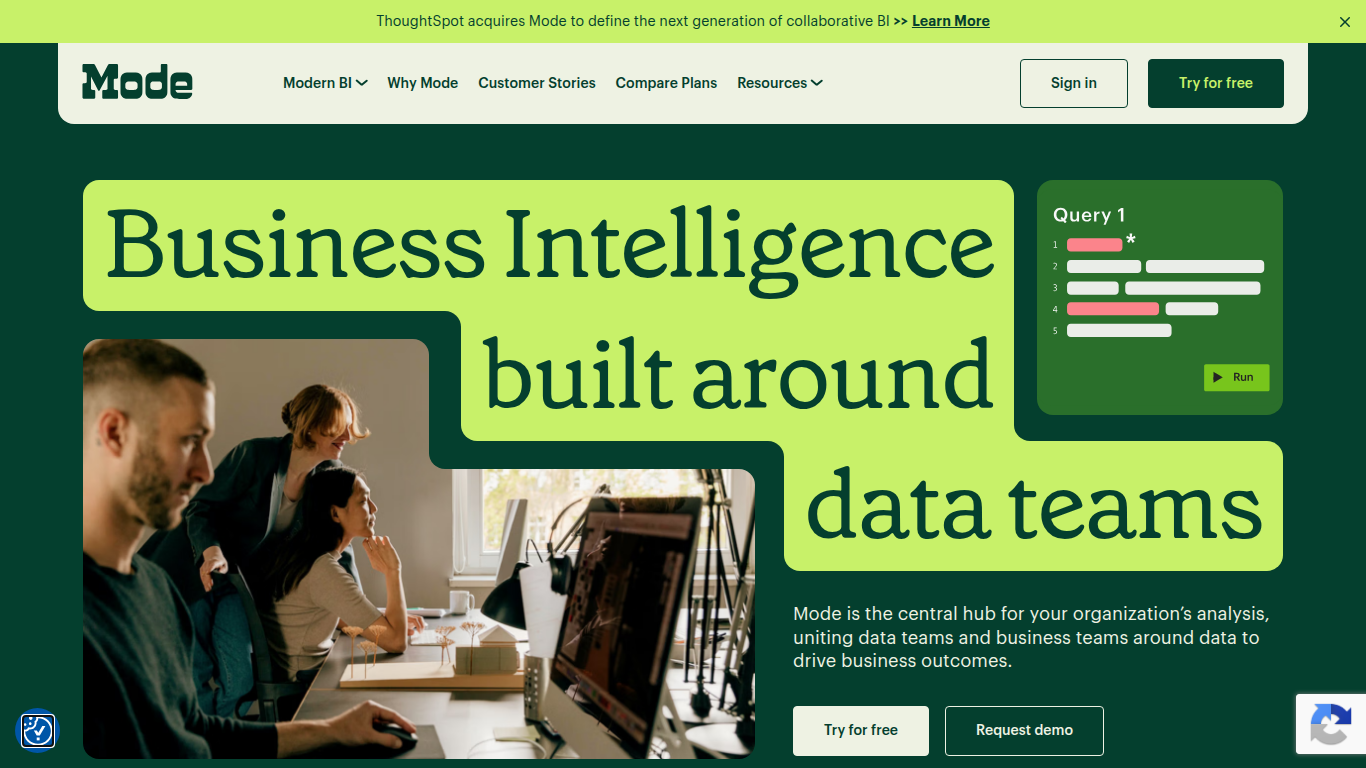
What is Mode?
Mode unites data teams and business teams around SQL, Python, R, and visual analysis in one workspace. Analysts run ad hoc queries, build interactive dashboards, and publish self-service reports without switching tools. The platform connects to major data warehouses and integrates with the dbt Semantic Layer for governed metrics across the organization.
Most BI tools force a choice between analyst-grade depth and business-user simplicity. Mode runs both on the same platform: data teams write SQL and Python notebooks while business users explore curated datasets through drag-and-drop dashboards. Reusable datasets, scheduled reports, and Slack sharing keep everyone on the same numbers without maintaining separate data models for each audience.
Mode targets data analysts, analytics engineers, and business intelligence teams at companies that have invested in a modern data stack. The free Studio plan supports up to 3 users with SQL, Python, and R at 10 MB per query. Pro and Enterprise tiers add 250 GB monthly compute, permissioning, API access, and visualization of tens of millions of rows. ThoughtSpot acquired Mode to combine collaborative BI with search-driven analytics.
Minilog Upvotes
Mode Upvotes
Minilog Top Features
Start logging with a single HTTP POST to api.minilog.dev, no SDK or agent install
Docker Splunk logging driver routes container logs directly to Minilog
Push notifications and email alerts fire when critical log events trigger
Search and filter logs by content, metadata, application name, and severity level
Free plan includes 1 project and 1,000 logs per month with 1-month retention
Enterprise plan supports unlimited projects and 1 million logs per month
Mode Top Features
SQL editor with connected Python and R notebooks using 60+ libraries
Visual exploration of 100,000+ datapoints directly in the browser
Interactive dashboards with drilldowns, filters, and scheduled reports
Reusable datasets curated by data teams for self-service reporting
dbt Semantic Layer integration for governed metrics across the org
Email and Slack sharing with REST API and webhook automation
Custom data apps built with HTML, CSS, and JavaScript for internal tools
Minilog Category
- Analytics
Mode Category
- Analytics
Minilog Pricing Type
- Freemium
Mode Pricing Type
- Freemium