Mito vs DATAKU
Compare Mito vs DATAKU and see which AI Data Science tool is better when we compare features, reviews, pricing, alternatives, upvotes, etc.
Which one is better? Mito or DATAKU?
When we compare Mito with DATAKU, which are both AI-powered data science tools, In the race for upvotes, DATAKU takes the trophy. DATAKU has received 7 upvotes from aitools.fyi users, while Mito has received 6 upvotes.
Does the result make you go "hmm"? Cast your vote and turn that frown upside down!
Mito
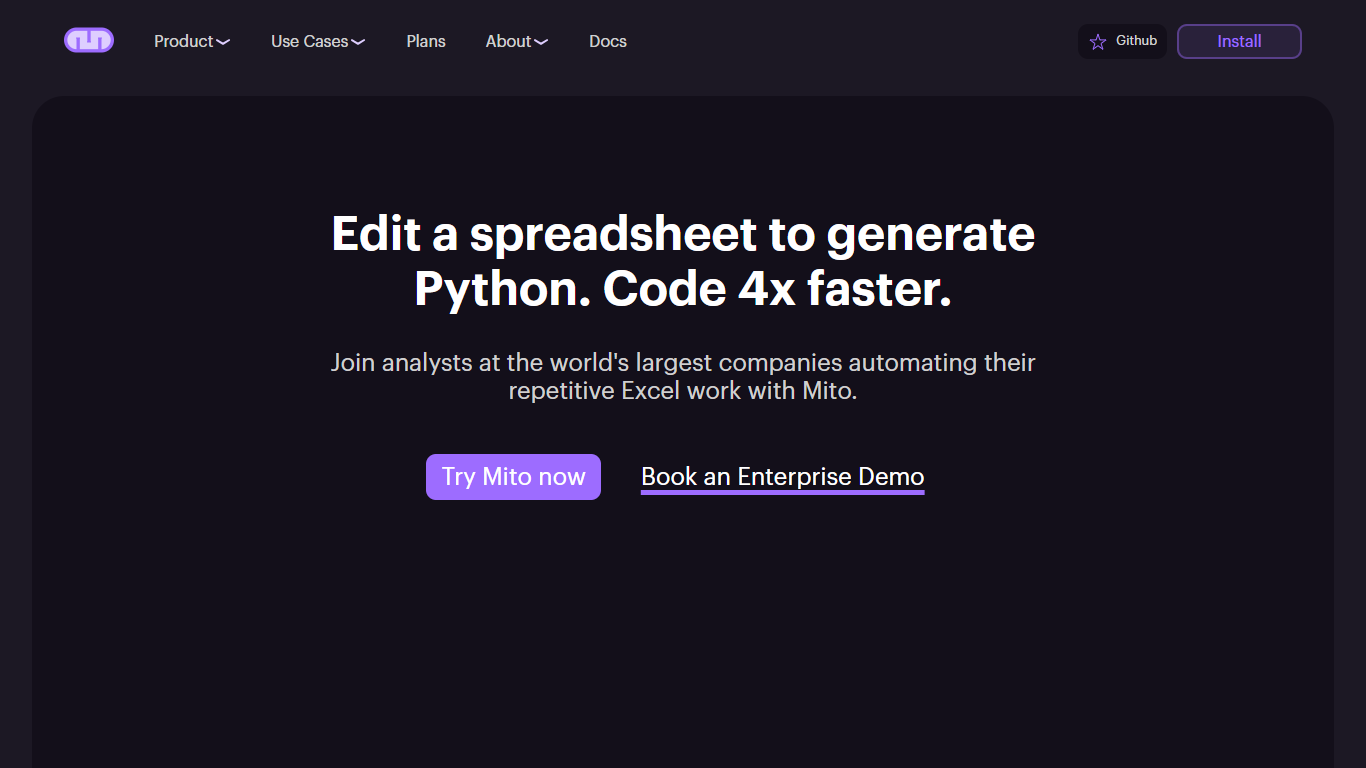

What is Mito?
Mito is an AI Jupyter Notebook platform for database connections, Excel automations, and data workflows. It runs as a Jupyter extension inside JupyterLab, JupyterHub, SageMaker, and other notebook environments, and also ships as a standalone Mito Desktop app for macOS, Windows, and Linux.
The core idea is simple: edit data in a familiar spreadsheet interface, and Mito writes the Python code for you. Every filter, pivot, formula, or formatting change becomes reusable production code. Mito AI adds chat, agent, and autocomplete features that understand your notebook cells, dataframe structure, and recent edits.
For enterprise teams, Mito runs entirely on your own infrastructure. You can bring your own LLM API keys through Azure, AWS, LiteLLM, or other providers so sensitive data never leaves your environment. The open source project lives on GitHub with active community contributions.
Mito is used by analysts automating Excel reports, data scientists doing exploratory analysis, and ML engineers building models faster. The site lists Fortune 500 customers across financial services and life sciences.
DATAKU
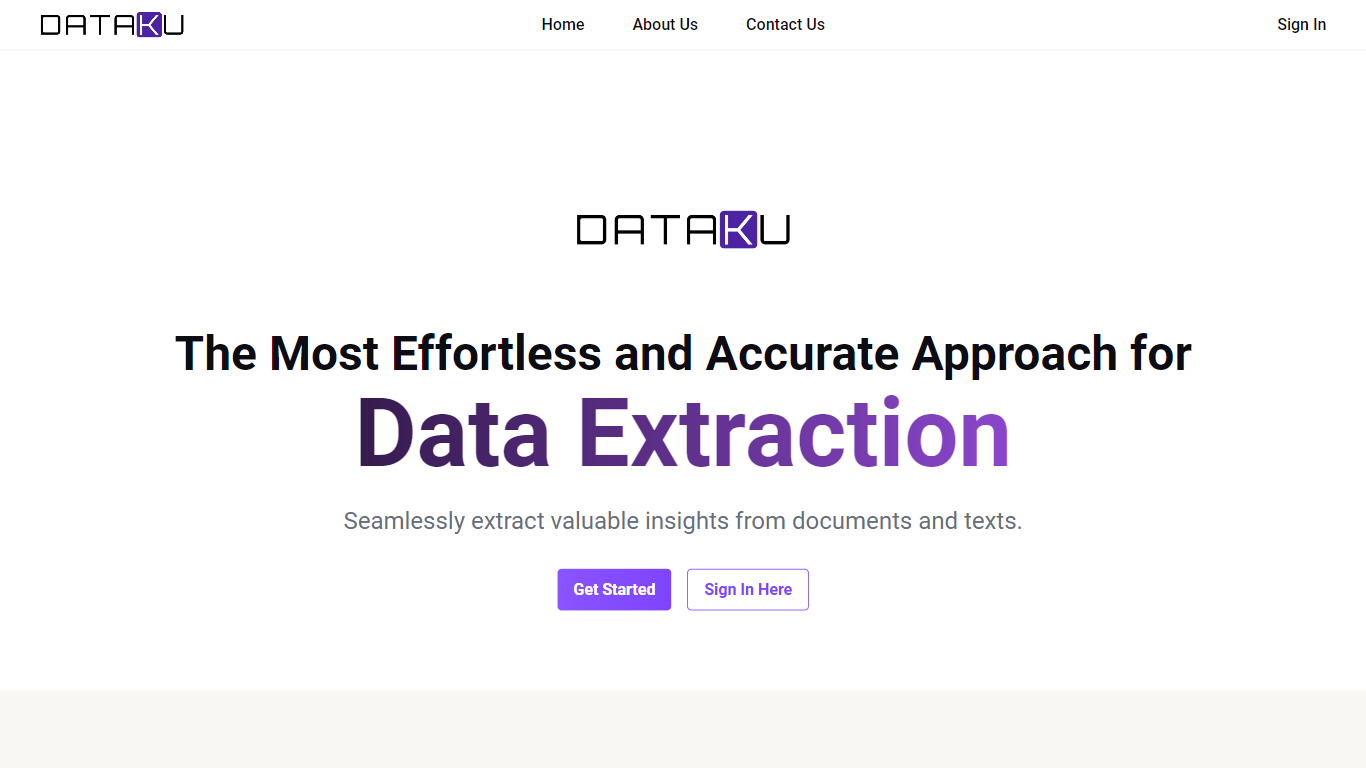
What is DATAKU?
DATAKU is a data science site that tracks AI benchmarks, API pricing, and model releases, then packages the numbers into free calculators and downloadable datasets. The homepage archives articles on inference costs, funding rounds, and head-to-head model comparisons, while the Tools section hosts eight utilities such as an LLM cost calculator, benchmark decoder, and model graveyard.
Most AI news sites summarize press releases. DATAKU cross-references provider docs, leaderboard scores, and its own pricing tables, which is why the downloadable datasets page lists 48-row pricing histories and 62-row benchmark score tables under CC BY 4.0 licenses.
Data analysts, ML engineers, and buyers use DATAKU when they need cost-per-token math, benchmark context, or CSV exports instead of marketing claims. The About page describes the project as benchmark and pricing tracking run by a former Tokyo data analyst.
Mito Upvotes
DATAKU Upvotes
Mito Top Features
Every spreadsheet edit generates reusable Python code behind the scenes
Jupyter Agent, chat, and autocomplete that read your notebook and dataframe context
Low-code SQL editor with Snowflake query builder and database connections
Runs on your infrastructure with bring-your-own LLM keys for Azure, AWS, or LiteLLM
Mito Desktop for macOS, Windows, and Linux, plus pip install for existing Python setups
Connects to BigQuery, Snowflake, PostgreSQL, Excel, S3, Google Drive, and more
DATAKU Top Features
LLM Cost Calculator estimates API spend across OpenAI, Anthropic, Google, Meta, and Mistral models
Benchmark Decoder explains what benchmarks measure and which models score highest
AI Training Data Tracker documents sources and cutoff dates for 18+ major models
Model Graveyard archives 25+ deprecated models with replacement notes
Downloadable datasets include 48-row pricing history and 62-row benchmark tables (CC BY 4.0)
AI Energy Calculator estimates watts, kWh, and CO2 per model query
Mito Category
- Data Science
DATAKU Category
- Data Science
Mito Pricing Type
- Freemium
DATAKU Pricing Type
- Free