
Last updated 07-02-2026
Category:
Reviews:
Join thousands of AI enthusiasts in the World of AI!
Mito
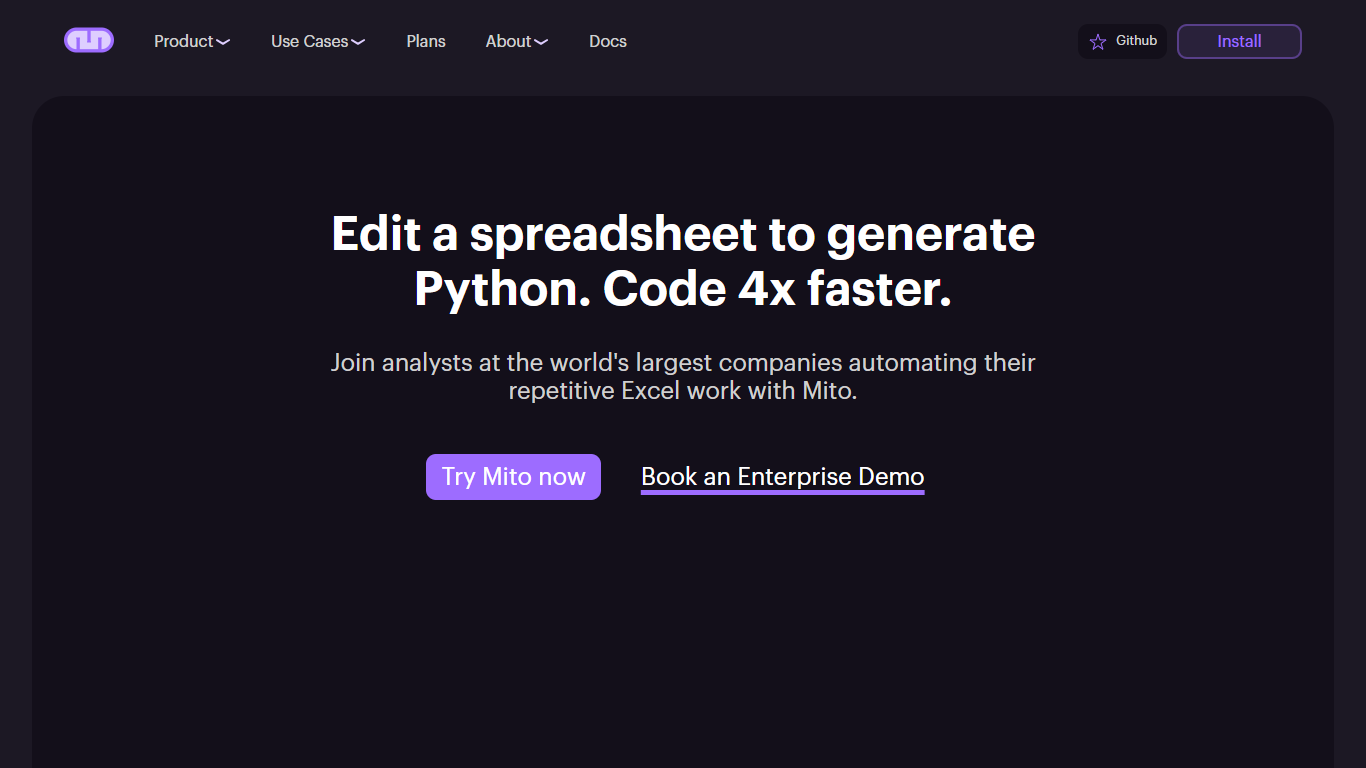
Mito is an AI Jupyter Notebook platform for database connections, Excel automations, and data workflows. It runs as a Jupyter extension inside JupyterLab, JupyterHub, SageMaker, and other notebook environments, and also ships as a standalone Mito Desktop app for macOS, Windows, and Linux.
The core idea is simple: edit data in a familiar spreadsheet interface, and Mito writes the Python code for you. Every filter, pivot, formula, or formatting change becomes reusable production code. Mito AI adds chat, agent, and autocomplete features that understand your notebook cells, dataframe structure, and recent edits.
For enterprise teams, Mito runs entirely on your own infrastructure. You can bring your own LLM API keys through Azure, AWS, LiteLLM, or other providers so sensitive data never leaves your environment. The open source project lives on GitHub with active community contributions.
Mito is used by analysts automating Excel reports, data scientists doing exploratory analysis, and ML engineers building models faster. The site lists Fortune 500 customers across financial services and life sciences.
Every spreadsheet edit generates reusable Python code behind the scenes
Jupyter Agent, chat, and autocomplete that read your notebook and dataframe context
Low-code SQL editor with Snowflake query builder and database connections
Runs on your infrastructure with bring-your-own LLM keys for Azure, AWS, or LiteLLM
Mito Desktop for macOS, Windows, and Linux, plus pip install for existing Python setups
Connects to BigQuery, Snowflake, PostgreSQL, Excel, S3, Google Drive, and more
Open source core on GitHub with a free tier that includes 150 monthly AI completions
Spreadsheet interface generates production Python code without manual pandas scripting
Enterprise deployments run on your infrastructure with self-hosted LLM support
Works in JupyterLab, Streamlit, Dash, and as a standalone desktop app
Connects to Snowflake, BigQuery, PostgreSQL, Excel, S3, and other common data sources
Open source tier limits AI completions to 150 per month
Enterprise database and LLM integrations require contacting the sales team
VS Code and Google Colab installs require emailing the Mito team directly
Some Pro and Enterprise features like shareable notebooks and script scheduling are marked coming soon
Is Mito free to use?
Mito Open Source is free and includes 150 AI completions per month, AI Chat, Agent, and Autocomplete, plus a basic Mito Spreadsheet. Mito Pro costs $20 per user per month with unlimited AI completions. Mito Enterprise is available through a sales conversation for teams needing admin controls and custom integrations.
How do I install Mito?
Mito installs as a Jupyter extension in JupyterLab, Jupyter Notebooks, JupyterHub, Streamlit, and Dash using pip install mito-ai mitosheet. You can also download Mito Desktop v1.0 for macOS, Windows, or Linux from the Mito downloads page.
Is Mito open source?
Yes. Mito is an open source project and the codebase is available on GitHub at mito-ds/mito. Outside contributions are welcome and encouraged.
Can Mito automate spreadsheet tasks?
Yes. Mito is designed for spreadsheet automation. Complete your workflow once in the Mito spreadsheet interface and Mito generates a Python script you can rerun on new data.
Does Mito connect to databases?
Yes. Mito includes a low-code SQL editor for writing database connection and SQL code through a visual interface. The site lists integrations with Snowflake, BigQuery, PostgreSQL, MySQL, Redshift, Databricks, and other data sources.
Can enterprises keep data on their own infrastructure?
Yes. Mito Enterprise runs fully on your infrastructure and supports self-hosted large language models so no data leaves your systems. Enterprise users can also connect custom databases and LLM providers.