MixerBox AI vs MyMap.AI
Dive into the comparison of MixerBox AI vs MyMap.AI and discover which AI Chat Bot tool stands out. We examine alternatives, upvotes, features, reviews, pricing, and beyond.
When comparing MixerBox AI and MyMap.AI, which one rises above the other?
When we compare MixerBox AI and MyMap.AI, two exceptional chat bot tools powered by artificial intelligence, and place them side by side, several key similarities and differences come to light. In the race for upvotes, MyMap.AI takes the trophy. The upvote count for MyMap.AI is 7, and for MixerBox AI it's 6.
Disagree with the result? Upvote your favorite tool and help it win!
MixerBox AI

What is MixerBox AI?
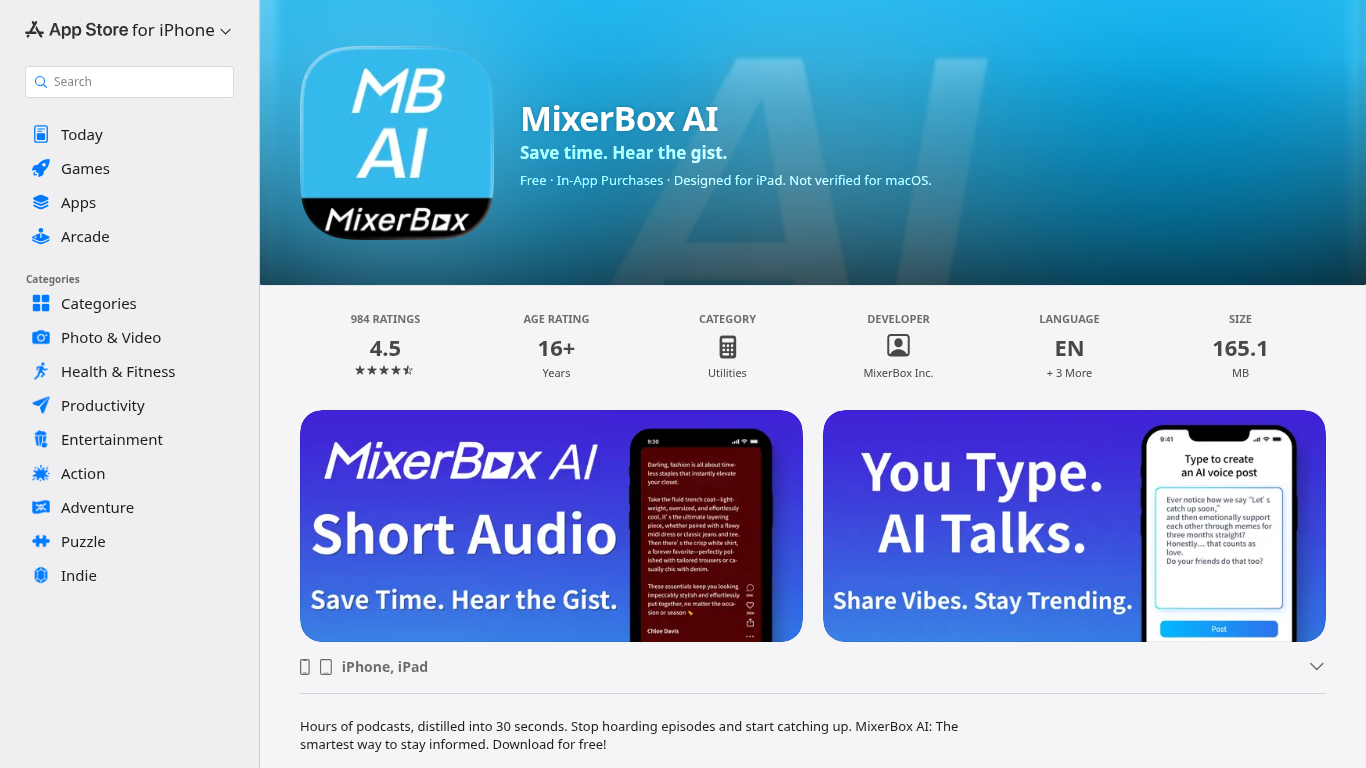
For podcast and news overload, MixerBox AI turns long episodes and updates into short audio highlights you can listen to or read. Pick topics or keywords, and it tracks new stories, then delivers 30-second previews with transcripts so you can decide what deserves a full listen.
Most podcast apps assume you will work through a backlog one episode at a time. MixerBox AI flips that by summarizing first. You hear the gist in about 30 seconds, skim the transcript, and only commit when the topic is worth the full runtime. It also includes AI voice posts that turn typed text into spoken audio.
The app suits commuters, news skimmers, and anyone with a growing saved-episode list. It runs on iPhone, iPad, Mac with Apple silicon, and Apple Vision, with a web version at mixerbox.ai and a Chrome extension. Longtime MixerBox users can still access the MB Player music feature from the home tab.
MyMap.AI

What is MyMap.AI?
MyMap.AI is a chat-driven visual canvas that turns natural language prompts into mind maps, flowcharts, diagrams, and other structured layouts on an infinite board. You describe what you want to think through, and the AI builds nodes, connections, and branches directly on the canvas instead of returning a wall of text.
Where most AI chatbots stop at paragraphs, MyMap.AI treats spatial layout as part of the answer. The AI reads node positions, neighbors, and links on your canvas, so follow-up prompts build on what is already there. You can switch among 10 models from 7 providers, generate Flux images onto the board, and watch nodes stream in live as the map grows.
The free tier includes 20 credits per month and up to 3 saved maps, with guest mode on the homepage so you can try prompts before signing up. Product teams, students, consultants, and anyone who thinks in branches rather than bullet lists will get the most from it.
MixerBox AI Upvotes
MyMap.AI Upvotes
MixerBox AI Top Features
Preview any podcast episode in about 30 seconds before committing to the full runtime
Set topic keywords and MixerBox AI auto-tracks new updates with short audio digests
Every audio highlight ships with a readable transcript for skimming or saving
Type a post and let AI convert it into a spoken voice clip inside the app
Runs on iOS 14+, iPadOS, Mac with M1, visionOS, plus mixerbox.ai and a Chrome extension
984 App Store ratings averaging 4.5 stars with English, Japanese, and Chinese language support
MyMap.AI Top Features
Context-aware AI reads node positions, neighbors, and connections on your canvas
Switch among 10 models from 7 providers including Qwen 3, GPT-5 mini, Claude Sonnet 4.6, and Gemini 3 Flash
Create mind maps, flowcharts, Kanban boards, SWOT analyses, and database schemas from one chat
Generate Flux images directly onto the canvas with 5 model options and any aspect ratio
Nodes and edges stream onto the board in real time as the AI generates them
Free tier includes 20 credits per month and up to 3 canvas maps with no credit card
MixerBox AI Category
- Chat Bot
MyMap.AI Category
- Chat Bot
MixerBox AI Pricing Type
- Freemium
MyMap.AI Pricing Type
- Freemium