MixerBox AI vs Taste Bud
In the contest of MixerBox AI vs Taste Bud, which AI Chat Bot tool is the champion? We evaluate pricing, alternatives, upvotes, features, reviews, and more.
If you had to choose between MixerBox AI and Taste Bud, which one would you go for?
When we examine MixerBox AI and Taste Bud, both of which are AI-enabled chat bot tools, what unique characteristics do we discover? With more upvotes, Taste Bud is the preferred choice. Taste Bud has been upvoted 7 times by aitools.fyi users, and MixerBox AI has been upvoted 6 times.
Think we got it wrong? Cast your vote and show us who's boss!
MixerBox AI
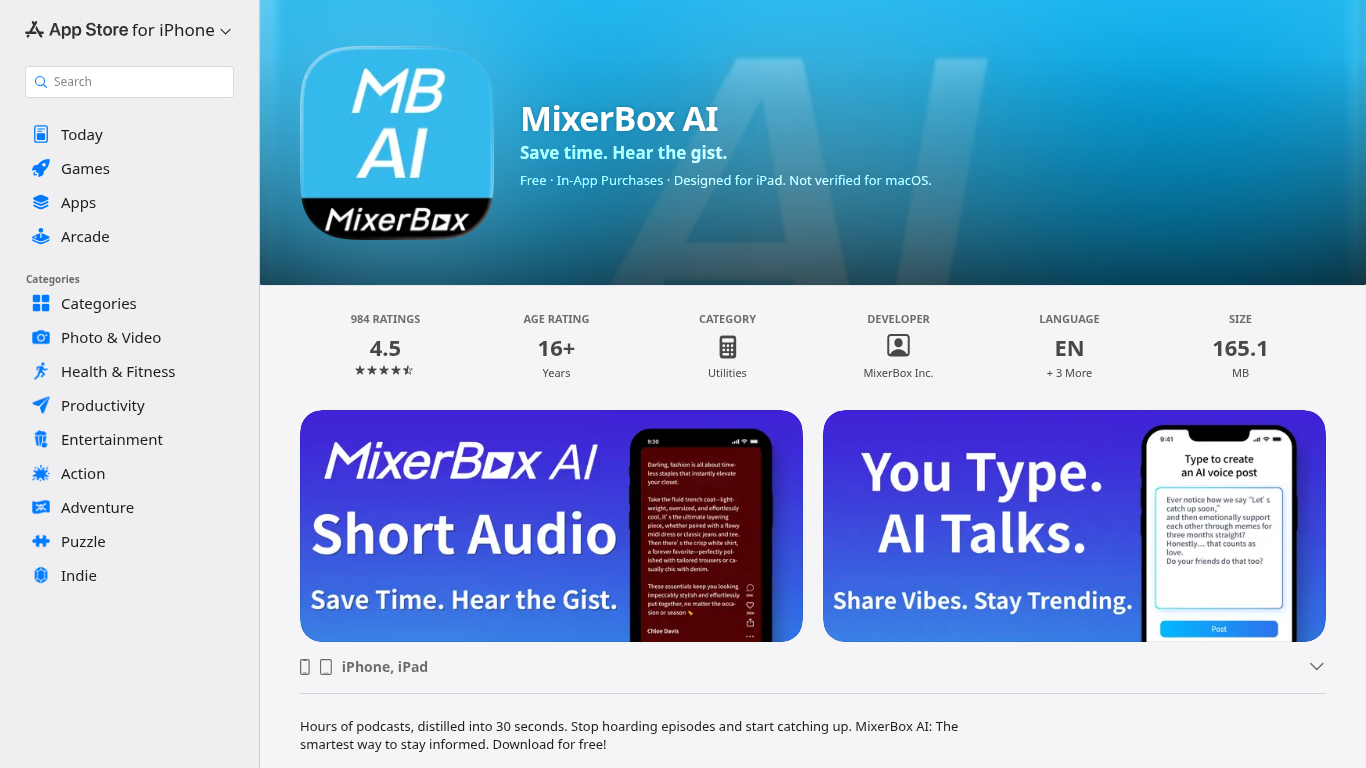

What is MixerBox AI?
For podcast and news overload, MixerBox AI turns long episodes and updates into short audio highlights you can listen to or read. Pick topics or keywords, and it tracks new stories, then delivers 30-second previews with transcripts so you can decide what deserves a full listen.
Most podcast apps assume you will work through a backlog one episode at a time. MixerBox AI flips that by summarizing first. You hear the gist in about 30 seconds, skim the transcript, and only commit when the topic is worth the full runtime. It also includes AI voice posts that turn typed text into spoken audio.
The app suits commuters, news skimmers, and anyone with a growing saved-episode list. It runs on iPhone, iPad, Mac with Apple silicon, and Apple Vision, with a web version at mixerbox.ai and a Chrome extension. Longtime MixerBox users can still access the MB Player music feature from the home tab.
Taste Bud
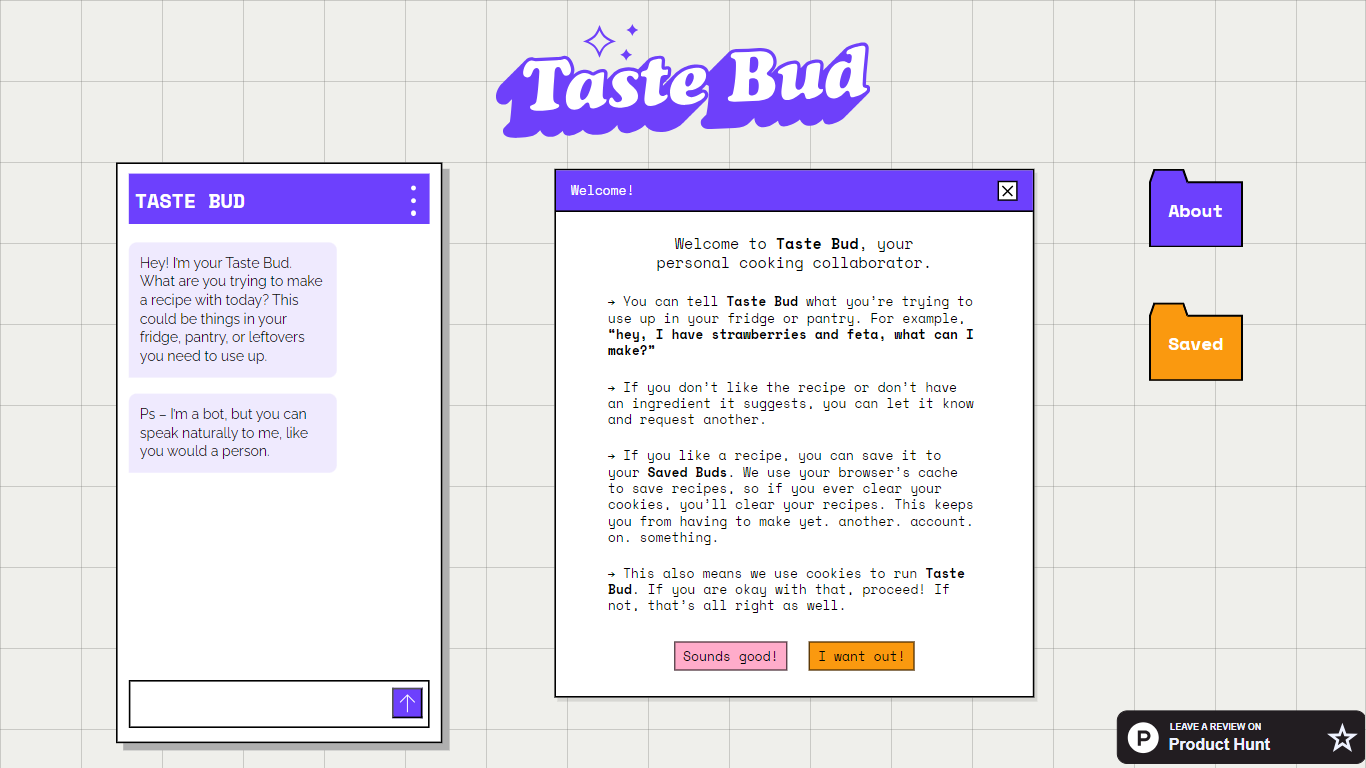
What is Taste Bud?
Taste Bud is a chatbot that turns whatever ingredients you have into a custom recipe. You describe what's in your fridge, pantry, or leftovers, and it writes a full recipe you can save, print, or export as a PDF.
Most recipe finders search a fixed database of dishes. Taste Bud builds each recipe from your specific ingredients instead, and it adds a custom pixel-art illustration for every dish. That combination of ingredient-first generation and visual output is unusual for a simple cooking chatbot.
Home cooks who want to use up leftovers, cut food waste, or skip a grocery run will get the most from Taste Bud. You can speak naturally in chat, mention dietary needs or cocktail requests, and the bot adapts without a rigid input form.
MixerBox AI Upvotes
Taste Bud Upvotes
MixerBox AI Top Features
Preview any podcast episode in about 30 seconds before committing to the full runtime
Set topic keywords and MixerBox AI auto-tracks new updates with short audio digests
Every audio highlight ships with a readable transcript for skimming or saving
Type a post and let AI convert it into a spoken voice clip inside the app
Runs on iOS 14+, iPadOS, Mac with M1, visionOS, plus mixerbox.ai and a Chrome extension
984 App Store ratings averaging 4.5 stars with English, Japanese, and Chinese language support
Taste Bud Top Features
Describe ingredients in plain language and get a recipe built around what you actually have
Every recipe includes a custom pixel-art illustration of the dish
Save favorite recipes to your account for later
Print recipes or export them as a PDF from the app
Accepts cocktail requests and dietary restrictions mentioned in chat
MixerBox AI Category
- Chat Bot
Taste Bud Category
- Chat Bot
MixerBox AI Pricing Type
- Freemium
Taste Bud Pricing Type
- Free