monday.com vs GeniePM
Dive into the comparison of monday.com vs GeniePM and discover which AI Project Management tool stands out. We examine alternatives, upvotes, features, reviews, pricing, and beyond.
In a comparison between monday.com and GeniePM, which one comes out on top?
When we compare monday.com and GeniePM, two exceptional project management tools powered by artificial intelligence, and place them side by side, several key similarities and differences come to light. Interestingly, both tools have managed to secure the same number of upvotes. Be a part of the decision-making process. Your vote could determine the winner.
You don't agree with the result? Cast your vote to help us decide!
monday.com

What is monday.com?
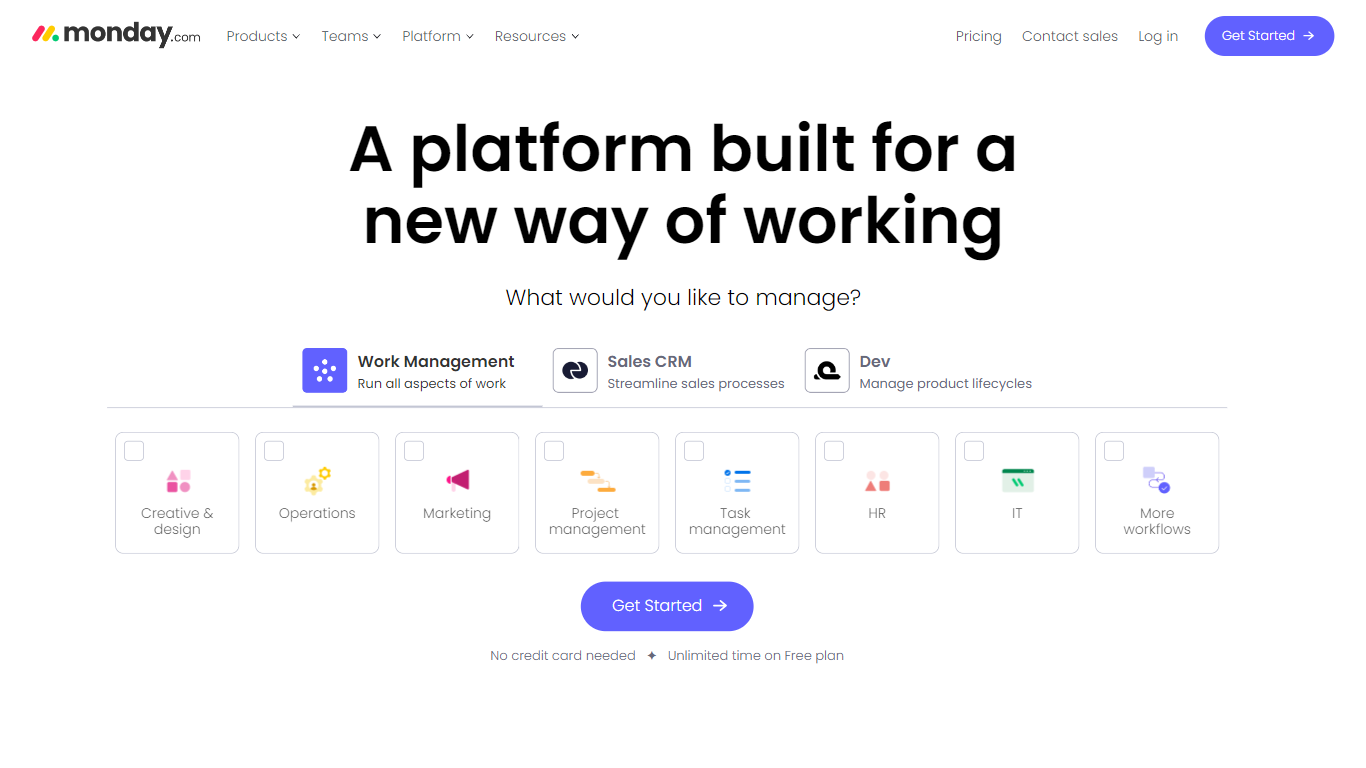
monday.com lets teams run boards, docs, dashboards, and automations from one workspace, with built-in AI agents and Sidekick assistants for marketing, IT, sales, HR, and PMO workflows. Boards track tasks with customizable columns, while automations handle notifications, assignments, and status changes without code.
Spreadsheets and lightweight task apps lack native automations and seat-based permissions at scale. monday.com sells per-seat plans from free through Pro, bundles AI credits for agent workflows starting on Basic, and adds Gantt views, guest access, and integration actions on Standard and above.
Operations, marketing, and product teams at mid-market companies use it to centralize work across departments. The homepage cites adoption by more than 60 percent of the Fortune 500, and pricing lists a forever-free tier for up to two seats with three boards.
GeniePM
What is GeniePM?
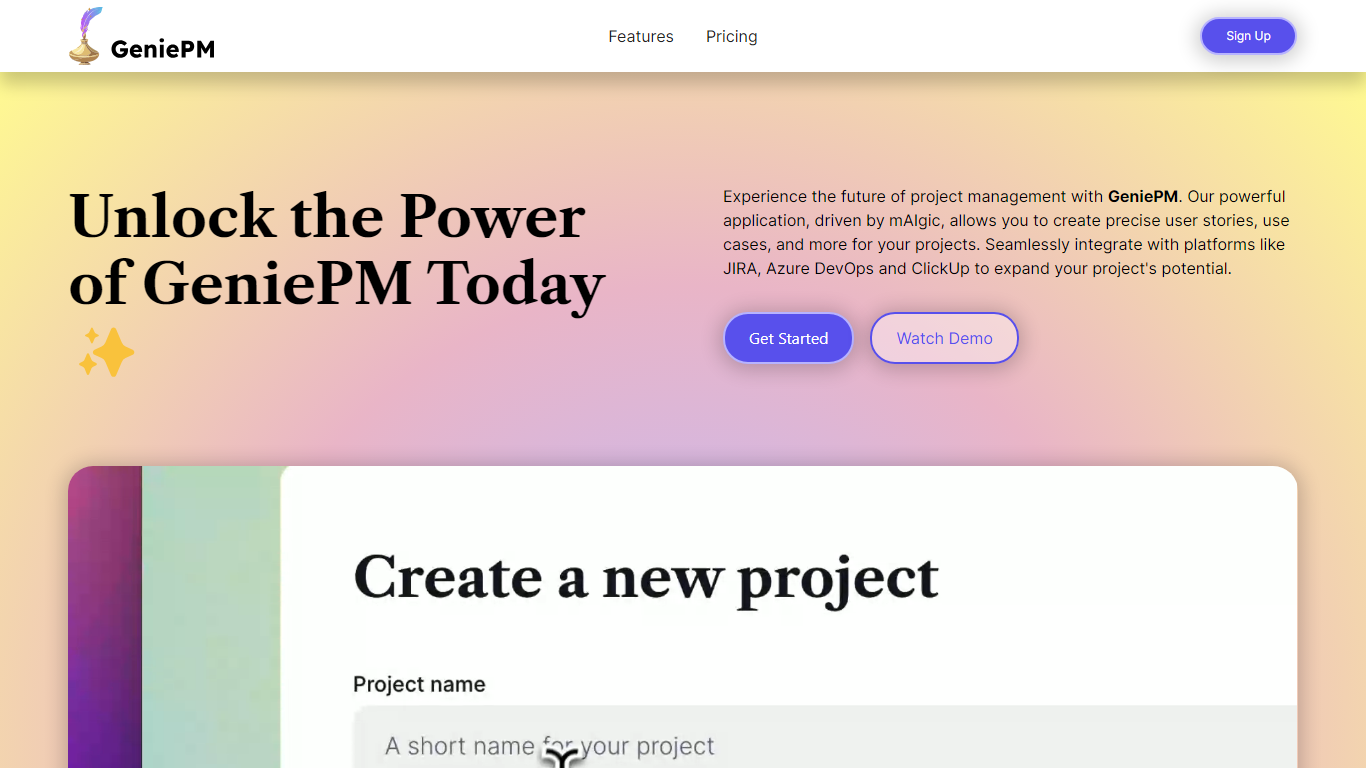
GeniePM helps agile teams draft user stories, tasks, and ticket descriptions from rough ideas instead of staring at blank fields. You describe what you need, and GeniePM turns it into structured project narratives, sub-issues, and rephrased ticket copy you can export to JIRA, Linear, Notion, ClickUp, or CSV.
Unlike general PM suites that expect you to write every story by hand, GeniePM centers on narrative generation and rephrasing. Its mAIgic engine focuses on user story wording, subtask breakdown, and use case drafting, then hands the output to the tools you already track work in, including Azure DevOps and ClickUp.
Startup and product teams use GeniePM when story writing slows sprint planning. Pro plans start at $9.99 per month with unlimited projects and exports, while Teams adds role-based permissions and unified billing for growing groups. Free credits are available at signup with no credit card required.
monday.com Upvotes
GeniePM Upvotes
monday.com Top Features
Free plan supports up to 2 seats with 3 boards, 3 Docs, 200+ templates, and 8 column types
Basic plan at $9 per seat per month adds 1,000 monthly AI credits and three Basic AI tools
Standard at $12 per seat includes Gantt and timeline views plus 250 automation and integration actions per month
Pro at $19 per seat unlocks 3,000 AI credits, six Premium AI tools, and 20 workflows
Code-free automations for notifications, due-date reminders, auto-assign rules, and custom triggers
AI agent workforce handles tickets, campaigns, and roadmap updates alongside human teammates
Enterprise tier adds enterprise-grade security, scaled automations, and dedicated support
GeniePM Top Features
Pro plan costs $9.99 per month with unlimited projects and ticket edits
Teams plan costs $12.50 per user per month with role-based permissions
Exports unlimited tickets to JIRA, Linear, Notion, ClickUp, and CSV
Generates sub-issues and rephrased ticket details from project narratives
Integrates with Azure DevOps, JIRA, and ClickUp for centralized workflows
Free signup credits available with no credit card required
monday.com Category
- Project Management
GeniePM Category
- Project Management
monday.com Pricing Type
- Freemium
GeniePM Pricing Type
- Freemium