Morgen vs Mango AI
In the contest of Morgen vs Mango AI, which AI All In One tool is the champion? We evaluate pricing, alternatives, upvotes, features, reviews, and more.
If you had to choose between Morgen and Mango AI, which one would you go for?
When we examine Morgen and Mango AI, both of which are AI-enabled all in one tools, what unique characteristics do we discover? Neither tool takes the lead, as they both have the same upvote count. Your vote matters! Help us decide the winner among aitools.fyi users by casting your vote.
Think we got it wrong? Cast your vote and show us who's boss!
Morgen
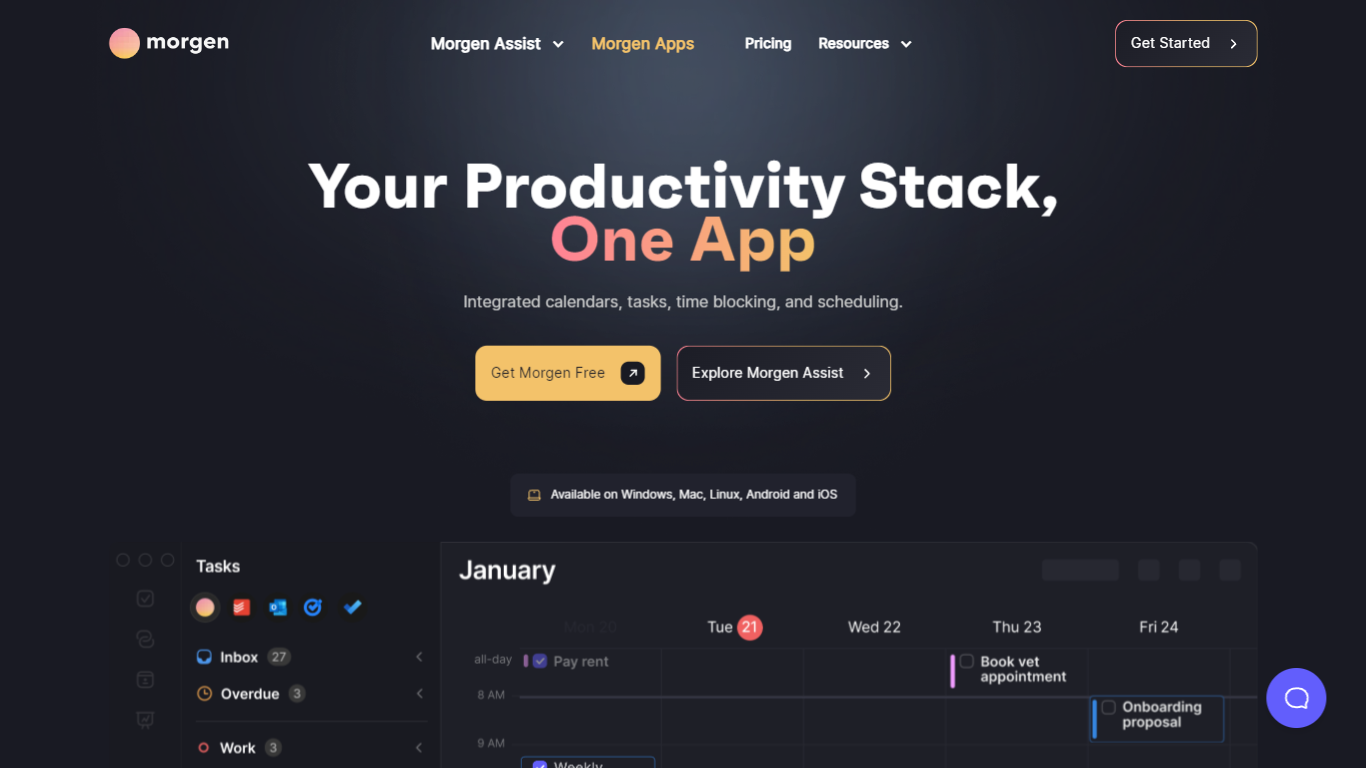

What is Morgen?
Morgen is a daily planner that merges calendars, tasks, and scheduling into one desktop and mobile app. It pulls to-dos from Notion, Todoist, ClickUp, Linear, and other tools, then lets you drag them onto a unified calendar or have the AI Planner propose time blocks you approve before anything lands on your schedule.
Where tools like Motion or Reclaim auto-move your calendar around, Morgen keeps you in the loop. You template your week with Frames (recurring blocks for deep work, quick wins, or personal errands), preview AI suggestions live, and only confirm the plan when it looks right. That trade-off suits people who want planning help without surrendering control of their calendar.
Morgen targets founders, operators, and knowledge workers juggling work and personal calendars across Google, Outlook, Apple, and Fastmail. It runs natively on Windows, macOS, Linux, iOS, and Android, stores data in Switzerland under GDPR rules, and is used by 248,000+ professionals according to Morgen's pricing page.
Mango AI
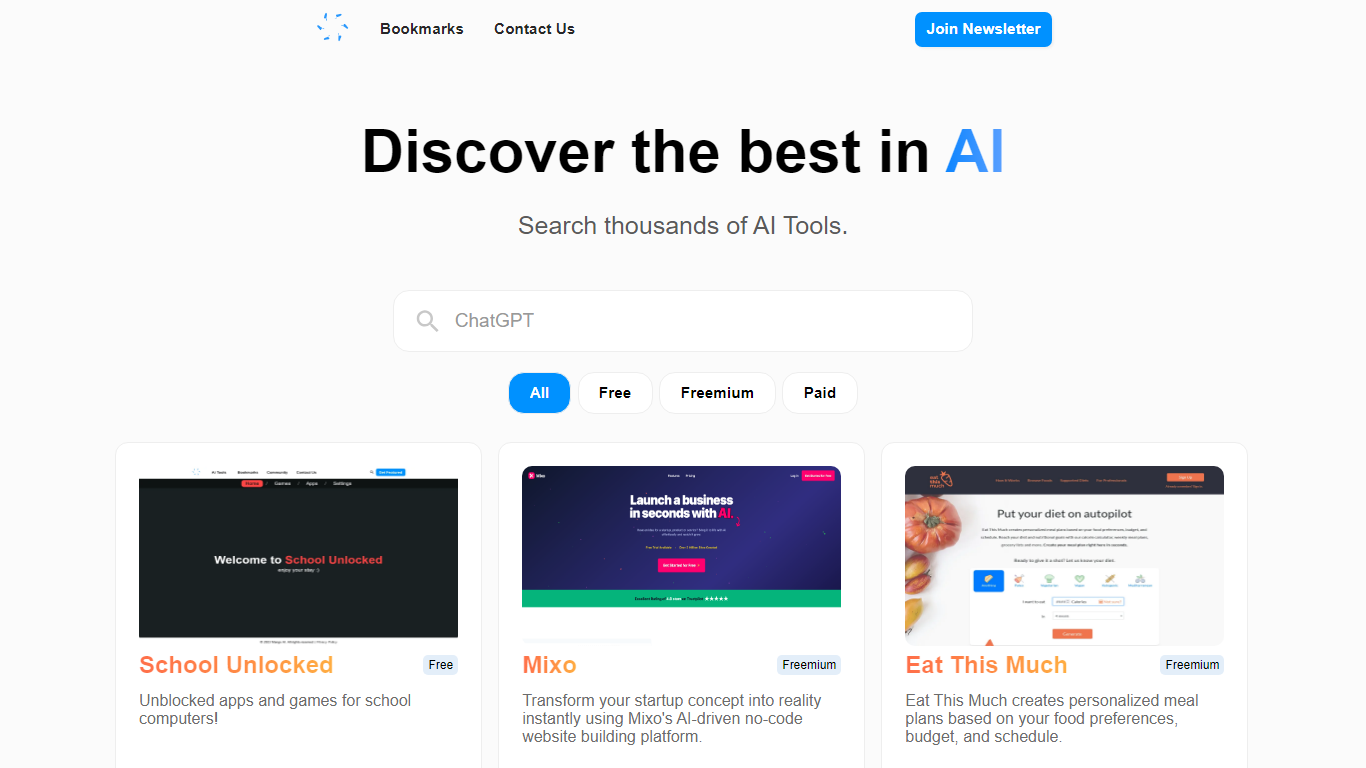
What is Mango AI?
Mango AI catalogs more than 13,000 AI tools in one searchable directory. You browse cards with pricing badges, filter by Free, Freemium, or Paid, and jump straight to each tool's website. A free newsletter goes out to 40,000+ readers highlighting new additions and AI news.
Unlike bare link lists, Mango AI pairs many listings with blog write-ups that explain what a tool does before you click through. The Bookmarks page lets signed-in users save favorites for later, and each card shows a short description plus Read More and Open Website buttons.
The homepage rotates featured tools across categories like image generation, chatbots, finance, and real estate. Listings label pricing type on the card itself, so you can scan for free options without opening every site. Contact is available at [email protected] for questions or submissions.
AI enthusiasts hunting new products, developers comparing options, and newsletter readers who want a curated weekly digest are the core audience. The directory itself costs nothing to browse, and the newsletter subscription is also free.
Morgen Upvotes
Mango AI Upvotes
Morgen Top Features
AI Planner builds 1-7 day time-blocked plans from tasks across Notion, Todoist, ClickUp, and Linear
Consolidates Google, Outlook, Apple, Fastmail, and CalDAV calendars with customizable Calendar Sets
Frames template recurring weekly blocks for deep work, quick wins, and personal tasks with custom filters
Built-in scheduling links and booking pages check real-time availability across selected calendars
Team availability view recommends meeting times that avoid colleagues' focus blocks
Calendar automations add travel time, buffer time, and cross-calendar sync rules
Native apps for Windows, macOS, Linux, iOS, and Android
Mango AI Top Features
Searchable catalog of 13,000+ AI tools with All, Free, Freemium, and Paid filters
Free newsletter read by 40,000+ subscribers covering AI innovations
Bookmarks page to save favorite tool listings for later
Blog reviews with Read More links for featured tools like Wifi Passwords and Islam Answers
Pricing badge on every card so you see Free, Freemium, or Paid before clicking
Open Website button on each listing for direct access to the listed product
Morgen Category
- All In One
Mango AI Category
- All In One
Morgen Pricing Type
- Freemium
Mango AI Pricing Type
- Free