
Last updated 08-10-2026
Category:
Reviews:
Join thousands of AI enthusiasts in the World of AI!
Morgen
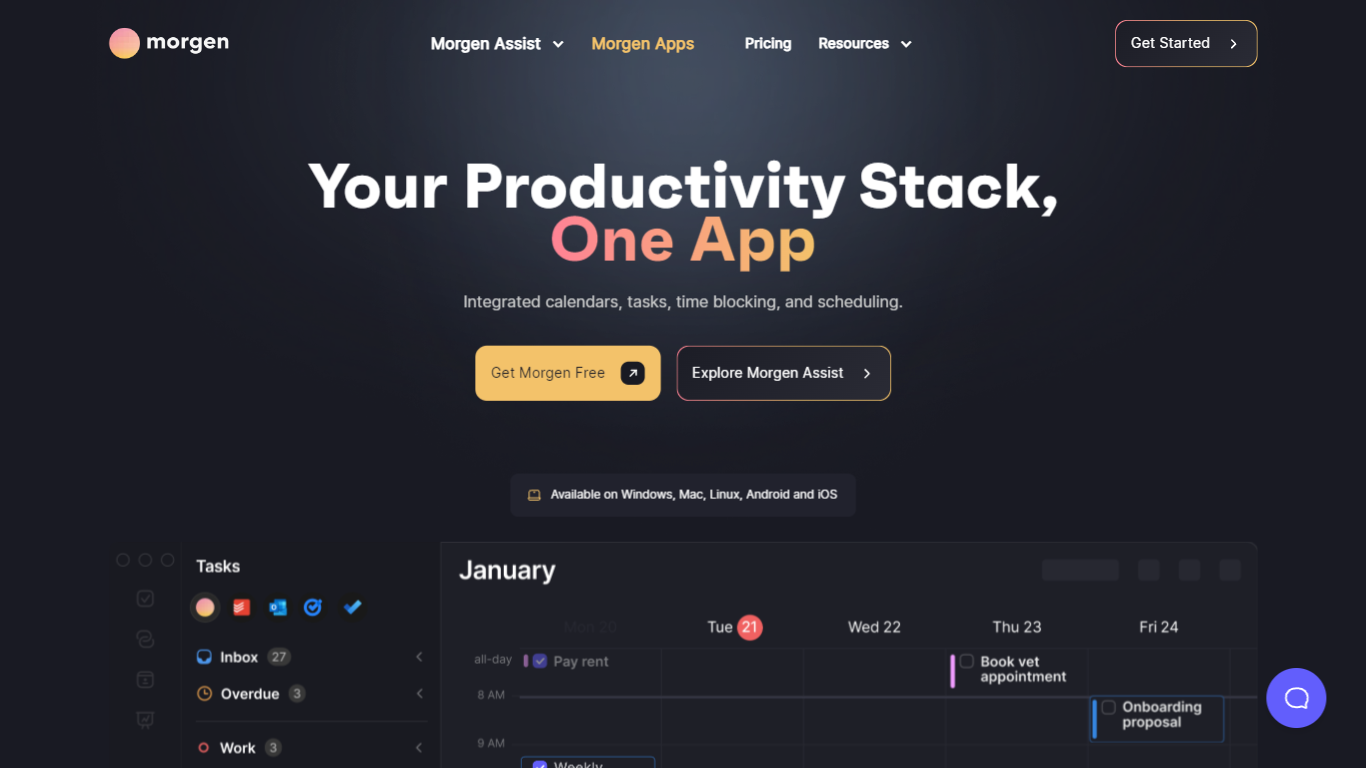
Morgen is a daily planner that merges calendars, tasks, and scheduling into one desktop and mobile app. It pulls to-dos from Notion, Todoist, ClickUp, Linear, and other tools, then lets you drag them onto a unified calendar or have the AI Planner propose time blocks you approve before anything lands on your schedule.
Where tools like Motion or Reclaim auto-move your calendar around, Morgen keeps you in the loop. You template your week with Frames (recurring blocks for deep work, quick wins, or personal errands), preview AI suggestions live, and only confirm the plan when it looks right. That trade-off suits people who want planning help without surrendering control of their calendar.
Morgen targets founders, operators, and knowledge workers juggling work and personal calendars across Google, Outlook, Apple, and Fastmail. It runs natively on Windows, macOS, Linux, iOS, and Android, stores data in Switzerland under GDPR rules, and is used by 248,000+ professionals according to Morgen's pricing page.
AI Planner builds 1-7 day time-blocked plans from tasks across Notion, Todoist, ClickUp, and Linear
Consolidates Google, Outlook, Apple, Fastmail, and CalDAV calendars with customizable Calendar Sets
Frames template recurring weekly blocks for deep work, quick wins, and personal tasks with custom filters
Built-in scheduling links and booking pages check real-time availability across selected calendars
Team availability view recommends meeting times that avoid colleagues' focus blocks
Calendar automations add travel time, buffer time, and cross-calendar sync rules
Native apps for Windows, macOS, Linux, iOS, and Android
AI Planner suggests daily plans you preview and approve before they hit your calendar.
Native desktop apps for Windows, macOS, and Linux plus iOS and Android mobile apps.
Pulls tasks from Notion, Todoist, ClickUp, Linear, and 7+ other tools into one calendar view.
Swiss-hosted data storage with GDPR compliance stated on the pricing page.
14-day free trial with no credit card required on all plans.
Paid plans start at $15 per month on the yearly Pro plan after the trial ends.
Team plans require a minimum of 2 seats at $10 to $25 per seat depending on billing.
Some organizations restrict third-party calendar tools, which may block Morgen at work.
How much does Morgen cost?
Morgen Pro costs $30 per month on the monthly plan or $15 per month billed yearly. Team plans start at $25 per seat monthly or $10 per seat monthly on yearly billing with a 2-seat minimum. All plans include a 14-day free trial with no credit card required.
Which task apps does Morgen integrate with?
Morgen connects to Notion, Todoist, ClickUp, Linear, Obsidian, Google Tasks, Microsoft To Do, Apple Reminders, and Outlook flagged emails. You can time block tasks from these sources in any connected calendar and sync status updates back.
What calendars does Morgen support?
Morgen supports Google Calendar, Outlook, Microsoft 365, Apple iCloud, Fastmail, and CalDAV providers like Yahoo and Nextcloud. You can view multiple calendars together or in subsets using Calendar Sets.
How does Morgen AI Planner work?
Morgen AI Planner reads your tasks, deadlines, and calendar events, then suggests a time-blocked plan for 1-7 days using the Morgen Priority Factor and your Frames. You preview, adjust durations or task order, and confirm before tasks are scheduled.
Is Morgen available on Linux?
Yes. Morgen offers native desktop apps for Windows, macOS, and Linux, plus mobile apps for iOS and Android and a web browser version. Linux support is a differentiator among calendar planners in this category.
Does Morgen offer team features?
Yes. Morgen Team plans add shared team availability, booking pages, and scheduling links with per-seat pricing. Team admins can add or remove members with pro-rated billing during each cycle.
Where is Morgen data stored?
Morgen stores data in Switzerland or the European Union and states it never sells user data. The company is Morgen AG, based in Switzerland, and the service is marketed as Swiss-hosted and GDPR compliant.