Morgen vs Cogram
Compare Morgen vs Cogram and see which AI All In One tool is better when we compare features, reviews, pricing, alternatives, upvotes, etc.
Which one is better? Morgen or Cogram?
When we compare Morgen with Cogram, which are both AI-powered all in one tools, Interestingly, both tools have managed to secure the same number of upvotes. Be a part of the decision-making process. Your vote could determine the winner.
You don't agree with the result? Cast your vote to help us decide!
Morgen


What is Morgen?
Morgen is a daily planner that merges calendars, tasks, and scheduling into one desktop and mobile app. It pulls to-dos from Notion, Todoist, ClickUp, Linear, and other tools, then lets you drag them onto a unified calendar or have the AI Planner propose time blocks you approve before anything lands on your schedule.
Where tools like Motion or Reclaim auto-move your calendar around, Morgen keeps you in the loop. You template your week with Frames (recurring blocks for deep work, quick wins, or personal errands), preview AI suggestions live, and only confirm the plan when it looks right. That trade-off suits people who want planning help without surrendering control of their calendar.
Morgen targets founders, operators, and knowledge workers juggling work and personal calendars across Google, Outlook, Apple, and Fastmail. It runs natively on Windows, macOS, Linux, iOS, and Android, stores data in Switzerland under GDPR rules, and is used by 248,000+ professionals according to Morgen's pricing page.
Cogram
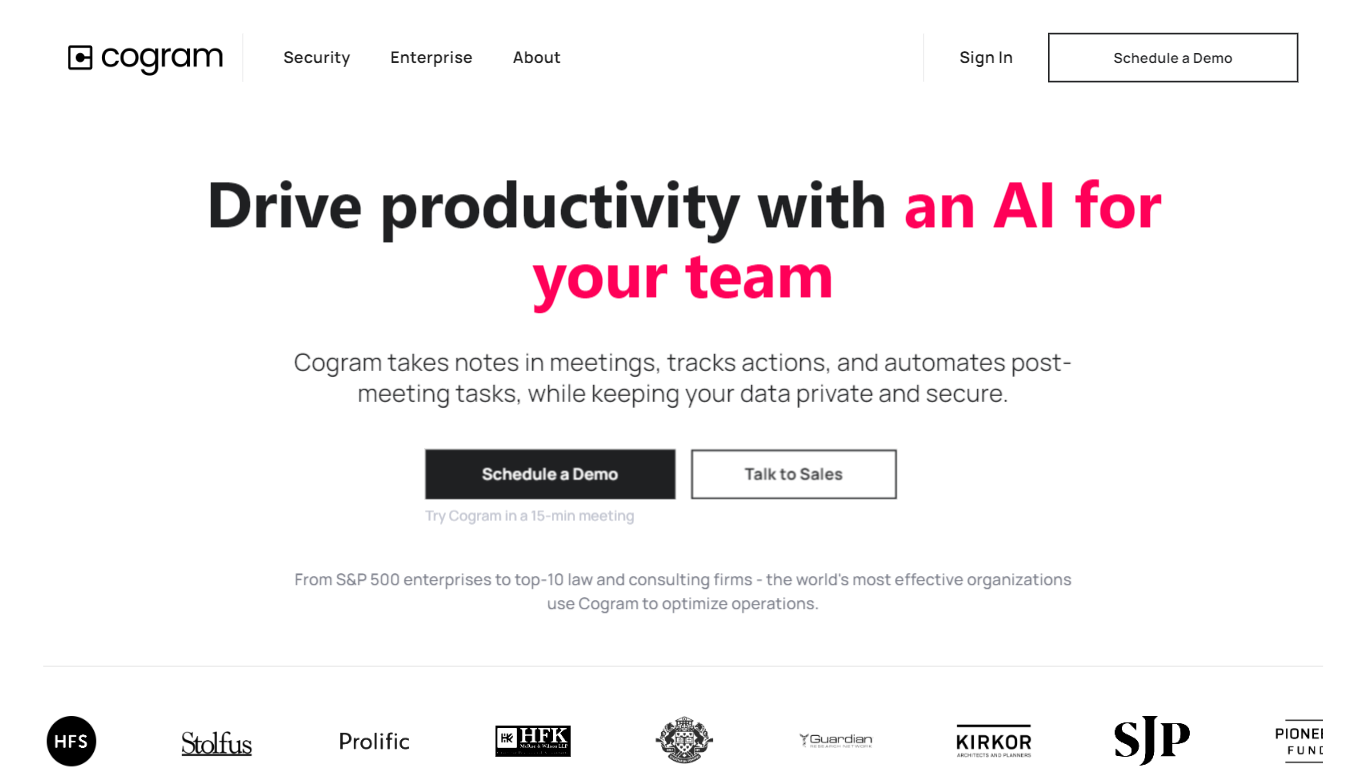
What is Cogram?
Cogram gives architects and engineers one workspace for project documentation, from meeting minutes and field reports to RFIs, submittals, and project email. The platform connects to Procore, Deltek, Unanet, Microsoft Teams, Outlook, Autodesk, Zoom, and Google Meet, then outputs drafts in your firm's templates instead of generic summaries.
Generic meeting assistants capture call notes. Cogram is built around AEC workflows: RFIs and submittals sync with Procore, field reports come from voice and photos on site, and the project Agent answers questions against drawings and correspondence. Modular pricing lets firms buy only the modules they need, and external collaborator accounts are free.
Project managers, design leads, and construction administrators use Cogram to cut repetitive admin work the homepage estimates can save several hours per week. Individuals can start a 14-day trial; team pricing is quoted per seat after a demo.
Morgen Upvotes
Cogram Upvotes
Morgen Top Features
AI Planner builds 1-7 day time-blocked plans from tasks across Notion, Todoist, ClickUp, and Linear
Consolidates Google, Outlook, Apple, Fastmail, and CalDAV calendars with customizable Calendar Sets
Frames template recurring weekly blocks for deep work, quick wins, and personal tasks with custom filters
Built-in scheduling links and booking pages check real-time availability across selected calendars
Team availability view recommends meeting times that avoid colleagues' focus blocks
Calendar automations add travel time, buffer time, and cross-calendar sync rules
Native apps for Windows, macOS, Linux, iOS, and Android
Cogram Top Features
Project Agent answers questions and analyzes AEC documents with project context
Meeting minutes and field reports generated in your firm's templates from calls or site visits
RFI and submittal logging integrated with Procore for faster review cycles
Email filing and search across all project correspondence
Integrations with Procore, Deltek, Unanet, Microsoft Teams, Outlook, Autodesk, Zoom, and Google Meet
SOC 2 Type II certified with SAML SSO, MFA, and no training on customer data
14-day free trial for individuals; external collaborator accounts are free on team plans
Morgen Category
- All In One
Cogram Category
- All In One
Morgen Pricing Type
- Freemium
Cogram Pricing Type
- Freemium