Morse Code Translator vs AlterAI
In the clash of Morse Code Translator vs AlterAI, which AI Translation tool emerges victorious? We assess reviews, pricing, alternatives, features, upvotes, and more.
When we put Morse Code Translator and AlterAI head to head, which one emerges as the victor?
Let's take a closer look at Morse Code Translator and AlterAI, both of which are AI-driven translation tools, and see what sets them apart. Neither tool takes the lead, as they both have the same upvote count. Every vote counts! Cast yours and contribute to the decision of the winner.
You don't agree with the result? Cast your vote to help us decide!
Morse Code Translator

What is Morse Code Translator?
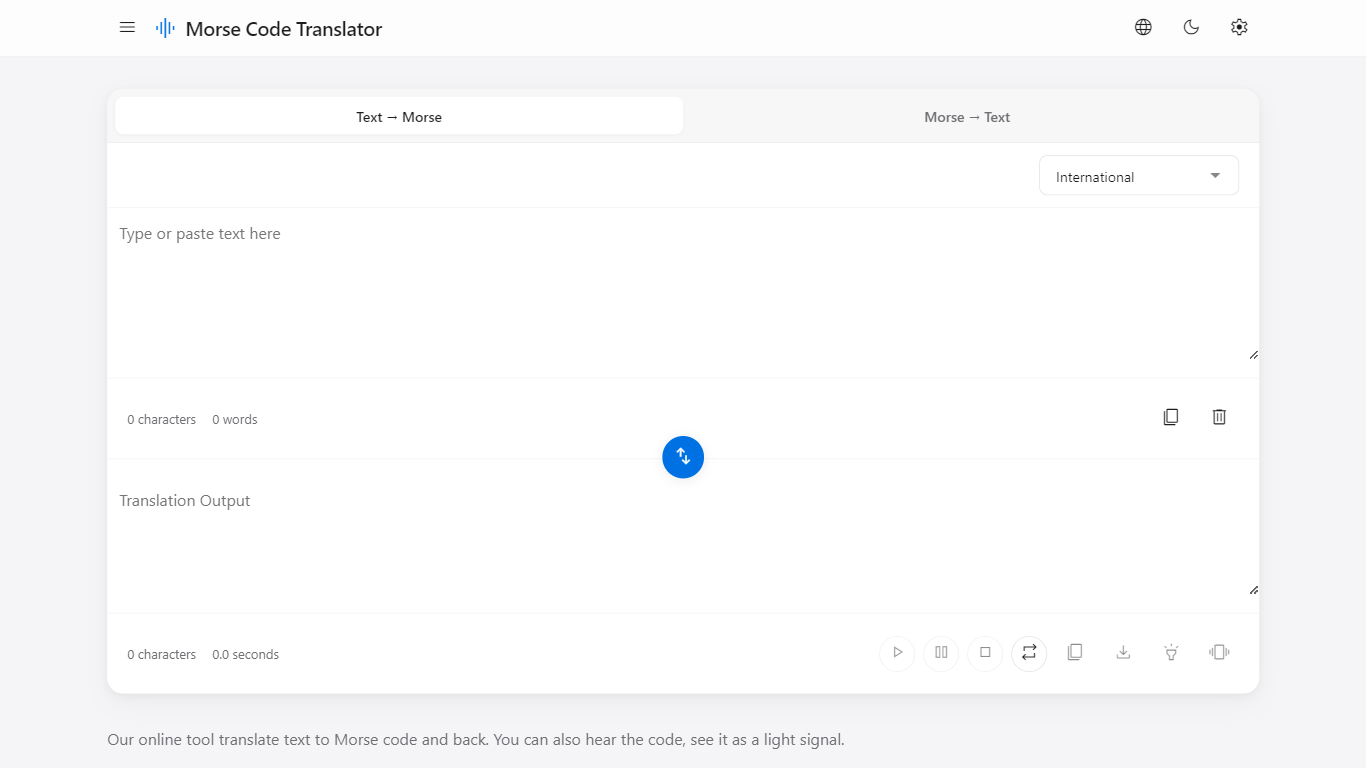
Morse Code Translator turns plain text into Morse dots and dashes, and decodes pasted Morse back to readable letters on the same page. Type or paste on either side, pick an alphabet in Settings, and the translation updates instantly in the opposite box.
Unlike basic Morse charts that only show letter tables, this translator adds audio playback, a flashing light signal popup, device vibration for the pattern, and WAV file export. It also covers nine Morse systems beyond International, including American, Greek, Cyrillic, Hebrew, Arabic, Japanese Wabun, Korean SKATS, and Thai.
It works for hobbyists learning Morse, scouts and students practicing SOS and HELLO patterns, radio operators checking encodings, and anyone decoding a message without installing desktop software. No account is required and the interface runs entirely in the browser.
AlterAI
What is AlterAI?
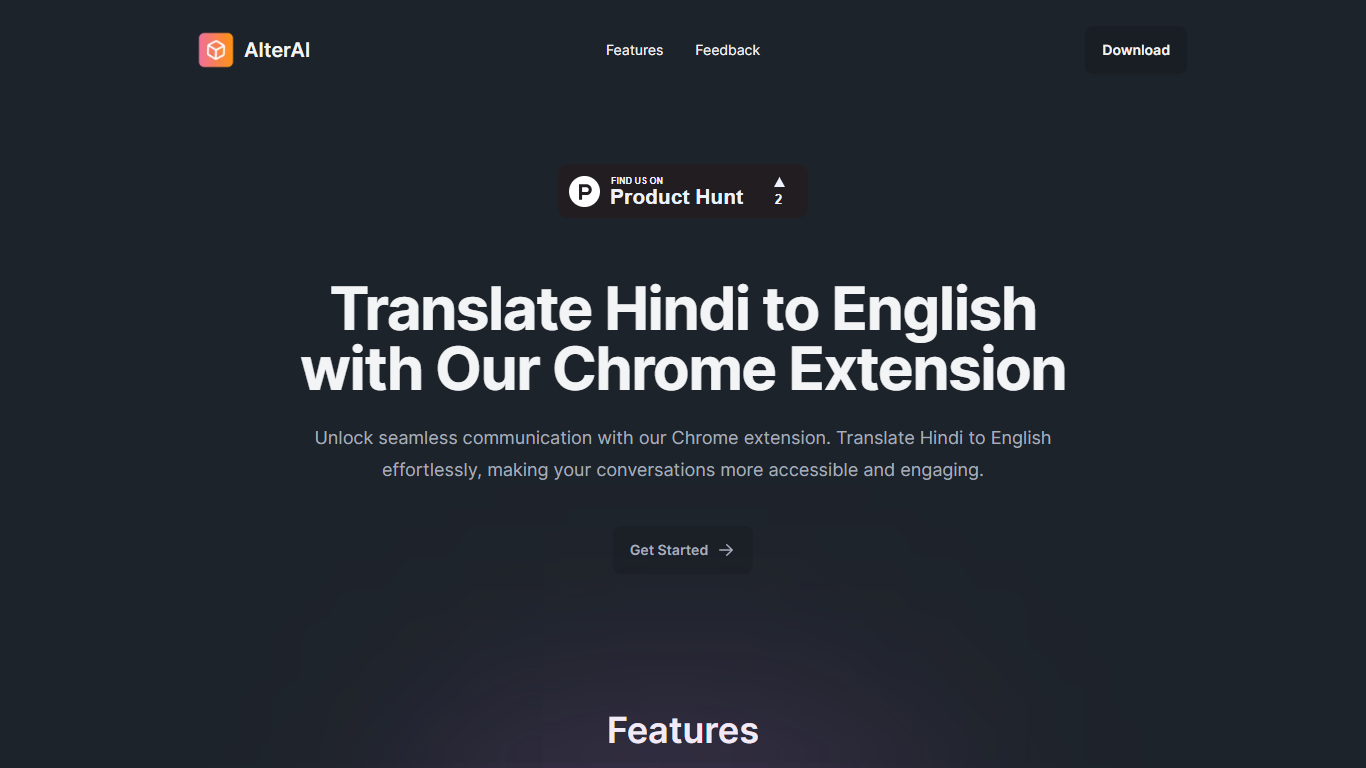
AlterAI is a Chrome extension from Secrin Labs that turns informal Hindi and English text into formal English with one click. It is built for anyone who reads or writes Hindi online and wants polished English output without leaving the page.
Most Chrome translators lean on Google Translate for dozens of language pairs. AlterAI does the opposite: it only handles Hindi and informal English input, and it rewrites the result into formal English rather than a literal word-for-word translation. That narrow scope is the whole point if you need business-ready phrasing from casual Hindi or Hinglish you found on a webpage.
The extension sits in your browser toolbar. Select text on any webpage, trigger translation, and get formal English back. It runs on Chrome and other Chromium browsers that support extensions.
It fits professionals, students, and bilingual readers who run into Hindi content during everyday browsing and need a fast path to clear, formal English.
Morse Code Translator Upvotes
AlterAI Upvotes
Morse Code Translator Top Features
Bidirectional translation between plain text and Morse code in real time
Nine Morse alphabet systems: International, American, Greek, Cyrillic, Hebrew, Arabic, Japanese Wabun, Korean SKATS, and Thai
Play, pause, stop, and repeat audio playback of the Morse pattern
Download Morse code sound as a WAV audio file
Flashing light signal popup shows dots and dashes visually
Device vibration mode reproduces the Morse pattern on supported phones
Swap button flips translation direction between text-to-Morse and Morse-to-text
AlterAI Top Features
Select Hindi or mixed Hindi-English text and get formal English in one click
Runs on Chrome and other Chromium browsers that support extensions
Version 1.0.3 on the Chrome Web Store, last updated April 26, 2024
Secrin Labs states the extension does not collect or use your data
Compact 198KiB install with an English-language interface
Morse Code Translator Category
- Translation
AlterAI Category
- Translation
Morse Code Translator Pricing Type
- Free
AlterAI Pricing Type
- Free