Morse Code Translator vs DeepL Translate
When comparing Morse Code Translator vs DeepL Translate, which AI Translation tool shines brighter? We look at pricing, alternatives, upvotes, features, reviews, and more.
In a comparison between Morse Code Translator and DeepL Translate, which one comes out on top?
When we put Morse Code Translator and DeepL Translate side by side, both being AI-powered translation tools, The upvote count reveals a draw, with both tools earning the same number of upvotes. The power is in your hands! Cast your vote and have a say in deciding the winner.
Want to flip the script? Upvote your favorite tool and change the game!
Morse Code Translator
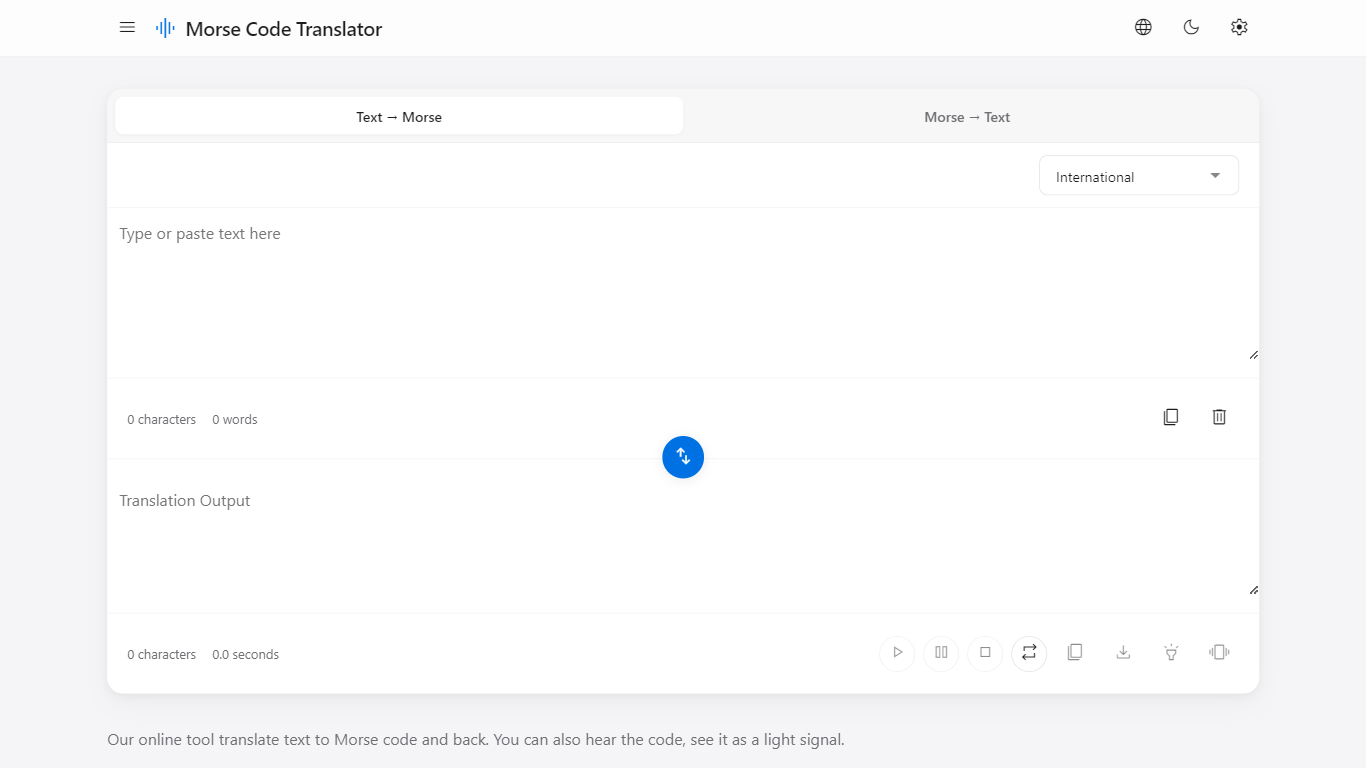

What is Morse Code Translator?
Morse Code Translator turns plain text into Morse dots and dashes, and decodes pasted Morse back to readable letters on the same page. Type or paste on either side, pick an alphabet in Settings, and the translation updates instantly in the opposite box.
Unlike basic Morse charts that only show letter tables, this translator adds audio playback, a flashing light signal popup, device vibration for the pattern, and WAV file export. It also covers nine Morse systems beyond International, including American, Greek, Cyrillic, Hebrew, Arabic, Japanese Wabun, Korean SKATS, and Thai.
It works for hobbyists learning Morse, scouts and students practicing SOS and HELLO patterns, radio operators checking encodings, and anyone decoding a message without installing desktop software. No account is required and the interface runs entirely in the browser.
DeepL Translate
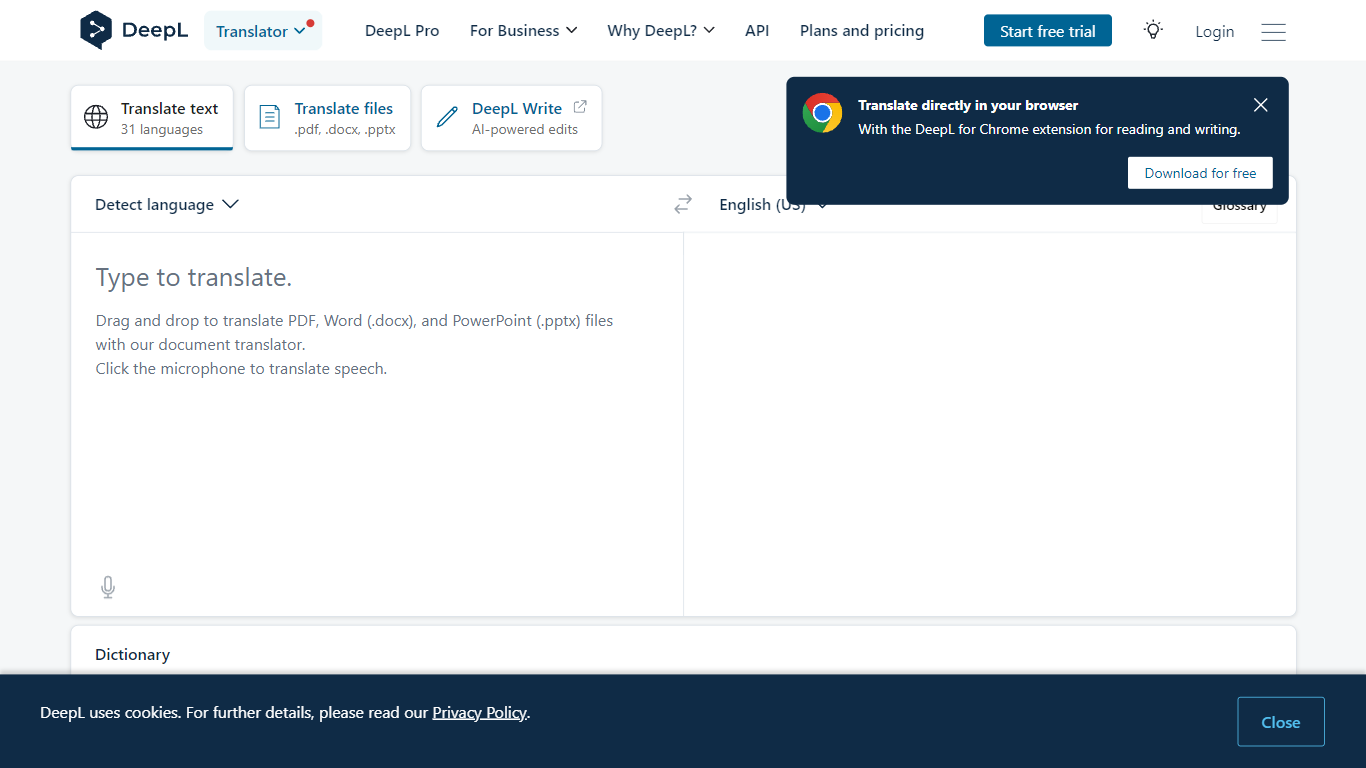
What is DeepL Translate?
DeepL Translate converts text and documents between 100+ languages through a browser, desktop app, or API. Paste copy, upload PDF, Word, or PowerPoint files, or route speech through DeepL Voice, and the output keeps formatting on document jobs. The free web translator needs no account for basic text, while DeepL Pro adds glossaries, style rules, and higher monthly character quotas.
Google Translate wins on breadth and zero-friction mobile use. DeepL bets on nuance: its own language model, trained on proprietary data with human linguist input, targets natural phrasing in European and Asian language pairs. Pro glossaries with up to 30,000 entries across 16 languages and translation memory matter more to localization teams than to someone translating a restaurant menu once.
Freelance translators, legal and finance teams, customer support desks, and developers embedding the API use it for client deliverables, contract review, multilingual tickets, and product localization. Enterprise customers cite 86% faster document translation workflows and 10% higher customer satisfaction when support replies ship in the customer's language faster.
Morse Code Translator Upvotes
DeepL Translate Upvotes
Morse Code Translator Top Features
Bidirectional translation between plain text and Morse code in real time
Nine Morse alphabet systems: International, American, Greek, Cyrillic, Hebrew, Arabic, Japanese Wabun, Korean SKATS, and Thai
Play, pause, stop, and repeat audio playback of the Morse pattern
Download Morse code sound as a WAV audio file
Flashing light signal popup shows dots and dashes visually
Device vibration mode reproduces the Morse pattern on supported phones
Swap button flips translation direction between text-to-Morse and Morse-to-text
DeepL Translate Top Features
100+ languages including Arabic, Japanese, Korean, and Swiss German
Drag-and-drop PDF, Word (.docx), and PowerPoint (.pptx) file translation
Glossaries support up to 30,000 entries across 16 languages on enterprise accounts
Pro plans include style rules, formality toggle, and Clarify rewrite suggestions
Desktop apps for Windows and Mac plus Chrome and Firefox extensions
DeepL API and Translation Flow for developer and enterprise automation
Morse Code Translator Category
- Translation
DeepL Translate Category
- Translation
Morse Code Translator Pricing Type
- Free
DeepL Translate Pricing Type
- Freemium