Bing Microsoft AI Translator vs DeepL Translate
Dive into the comparison of Bing Microsoft AI Translator vs DeepL Translate and discover which AI Translation tool stands out. We examine alternatives, upvotes, features, reviews, pricing, and beyond.
When comparing Bing Microsoft AI Translator and DeepL Translate, which one rises above the other?
When we compare Bing Microsoft AI Translator and DeepL Translate, two exceptional translation tools powered by artificial intelligence, and place them side by side, several key similarities and differences come to light. The community has spoken, Bing Microsoft AI Translator leads with more upvotes. The number of upvotes for Bing Microsoft AI Translator stands at 10, and for DeepL Translate it's 6.
Want to flip the script? Upvote your favorite tool and change the game!
Bing Microsoft AI Translator


What is Bing Microsoft AI Translator?
Microsoft Translator on Bing is a free web translator for turning words and phrases between English and more than 100 languages. Paste text, pick languages from long dropdown lists, or let the page auto-detect the source language before you translate.
The Bing interface adds practical extras beyond basic text swap. You can listen to a translation, open an on-screen keyboard, capture or upload an image to translate text in photos, and regenerate results in Standard, Casual, or Formal tone. A phrase helper surfaces common expressions grouped by topics like travel, dining, and emergencies.
It fits travelers, students, and anyone who needs a quick translation in the browser without installing software. Navigation on the page also points to separate Microsoft Translator experiences for live conversation, mobile apps, and business use.
DeepL Translate
What is DeepL Translate?
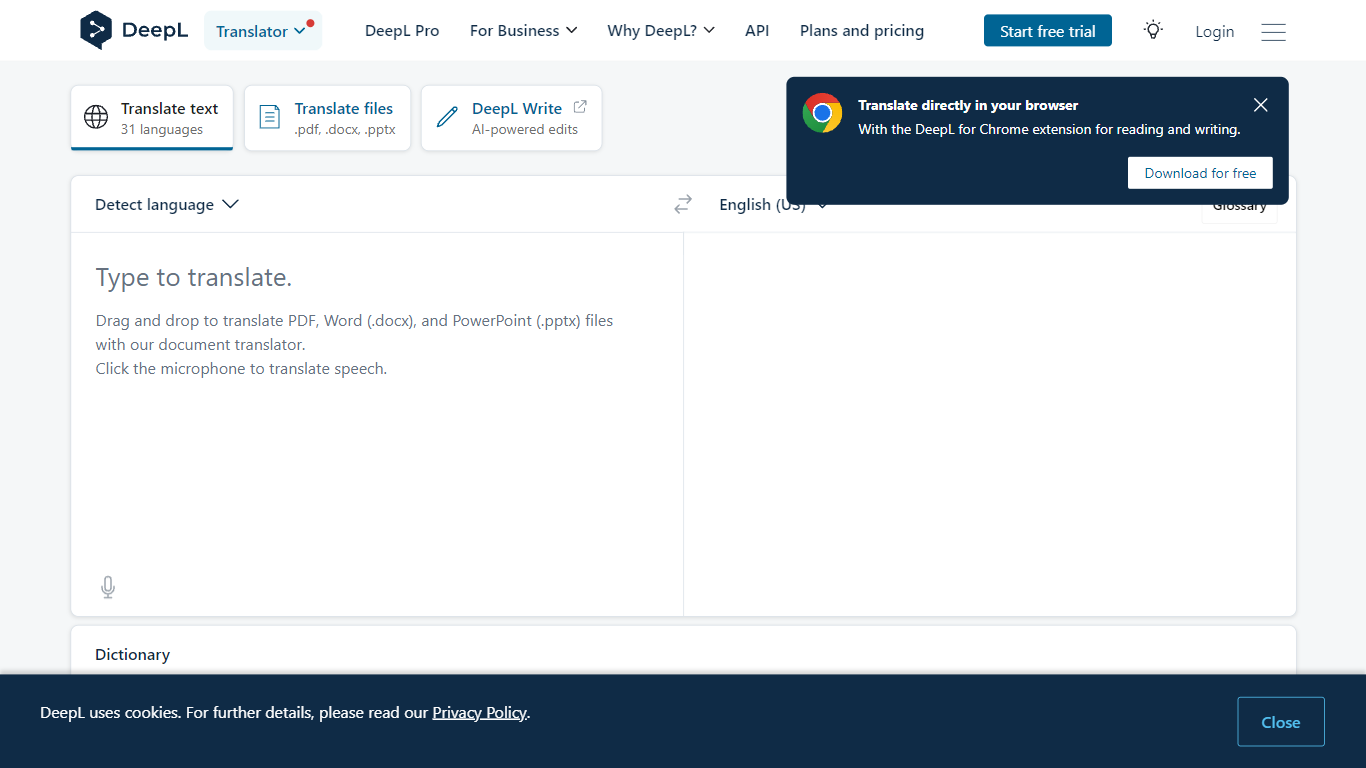
DeepL Translate converts text and documents between 100+ languages through a browser, desktop app, or API. Paste copy, upload PDF, Word, or PowerPoint files, or route speech through DeepL Voice, and the output keeps formatting on document jobs. The free web translator needs no account for basic text, while DeepL Pro adds glossaries, style rules, and higher monthly character quotas.
Google Translate wins on breadth and zero-friction mobile use. DeepL bets on nuance: its own language model, trained on proprietary data with human linguist input, targets natural phrasing in European and Asian language pairs. Pro glossaries with up to 30,000 entries across 16 languages and translation memory matter more to localization teams than to someone translating a restaurant menu once.
Freelance translators, legal and finance teams, customer support desks, and developers embedding the API use it for client deliverables, contract review, multilingual tickets, and product localization. Enterprise customers cite 86% faster document translation workflows and 10% higher customer satisfaction when support replies ship in the customer's language faster.
Bing Microsoft AI Translator Upvotes
DeepL Translate Upvotes
Bing Microsoft AI Translator Top Features
Auto-detect source language across more than 100 listed language options
Each translation request accepts up to 1,000 characters of input text
Regenerate results in Standard, Casual, or Formal tone with one click
Capture or upload an image to translate text found in photos
Speak to translate when typing is awkward on mobile or desktop
Listen to translations read aloud from the results panel
Browse common phrase sets for travel, dining, and emergencies
DeepL Translate Top Features
100+ languages including Arabic, Japanese, Korean, and Swiss German
Drag-and-drop PDF, Word (.docx), and PowerPoint (.pptx) file translation
Glossaries support up to 30,000 entries across 16 languages on enterprise accounts
Pro plans include style rules, formality toggle, and Clarify rewrite suggestions
Desktop apps for Windows and Mac plus Chrome and Firefox extensions
DeepL API and Translation Flow for developer and enterprise automation
Bing Microsoft AI Translator Category
- Translation
DeepL Translate Category
- Translation
Bing Microsoft AI Translator Pricing Type
- Free
DeepL Translate Pricing Type
- Freemium