Morse Code Translator vs Vizard.ai
In the clash of Morse Code Translator vs Vizard.ai, which AI tool emerges victorious? We assess reviews, pricing, alternatives, features, upvotes, and more.
If you had to choose between Morse Code Translator and Vizard.ai, which one would you go for?
Let's take a closer look at Morse Code Translator and Vizard.ai, both of which are AI-driven tools, and see what sets them apart. The upvote count shows a clear preference for Vizard.ai. The number of upvotes for Vizard.ai stands at 16, and for Morse Code Translator it's 6.
Does the result make you go "hmm"? Cast your vote and turn that frown upside down!
Morse Code Translator
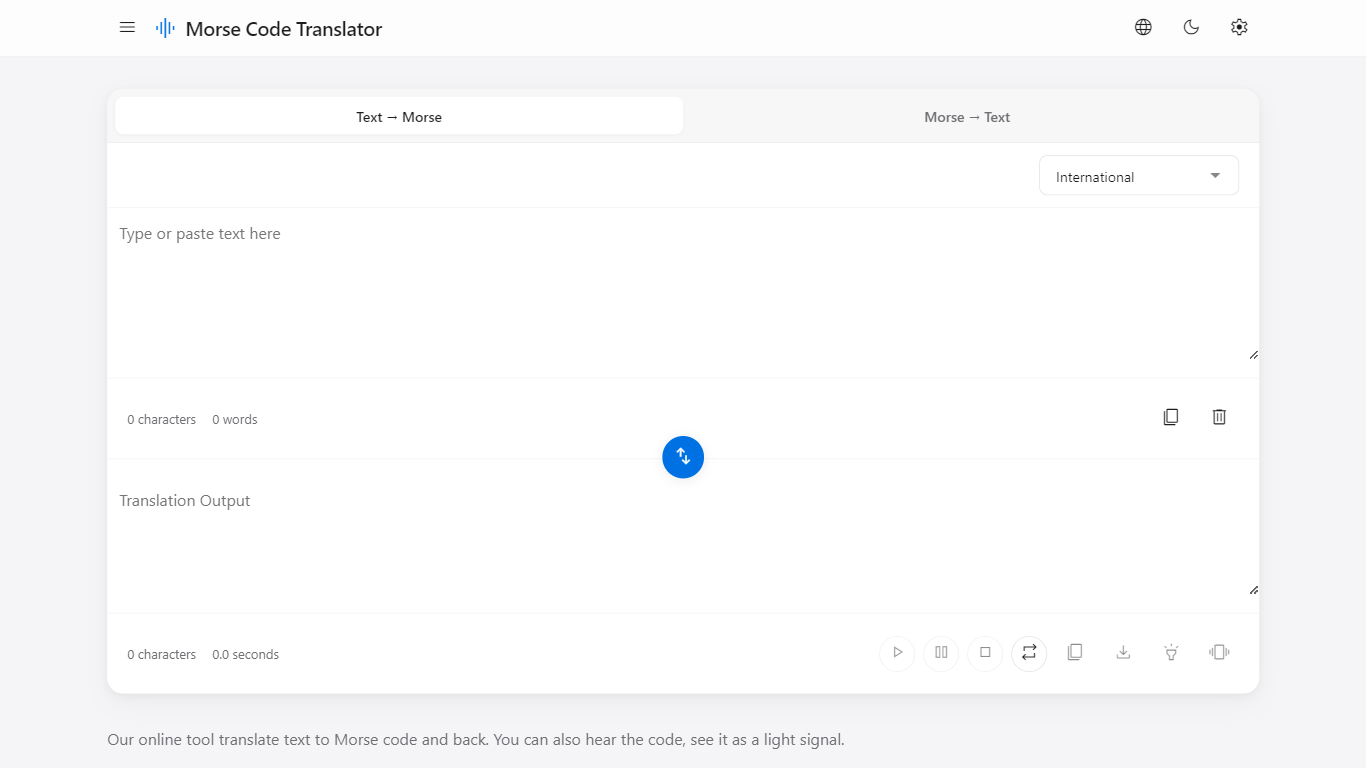

What is Morse Code Translator?
Morse Code Translator turns plain text into Morse dots and dashes, and decodes pasted Morse back to readable letters on the same page. Type or paste on either side, pick an alphabet in Settings, and the translation updates instantly in the opposite box.
Unlike basic Morse charts that only show letter tables, this translator adds audio playback, a flashing light signal popup, device vibration for the pattern, and WAV file export. It also covers nine Morse systems beyond International, including American, Greek, Cyrillic, Hebrew, Arabic, Japanese Wabun, Korean SKATS, and Thai.
It works for hobbyists learning Morse, scouts and students practicing SOS and HELLO patterns, radio operators checking encodings, and anyone decoding a message without installing desktop software. No account is required and the interface runs entirely in the browser.
Vizard.ai
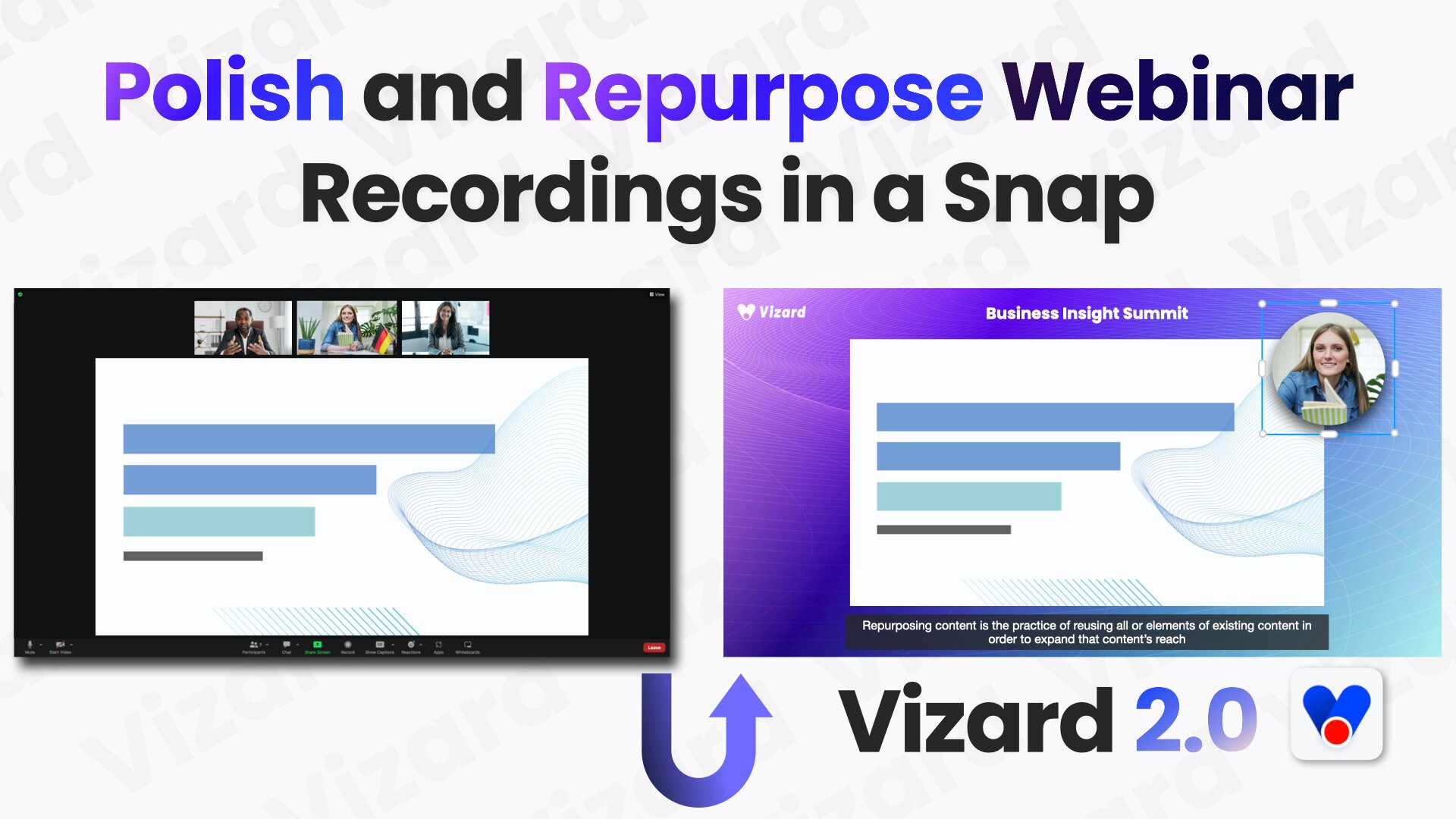
What is Vizard.ai?
Vizard.ai turns long-form recordings into short clips for TikTok, Instagram Reels, and YouTube Shorts, with video editing tools layered on top of automated clipping. Upload a webinar, podcast, interview, or course video and the platform transcribes speakers, finds highlights, reframes subjects for vertical formats, and can publish straight to connected social accounts.
Most AI clippers only slice footage you already have. Vizard also runs Vizard Agent with 22 prompt-driven templates for creating new videos, ships a text-based editor and Team Workspace for agencies, and exposes a REST API with n8n workflows plus downloadable skills for Cursor and Claude Code. That combination suits teams who want clipping, light creation, and distribution in one product instead of juggling separate tools.
Social and content marketers, podcasters, coaches, consultants, and agencies use Vizard to repurpose webinars, client calls, and event recordings. The homepage offers a no-signup clip trial, the Free plan includes 60 monthly credits, and paid Creator and Business tiers add 4K export, more social accounts, and shared workspaces.
Morse Code Translator Upvotes
Vizard.ai Upvotes
Morse Code Translator Top Features
Bidirectional translation between plain text and Morse code in real time
Nine Morse alphabet systems: International, American, Greek, Cyrillic, Hebrew, Arabic, Japanese Wabun, Korean SKATS, and Thai
Play, pause, stop, and repeat audio playback of the Morse pattern
Download Morse code sound as a WAV audio file
Flashing light signal popup shows dots and dashes visually
Device vibration mode reproduces the Morse pattern on supported phones
Swap button flips translation direction between text-to-Morse and Morse-to-text
Vizard.ai Top Features
One click can turn a long video into 30+ short clips
Vizard Agent includes 22 prompt templates for creating videos from scratch
Text-based editor trims footage by deleting lines in the transcript
Caption translation covers 100+ languages inside the editor
Creator exports 4K with 100 GB storage; Business gets unlimited storage
REST API ships Python, Java, and Go samples plus an n8n workflow template
Business workspaces connect up to 20 social accounts with scheduled publishing
Morse Code Translator Category
- Translation
Vizard.ai Category
- Video Editing
Morse Code Translator Pricing Type
- Free
Vizard.ai Pricing Type
- Freemium