Bing Microsoft AI Translator vs Vizard.ai
In the battle of Bing Microsoft AI Translator vs Vizard.ai, which AI tool comes out on top? We compare reviews, pricing, alternatives, upvotes, features, and more.
Between Bing Microsoft AI Translator and Vizard.ai, which one is superior?
Upon comparing Bing Microsoft AI Translator with Vizard.ai, which are both AI-powered tools, The community has spoken, Vizard.ai leads with more upvotes. Vizard.ai has been upvoted 16 times by aitools.fyi users, and Bing Microsoft AI Translator has been upvoted 10 times.
Think we got it wrong? Cast your vote and show us who's boss!
Bing Microsoft AI Translator


What is Bing Microsoft AI Translator?
Microsoft Translator on Bing is a free web translator for turning words and phrases between English and more than 100 languages. Paste text, pick languages from long dropdown lists, or let the page auto-detect the source language before you translate.
The Bing interface adds practical extras beyond basic text swap. You can listen to a translation, open an on-screen keyboard, capture or upload an image to translate text in photos, and regenerate results in Standard, Casual, or Formal tone. A phrase helper surfaces common expressions grouped by topics like travel, dining, and emergencies.
It fits travelers, students, and anyone who needs a quick translation in the browser without installing software. Navigation on the page also points to separate Microsoft Translator experiences for live conversation, mobile apps, and business use.
Vizard.ai
What is Vizard.ai?
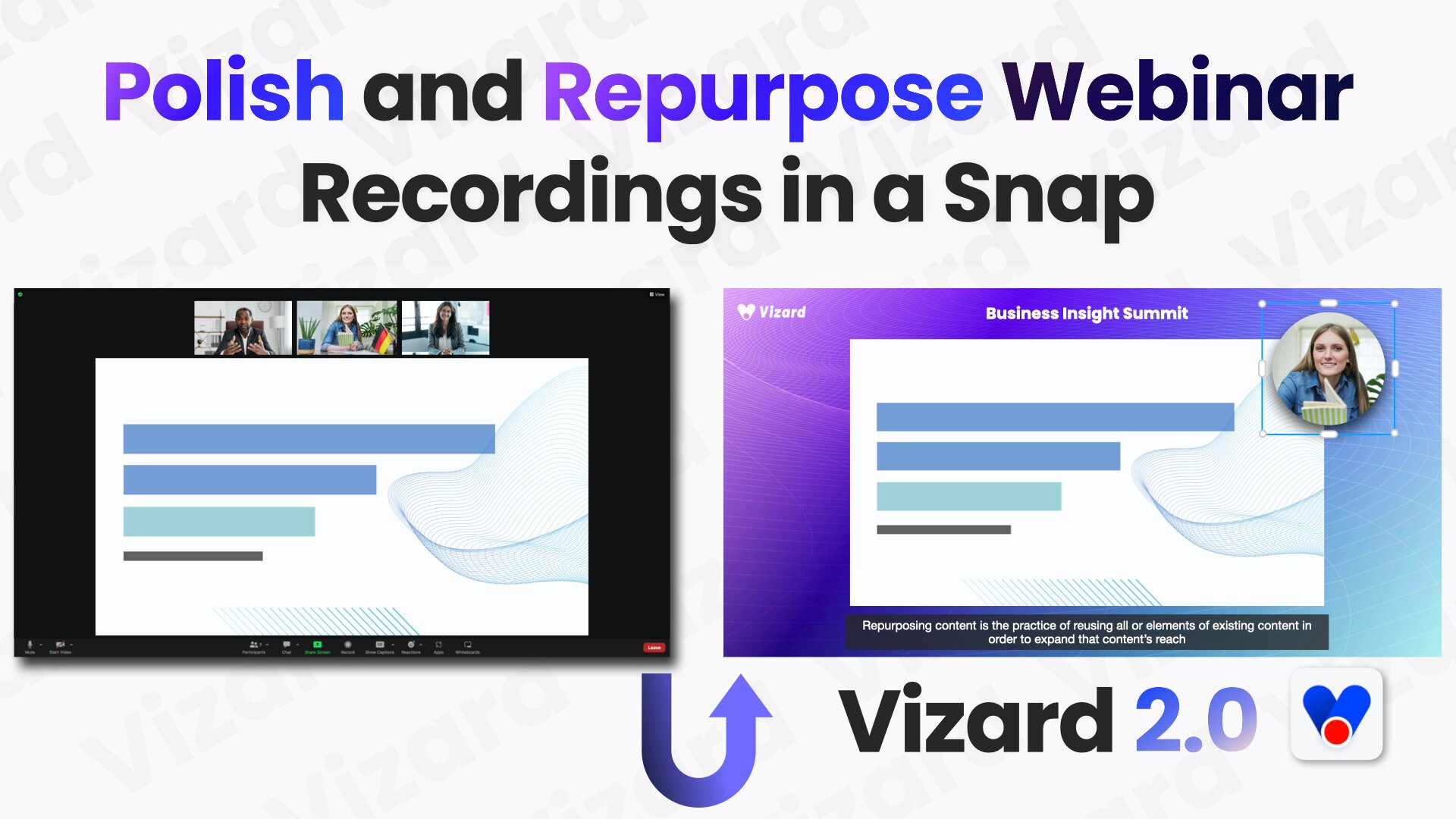
Vizard.ai turns long-form recordings into short clips for TikTok, Instagram Reels, and YouTube Shorts, with video editing tools layered on top of automated clipping. Upload a webinar, podcast, interview, or course video and the platform transcribes speakers, finds highlights, reframes subjects for vertical formats, and can publish straight to connected social accounts.
Most AI clippers only slice footage you already have. Vizard also runs Vizard Agent with 22 prompt-driven templates for creating new videos, ships a text-based editor and Team Workspace for agencies, and exposes a REST API with n8n workflows plus downloadable skills for Cursor and Claude Code. That combination suits teams who want clipping, light creation, and distribution in one product instead of juggling separate tools.
Social and content marketers, podcasters, coaches, consultants, and agencies use Vizard to repurpose webinars, client calls, and event recordings. The homepage offers a no-signup clip trial, the Free plan includes 60 monthly credits, and paid Creator and Business tiers add 4K export, more social accounts, and shared workspaces.
Bing Microsoft AI Translator Upvotes
Vizard.ai Upvotes
Bing Microsoft AI Translator Top Features
Auto-detect source language across more than 100 listed language options
Each translation request accepts up to 1,000 characters of input text
Regenerate results in Standard, Casual, or Formal tone with one click
Capture or upload an image to translate text found in photos
Speak to translate when typing is awkward on mobile or desktop
Listen to translations read aloud from the results panel
Browse common phrase sets for travel, dining, and emergencies
Vizard.ai Top Features
One click can turn a long video into 30+ short clips
Vizard Agent includes 22 prompt templates for creating videos from scratch
Text-based editor trims footage by deleting lines in the transcript
Caption translation covers 100+ languages inside the editor
Creator exports 4K with 100 GB storage; Business gets unlimited storage
REST API ships Python, Java, and Go samples plus an n8n workflow template
Business workspaces connect up to 20 social accounts with scheduled publishing
Bing Microsoft AI Translator Category
- Translation
Vizard.ai Category
- Video Editing
Bing Microsoft AI Translator Pricing Type
- Free
Vizard.ai Pricing Type
- Freemium