Morse Code Translator vs WhatLetter
In the battle of Morse Code Translator vs WhatLetter, which AI Translation tool comes out on top? We compare reviews, pricing, alternatives, upvotes, features, and more.
Between Morse Code Translator and WhatLetter, which one is superior?
Upon comparing Morse Code Translator with WhatLetter, which are both AI-powered translation tools, The upvote count is neck and neck for both Morse Code Translator and WhatLetter. You can help us determine the winner by casting your vote and tipping the scales in favor of one of the tools.
Don't agree with the result? Cast your vote and be a part of the decision-making process!
Morse Code Translator

What is Morse Code Translator?
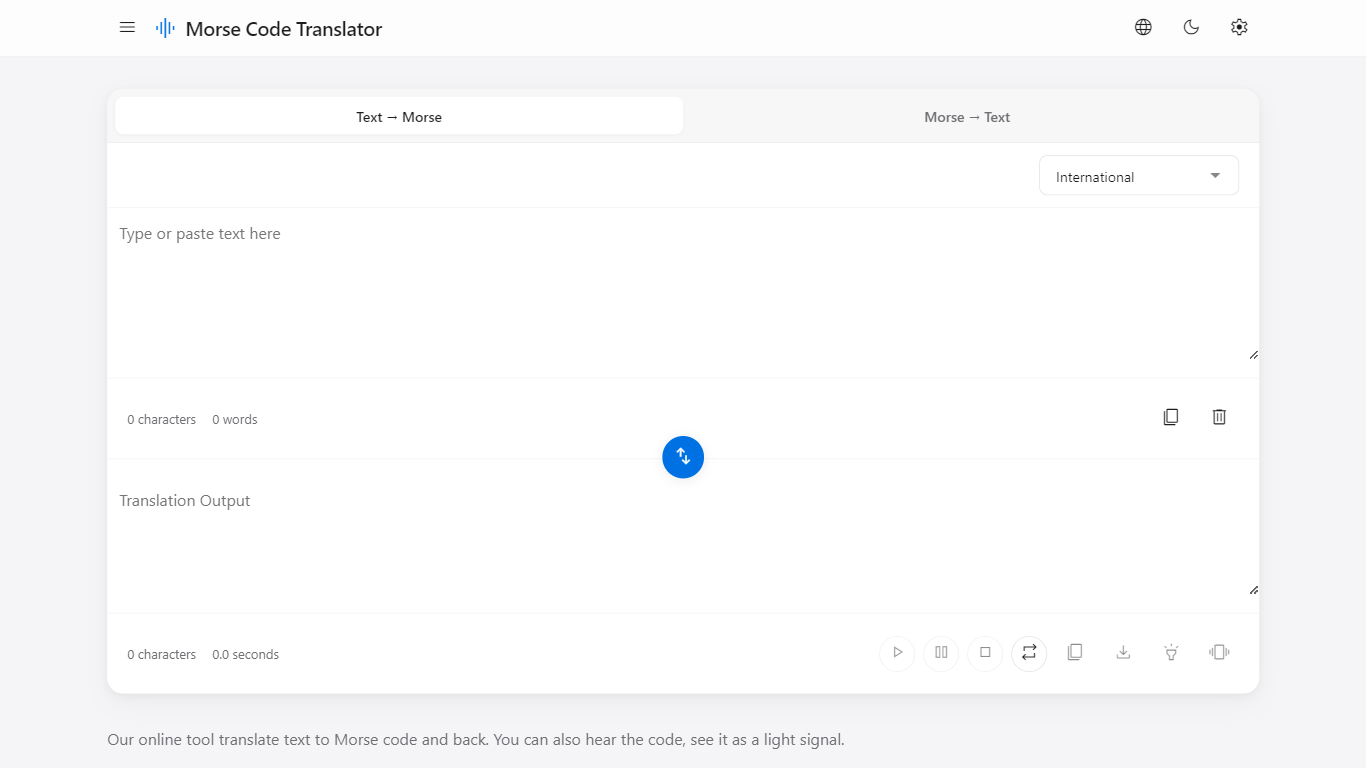
Morse Code Translator turns plain text into Morse dots and dashes, and decodes pasted Morse back to readable letters on the same page. Type or paste on either side, pick an alphabet in Settings, and the translation updates instantly in the opposite box.
Unlike basic Morse charts that only show letter tables, this translator adds audio playback, a flashing light signal popup, device vibration for the pattern, and WAV file export. It also covers nine Morse systems beyond International, including American, Greek, Cyrillic, Hebrew, Arabic, Japanese Wabun, Korean SKATS, and Thai.
It works for hobbyists learning Morse, scouts and students practicing SOS and HELLO patterns, radio operators checking encodings, and anyone decoding a message without installing desktop software. No account is required and the interface runs entirely in the browser.
WhatLetter
What is WhatLetter?
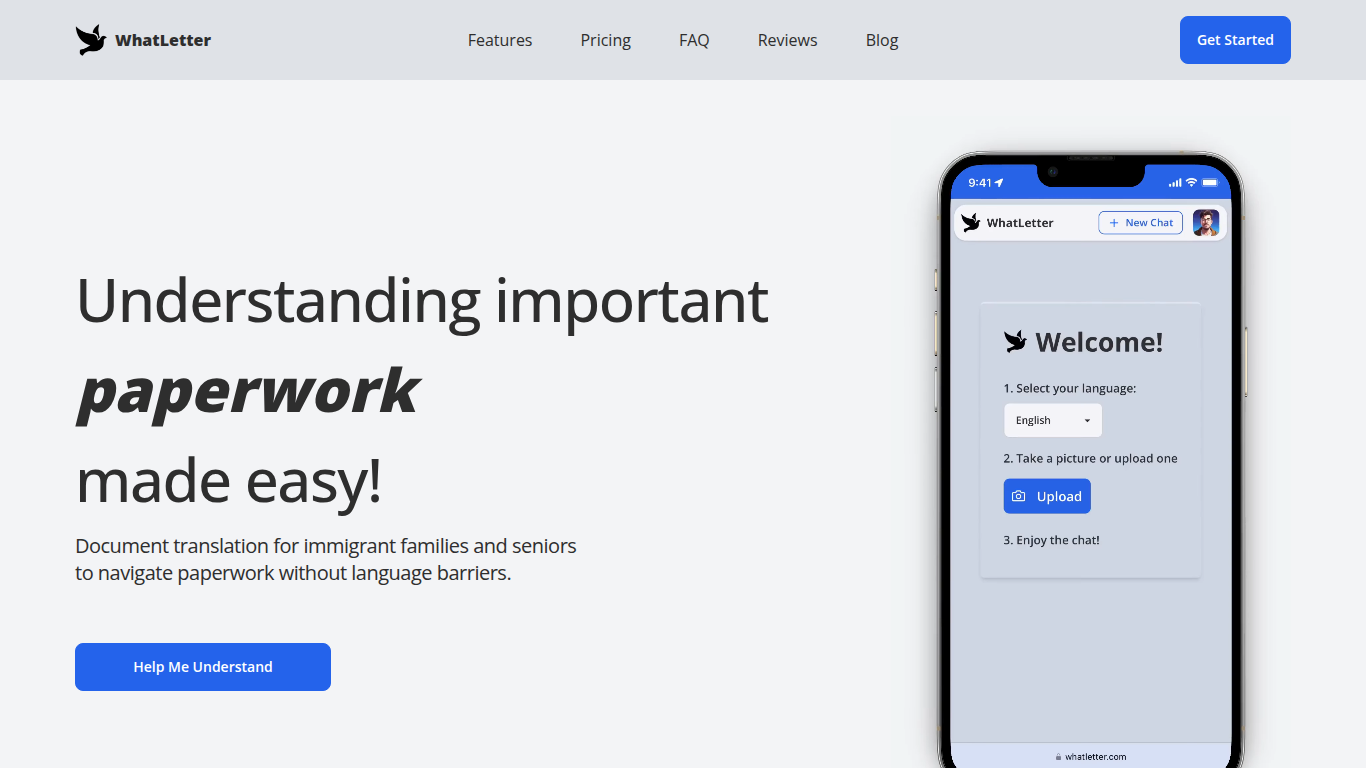
WhatLetter translates documents and texts into over 30 languages using photo capture and AI technology. Users can take pictures of menus, letters, or forms and receive instant translations in their preferred language. An AI chatbot further explains translated content and answers questions to clarify complex documents.
WhatLetter stands out by combining instant photo translation with an AI assistant that helps users understand the meaning behind translations. Unlike basic translators, it prioritizes privacy by not storing images or chat histories on servers. It is accessible through desktop and mobile browsers without requiring app downloads.
The tool serves diverse users such as immigrant families, seniors, and travelers who need quick, reliable translations for personal or business purposes. While the free plan offers limited translations, the WhatLetter Plus subscription unlocks unlimited access and enhanced AI features. Upcoming integrations with WhatsApp and Telegram will enable message translation within those platforms.
Morse Code Translator Upvotes
WhatLetter Upvotes
Morse Code Translator Top Features
Bidirectional translation between plain text and Morse code in real time
Nine Morse alphabet systems: International, American, Greek, Cyrillic, Hebrew, Arabic, Japanese Wabun, Korean SKATS, and Thai
Play, pause, stop, and repeat audio playback of the Morse pattern
Download Morse code sound as a WAV audio file
Flashing light signal popup shows dots and dashes visually
Device vibration mode reproduces the Morse pattern on supported phones
Swap button flips translation direction between text-to-Morse and Morse-to-text
WhatLetter Top Features
Instant photo translation in 30+ languages
AI chatbot explains translations and answers questions
No images or chat histories stored to protect privacy
Accessible on desktop and mobile browsers without app download
WhatLetter Plus plan offers unlimited translations and enhanced features
Upcoming WhatsApp and Telegram integrations for message translation
Morse Code Translator Category
- Translation
WhatLetter Category
- Translation
Morse Code Translator Pricing Type
- Free
WhatLetter Pricing Type
- Freemium