Moshi AI vs Audyo
In the face-off between Moshi AI vs Audyo, which AI Audio Generation tool takes the crown? We scrutinize features, alternatives, upvotes, reviews, pricing, and more.
In a face-off between Moshi AI and Audyo, which one takes the crown?
If we were to analyze Moshi AI and Audyo, both of which are AI-powered audio generation tools, what would we find? Both tools are equally favored, as indicated by the identical upvote count. Join the aitools.fyi users in deciding the winner by casting your vote.
Not your cup of tea? Upvote your preferred tool and stir things up!
Moshi AI

What is Moshi AI?
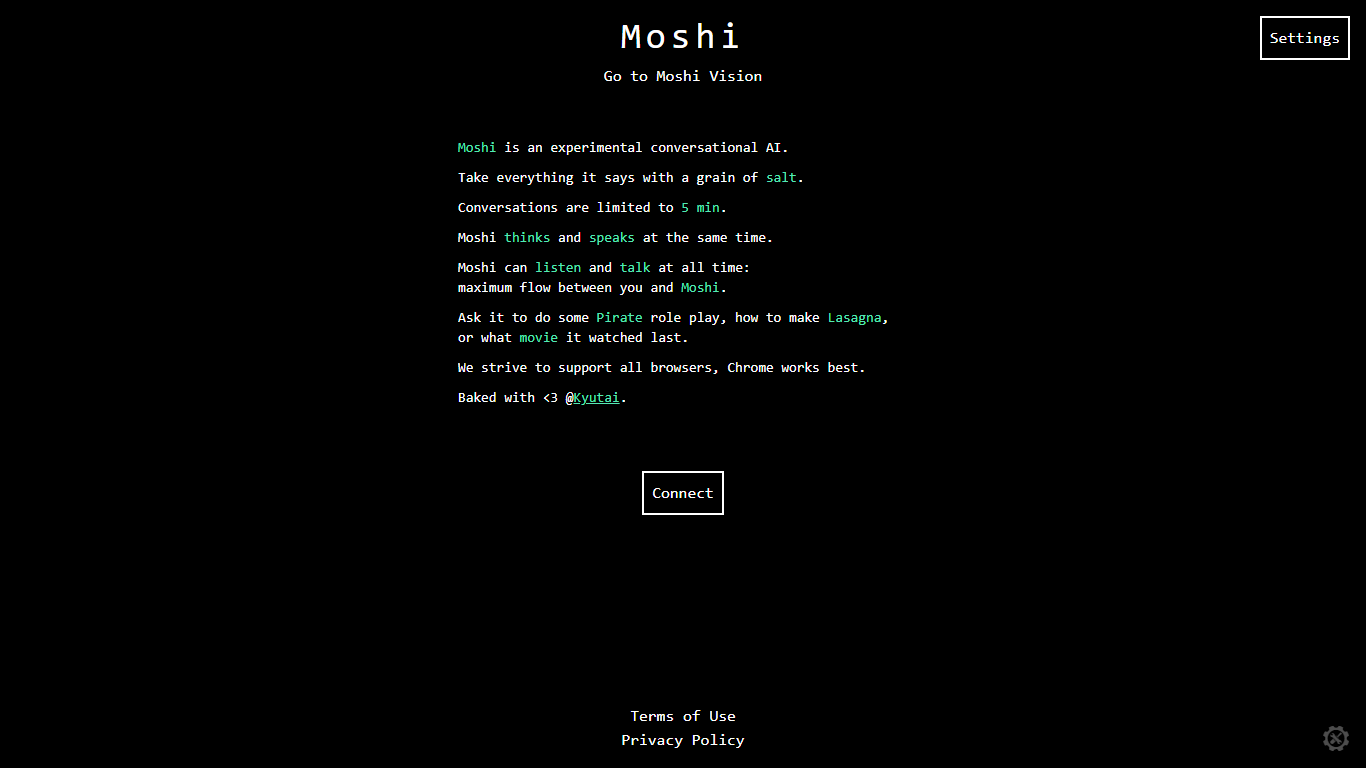
Moshi AI is a speech-native conversational model from Kyutai, a Paris-based open-science research lab. Instead of chaining speech recognition, text generation, and text-to-speech, Moshi processes audio directly and holds full-duplex voice conversations with minimal latency.
Its multi-stream design runs separate channels for the user, Moshi's spoken output, and an Inner Monologue text stream that improves coherence. That setup lets Moshi listen and talk at the same time, handle overlaps, interruptions, and backchanneling like a real conversation rather than rigid speaker turns.
Moshi is built on Helium, a 7B language model, and Mimi, Kyutai's neural audio codec. Weights and inference code ship for PyTorch, Rust, and MLX, and you can try it in the browser at moshi-chat.kyutai.org. Researchers, voice AI developers, and anyone building real-time spoken interfaces will find the most value here.
Audyo
What is Audyo?
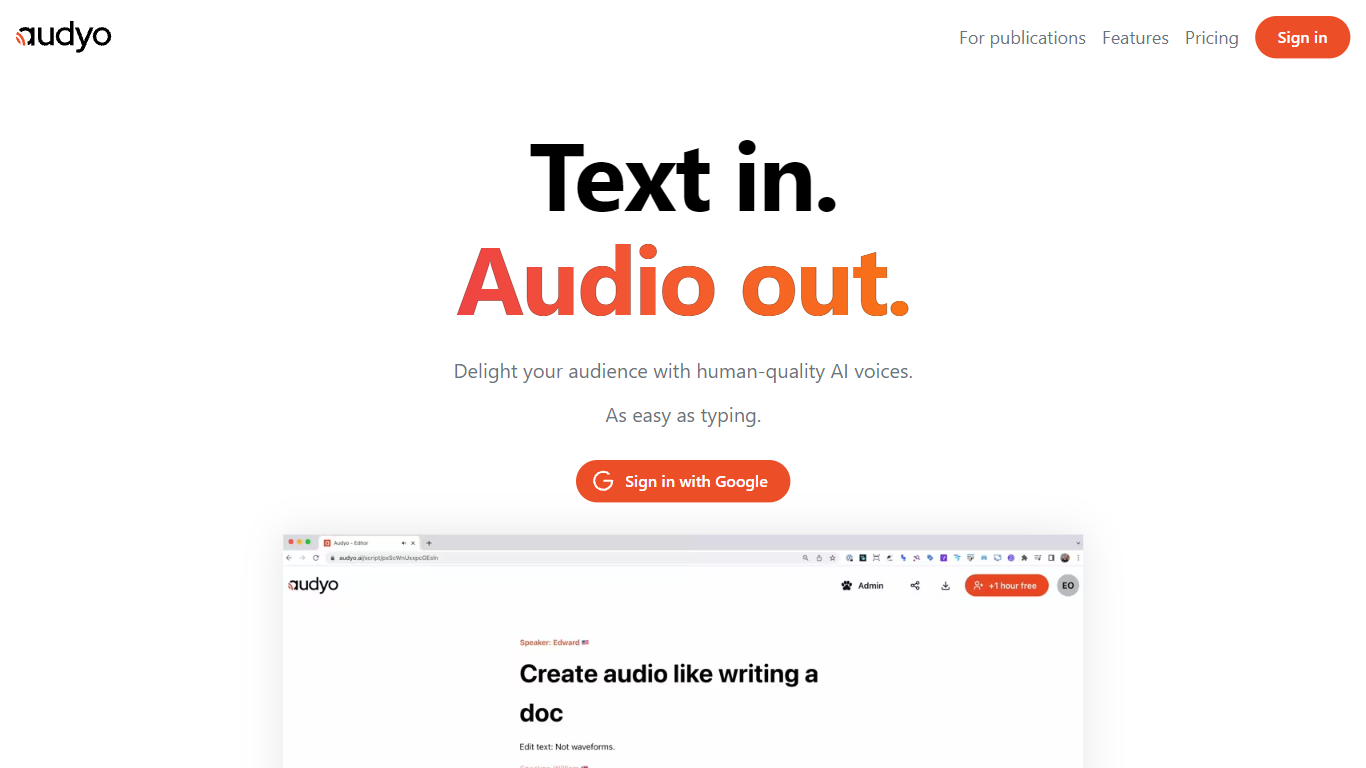
Audyo is a text-to-speech editor that turns written scripts into spoken audio as easily as typing a document. You edit words instead of waveforms, swap between 100+ voices across accents and languages, and export files for videos, podcasts, or presentations. Markdown headings, lists, and horizontal dividers add pauses between paragraphs without opening a separate audio timeline.
Traditional voice-over tools force you to cut waveforms and manage tracks manually. Audyo treats audio like a doc: Quick Select lets you build multi-speaker dialogs by switching voices inline, phonetic overrides fix tricky pronunciations word by word, and an AI Audio Assistant helps rewrite scripts inside the editor. That workflow suits creators who think in text first and only need clean audio output second.
Podcasters and video editors use Audyo for voice-overs without recording booths. Audiobook authors mix English, Spanish, Hindi, and 10+ other supported languages in one project. The site reports nearly 70,000 creators on the platform, with use cases spanning videos, podcasts, audiobooks, and general voice-over work.
Moshi AI Upvotes
Audyo Upvotes
Moshi AI Top Features
Processes speech directly without a text pipeline in the middle
Listens and talks simultaneously with overlap and interruption support
Inner Monologue text stream improves speech quality and reasoning
Runs real-time on an L4 GPU or M3 MacBook Pro via the Mimi codec
Open weights on Hugging Face with PyTorch, Rust, and MLX inference code
Audyo Top Features
Choose from 100+ AI voices spanning American, British, Irish, French, Spanish, Mandarin, Hindi, and more accents
Edit scripts like a document with Markdown headings, lists, and divider pauses instead of waveform cutting
Quick Select swaps speakers inline to build multi-voice dialogs and conversations quickly
Custom phonetic spelling per word fixes pronunciation without re-recording entire lines
Supports 13+ languages including English, French, Spanish, German, Italian, Portuguese, Japanese, Korean, Chinese, Hindi, Arabic, Turkish, and Russian
Instant audio export for dropping into videos, podcasts, or presentation decks
Moshi AI Category
- Audio Generation
Audyo Category
- Audio Generation
Moshi AI Pricing Type
- Free
Audyo Pricing Type
- Freemium