
Last updated 08-13-2026
Category:
Reviews:
Join thousands of AI enthusiasts in the World of AI!
Audyo
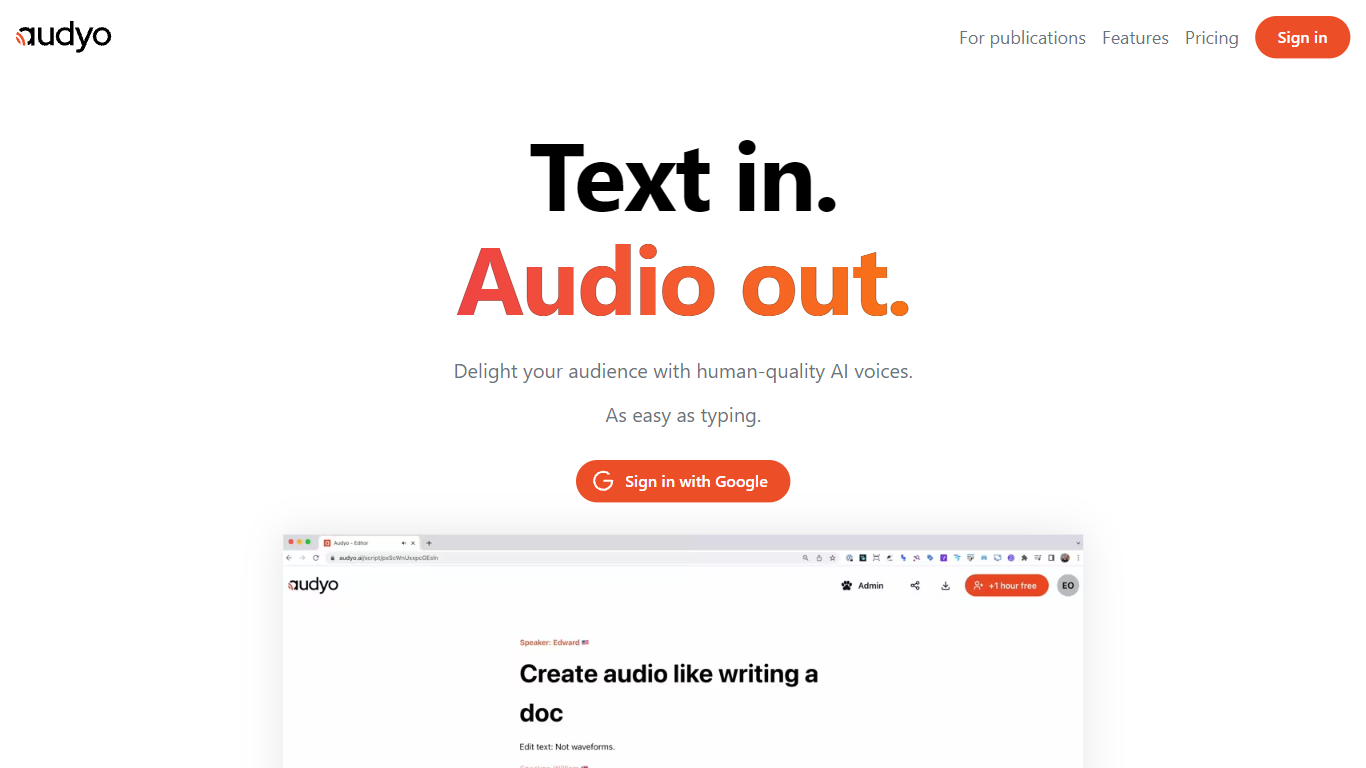
Audyo is a text-to-speech editor that turns written scripts into spoken audio as easily as typing a document. You edit words instead of waveforms, swap between 100+ voices across accents and languages, and export files for videos, podcasts, or presentations. Markdown headings, lists, and horizontal dividers add pauses between paragraphs without opening a separate audio timeline.
Traditional voice-over tools force you to cut waveforms and manage tracks manually. Audyo treats audio like a doc: Quick Select lets you build multi-speaker dialogs by switching voices inline, phonetic overrides fix tricky pronunciations word by word, and an AI Audio Assistant helps rewrite scripts inside the editor. That workflow suits creators who think in text first and only need clean audio output second.
Podcasters and video editors use Audyo for voice-overs without recording booths. Audiobook authors mix English, Spanish, Hindi, and 10+ other supported languages in one project. The site reports nearly 70,000 creators on the platform, with use cases spanning videos, podcasts, audiobooks, and general voice-over work.
Choose from 100+ AI voices spanning American, British, Irish, French, Spanish, Mandarin, Hindi, and more accents
Edit scripts like a document with Markdown headings, lists, and divider pauses instead of waveform cutting
Quick Select swaps speakers inline to build multi-voice dialogs and conversations quickly
Custom phonetic spelling per word fixes pronunciation without re-recording entire lines
Supports 13+ languages including English, French, Spanish, German, Italian, Portuguese, Japanese, Korean, Chinese, Hindi, Arabic, Turkish, and Russian
Instant audio export for dropping into videos, podcasts, or presentation decks
Doc-style editing replaces waveform cutting, which speeds up script changes for non-audio engineers.
100+ voices with Quick Select make multi-speaker dialogs faster than recording each part separately.
Phonetic overrides fix brand names and technical terms without re-recording full sentences.
Pricing page was unreachable during enrichment, so plan limits and paid tier costs are not publicly verified.
Homepage lists celebrity-style voice names that may carry licensing or platform policy constraints.
Thin public documentation on exact free-tier generation limits before signup.
What languages does Audyo support?
Audyo supports English, French, Spanish, German, Italian, Brazilian Portuguese, Japanese, Korean, Chinese, Hindi, Arabic, Turkish, and Russian. You can mix languages within a single Audyo project using different voices.
How does Audyo editing work?
Audyo lets you edit spoken audio by changing text, not waveforms. You type or paste a script, pick voices, add Markdown formatting for pauses, and download the rendered audio when ready.
Can Audyo create multi-speaker dialogs?
Yes. Audyo Quick Select lets you swap between speakers inline to build conversations and dialogs. Each speaker can use a different voice from the 100+ voice library.
What can I use Audyo audio for?
Audyo lists videos, voice-overs, podcasts, and audiobooks as primary use cases. You download exported audio files to drop into your video editor, podcast host, or presentation tool.
Does Audyo offer a free account?
Yes. Audyo offers a free account with limited audio generation capacity. The homepage invites creators to start without detailing exact minute limits on the marketing page.
Can I fix pronunciation in Audyo?
Yes. Audyo includes phonetic editing where you select a word and write custom phonetic spelling. That adjusts how the voice reads specific terms without changing the visible script text.