
Last updated 07-29-2026
Category:
Reviews:
Join thousands of AI enthusiasts in the World of AI!
SpeechEasy
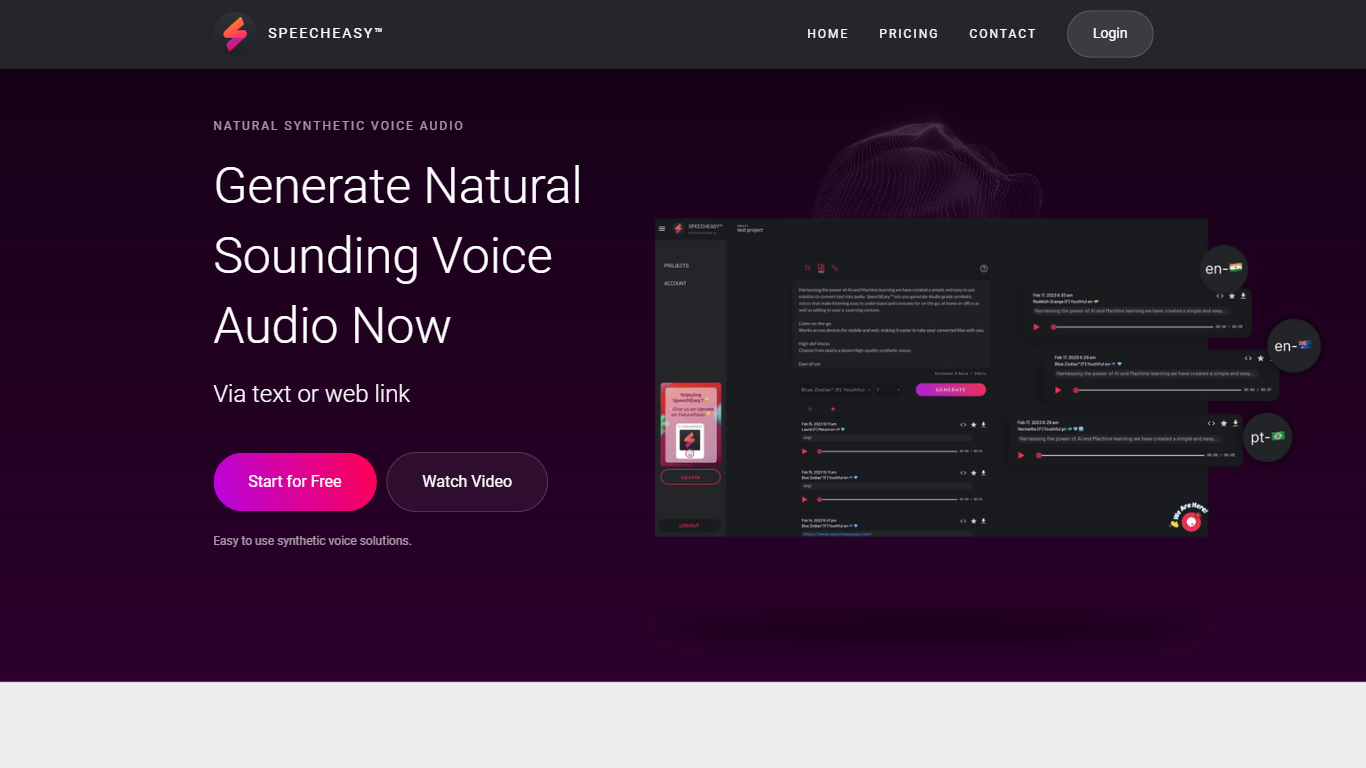
SpeechEasy turns written text or a pasted web link into studio-grade synthetic voice audio you can play on desktop or mobile. The marketing site pitches it for listening on the go, at home, or in the office, and for dropping narration into e-learning content without recording a human voice.
Where heavier voice editors pack timelines, SSML, and cloning workflows, SpeechEasy keeps the surface area small: pick a voice, feed it text or a URL, and export audio. The free Starter tier still unlocks the full voice library, which is unusual in a category that often gates premium voices behind paid plans. Paid upgrades route through an in-app Content Creator purchase, while a Marketer tier remains listed as coming soon.
Course builders, marketers on tight video deadlines, and publishers turning articles into listenable files are the clearest fits. The homepage also calls out audiobook-style publishing and stakeholder-ready marketing voiceovers as named use cases.
Accepts plain text or a web link as input and returns downloadable voice audio
Nearly a dozen high-definition synthetic voices, with more added regularly per the homepage
Starter plan is $0 and includes access to all voices plus core app features
Sign in and generate audio through beta1-app.speecheasyapp.com on desktop or mobile
Homepage pricing table lists 4 tiers: Starter, Content Creator, Marketer, and Enterprise
Privacy-first positioning with minimal personal data collection stated on the homepage
Free Starter tier includes the full voice library rather than a limited free subset.
Accepts both pasted text and web links, so you can skip manual copy-paste for articles.
Keeps the workflow focused on quick voice generation without a full audio editor UI.
Content Creator pricing is only labeled as an in-app purchase with no public dollar amount on the site.
Marketer tier is still marked Coming Soon on the homepage pricing table.
On-the-go listening requires a network connection according to the homepage feature list.
Is SpeechEasy free to use?
Yes. SpeechEasy lists a free Starter plan that includes access to all voices and core app features. Paid Content Creator upgrades are sold as an in-app purchase, and Enterprise pricing requires contacting sales.
How does SpeechEasy turn text into audio?
SpeechEasy converts pasted text or a web link into synthetic voice audio using machine learning voices. You start from the SpeechEasy web app, choose one of the available voices, and generate audio you can listen to on desktop or mobile.
How many voices does SpeechEasy include?
SpeechEasy offers nearly a dozen high-definition synthetic voices on its homepage, and the site notes that more voices are added regularly. The free Starter tier includes access to the full voice set.
Can SpeechEasy read a web page aloud?
Yes. SpeechEasy supports input via text or a web link, so you can point it at an article URL instead of copying the full text. Generated files can be played across desktop and mobile devices.
Does SpeechEasy work on mobile devices?
SpeechEasy supports cross-platform use on desktop and mobile web. The homepage notes that taking converted files on the go requires an active network connection.
What paid plans does SpeechEasy offer?
SpeechEasy shows four pricing options: a free Starter tier, a Content Creator tier sold through in-app purchase, a Marketer tier marked Coming Soon, and an Enterprise tier with a contact-sales form on speecheasyapp.com.