SpeechGPT vs SpeechEasy
In the clash of SpeechGPT vs SpeechEasy, which AI Audio Generation tool emerges victorious? We assess reviews, pricing, alternatives, features, upvotes, and more.
When we put SpeechGPT and SpeechEasy head to head, which one emerges as the victor?
Let's take a closer look at SpeechGPT and SpeechEasy, both of which are AI-driven audio generation tools, and see what sets them apart. Both tools are equally favored, as indicated by the identical upvote count. Join the aitools.fyi users in deciding the winner by casting your vote.
Feeling rebellious? Cast your vote and shake things up!
SpeechGPT


What is SpeechGPT?
SpeechGPT is the futuristic solution for all your speech generation needs. Leveraging cutting-edge AI, SpeechGPT specializes in creating realistic and natural-sounding audio content. Whether you're looking to produce voiceovers, podcasts, or any form of audio media, SpeechGPT offers seamless and intuitive control over the speech generation process.
The website's layout is designed for ease of use, with all features accessible within a few clicks. Detailed documentation guides users through each step, ensuring a smooth experience even for those new to speech synthesis technology. With SpeechGPT, quality and efficiency go hand-in-hand, allowing for rapid production without compromising on the audio output's integrity.
At the heart of SpeechGPT's offerings are the advanced customization options, enabling users to fine-tune voices, accents, and speech patterns. This high degree of personalization ensures that every audio piece is unique and tailored to meet your specific requirements. In addition, SpeechGPT is built with privacy in mind, ensuring that all data and creations remain secure.
Whether you are a content creator, marketer, or educator, SpeechGPT is equipped to enhance your projects with its dynamic audio capabilities. Simplify your workflow, elevate your content, and engage your audience like never before with SpeechGPT's unparalleled speech generation service.
SpeechEasy
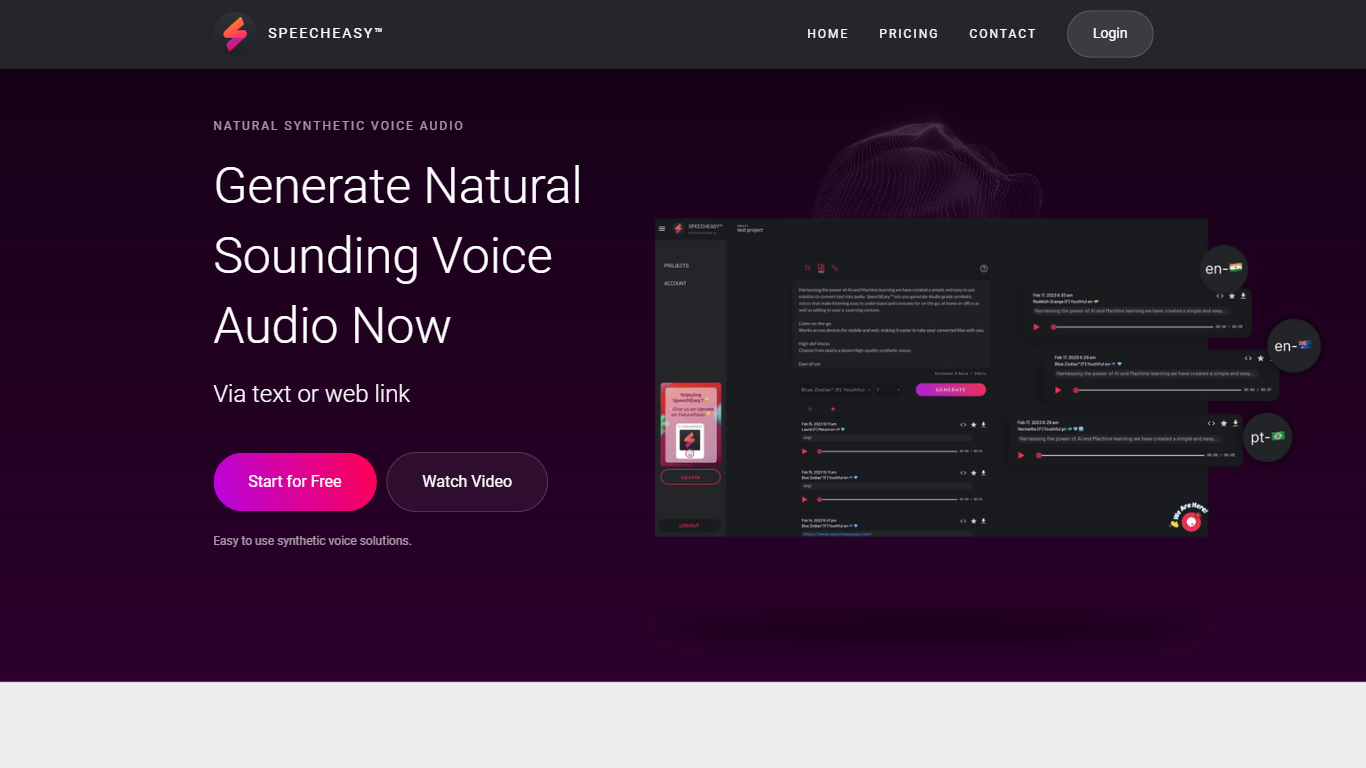
What is SpeechEasy?
Experience High-Quality Synthetic Voices with SpeechEasy™: SpeechEasy™ harnesses the power of AI and machine learning to offer a seamless and straightforward solution for converting text into audio. With our platform, you can generate studio-grade synthetic voices that are not only easy to understand but also pleasing to listen to — whether you're on the go, at home, or in the office. Our technology is designed to enhance various contents, including e-Learning materials, by providing high-quality, consistent audio narration.
Cross-Platform Accessibility for Your Convenience: SpeechEasy™ understands the need for flexible solutions in today's dynamic environment. That's why our service is designed to be cross-platform, allowing you to create and listen to your audio voice files on both desktop and mobile devices. With SpeechEasy™, you have the freedom to access your voiceovers anytime and anywhere, starting absolutely free.
Powerful Features for Diverse Needs: Looking at SpeechEasy™ from the inside out, we're dedicated to further innovation and are actively developing new use cases to meet your audio voice needs. Our future enhancements include voiceovers tailored for marketing purposes, providing clean and professional audio for video presentations, learning experiences, and publishing, such as audiobooks and articles.
SpeechGPT Upvotes
SpeechEasy Upvotes
SpeechGPT Top Features
Natural-Sounding Audio: Creates highly realistic speech mimicking natural human intonation and rhythms.
User-Friendly Interface: Intuitive design and easy navigation for an optimal user experience.
Comprehensive Customization: Offers in-depth voice customization with varied accents and speech patterns.
Robust Documentation: Provides thorough documentation to assist users at every stage.
Data Privacy: Prioritizes user privacy with a strong data protection framework.
SpeechEasy Top Features
Natural Synthetic Voice Audio: Generate natural-sounding voice audio effortlessly.
Easy to Use: User-friendly interface for quick text-to-speech conversion.
Cross-Platform Support: Access and listen on both desktop and mobile devices.
High-Quality Voices: Studio grade voices for clear and easy listening.
Diverse Applications: Perfect for e-Learning marketing and publishing needs.
SpeechGPT Category
- Audio Generation
SpeechEasy Category
- Audio Generation
SpeechGPT Pricing Type
- Freemium
SpeechEasy Pricing Type
- Freemium