Moshi AI vs Myvoicemod
Dive into the comparison of Moshi AI vs Myvoicemod and discover which AI Audio Generation tool stands out. We examine alternatives, upvotes, features, reviews, pricing, and beyond.
When comparing Moshi AI and Myvoicemod, which one rises above the other?
When we compare Moshi AI and Myvoicemod, two exceptional audio generation tools powered by artificial intelligence, and place them side by side, several key similarities and differences come to light. The users have made their preference clear, Myvoicemod leads in upvotes. The number of upvotes for Myvoicemod stands at 7, and for Moshi AI it's 6.
Think we got it wrong? Cast your vote and show us who's boss!
Moshi AI
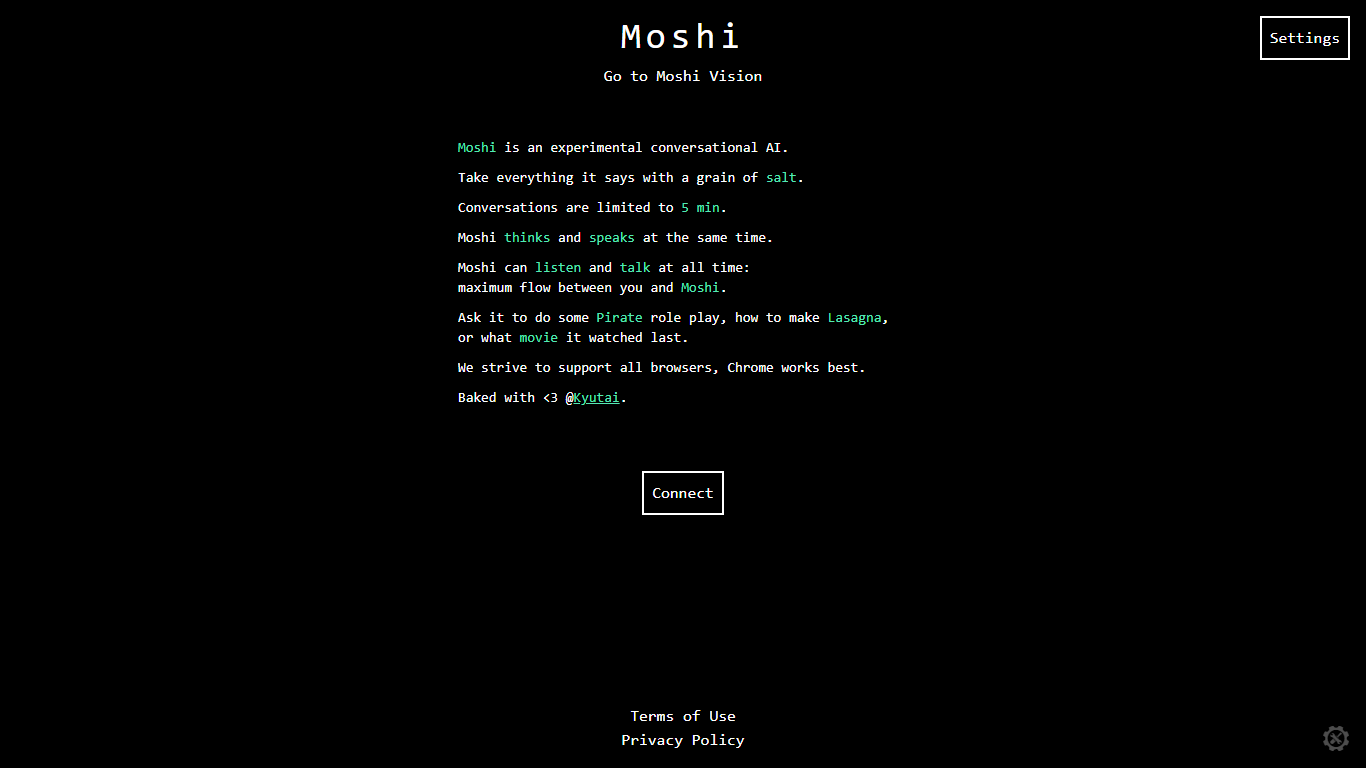

What is Moshi AI?
Moshi AI is a speech-native conversational model from Kyutai, a Paris-based open-science research lab. Instead of chaining speech recognition, text generation, and text-to-speech, Moshi processes audio directly and holds full-duplex voice conversations with minimal latency.
Its multi-stream design runs separate channels for the user, Moshi's spoken output, and an Inner Monologue text stream that improves coherence. That setup lets Moshi listen and talk at the same time, handle overlaps, interruptions, and backchanneling like a real conversation rather than rigid speaker turns.
Moshi is built on Helium, a 7B language model, and Mimi, Kyutai's neural audio codec. Weights and inference code ship for PyTorch, Rust, and MLX, and you can try it in the browser at moshi-chat.kyutai.org. Researchers, voice AI developers, and anyone building real-time spoken interfaces will find the most value here.
Myvoicemod
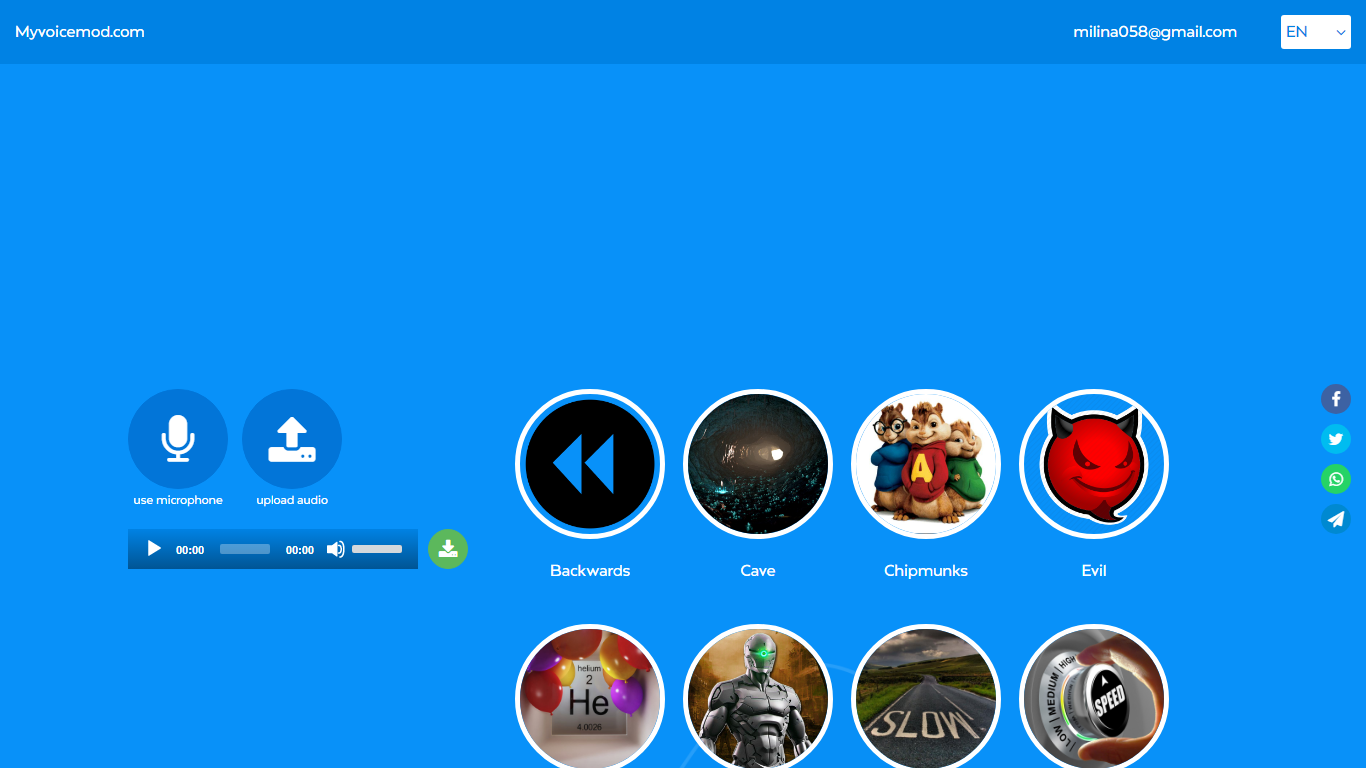
What is Myvoicemod?
Myvoicemod is a browser-based voice changer that applies effects to live microphone input or uploaded audio files. Pick from presets like Robot, Chipmunks, Cave, Megaphone, or Underwater, record a clip, and download the modified file. No account or software install is required.
Desktop voice changers like Voicemod need a local install and often charge for premium effects. Myvoicemod runs entirely in the browser, which makes it handy for quick pranks, Discord clips, or testing how a recording sounds with a different pitch. The trade-off is fewer controls than a full desktop app and no real-time system-wide voice routing.
Gamers, content creators, and anyone who wants a fast voice effect for a message or prank are the target users. The service is free with at least 12 effect presets available online.
Moshi AI Upvotes
Myvoicemod Upvotes
Moshi AI Top Features
Processes speech directly without a text pipeline in the middle
Listens and talks simultaneously with overlap and interruption support
Inner Monologue text stream improves speech quality and reasoning
Runs real-time on an L4 GPU or M3 MacBook Pro via the Mimi codec
Open weights on Hugging Face with PyTorch, Rust, and MLX inference code
Myvoicemod Top Features
12 voice effects including Robot, Chipmunks, Cave, Megaphone, and Underwater
Record live from your microphone or upload an existing audio file
Stack multiple effects and compare variants before downloading
Works in the browser with no account or software installation
Download the processed clip to your computer or tablet
Moshi AI Category
- Audio Generation
Myvoicemod Category
- Audio Generation
Moshi AI Pricing Type
- Free
Myvoicemod Pricing Type
- Free