Moshi AI vs Noise Eraser
Explore the showdown between Moshi AI vs Noise Eraser and find out which AI Audio Generation tool wins. We analyze upvotes, features, reviews, pricing, alternatives, and more.
When comparing Moshi AI and Noise Eraser, which one rises above the other?
When we contrast Moshi AI with Noise Eraser, both of which are exceptional AI-operated audio generation tools, and place them side by side, we can spot several crucial similarities and divergences. With more upvotes, Noise Eraser is the preferred choice. Noise Eraser has garnered 7 upvotes, and Moshi AI has garnered 6 upvotes.
Feeling rebellious? Cast your vote and shake things up!
Moshi AI
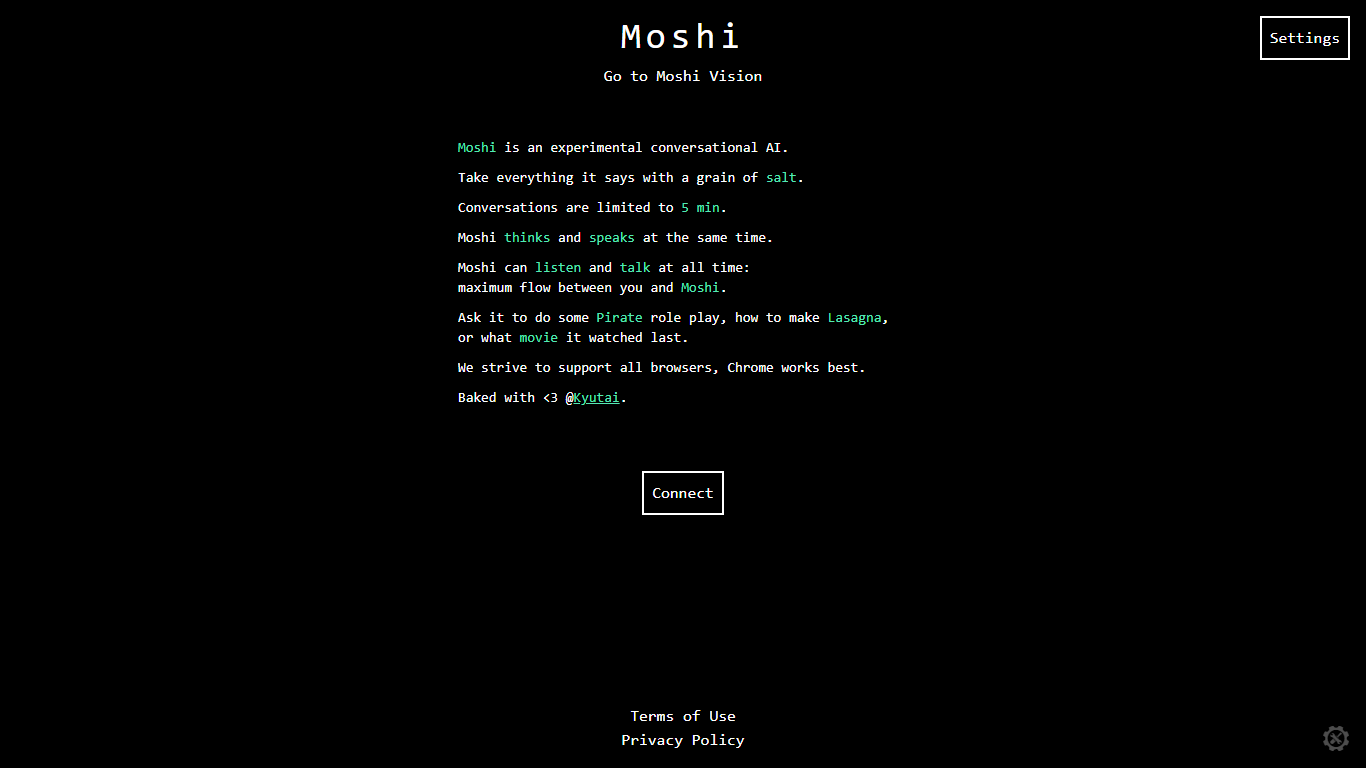

What is Moshi AI?
Moshi AI is a speech-native conversational model from Kyutai, a Paris-based open-science research lab. Instead of chaining speech recognition, text generation, and text-to-speech, Moshi processes audio directly and holds full-duplex voice conversations with minimal latency.
Its multi-stream design runs separate channels for the user, Moshi's spoken output, and an Inner Monologue text stream that improves coherence. That setup lets Moshi listen and talk at the same time, handle overlaps, interruptions, and backchanneling like a real conversation rather than rigid speaker turns.
Moshi is built on Helium, a 7B language model, and Mimi, Kyutai's neural audio codec. Weights and inference code ship for PyTorch, Rust, and MLX, and you can try it in the browser at moshi-chat.kyutai.org. Researchers, voice AI developers, and anyone building real-time spoken interfaces will find the most value here.
Noise Eraser
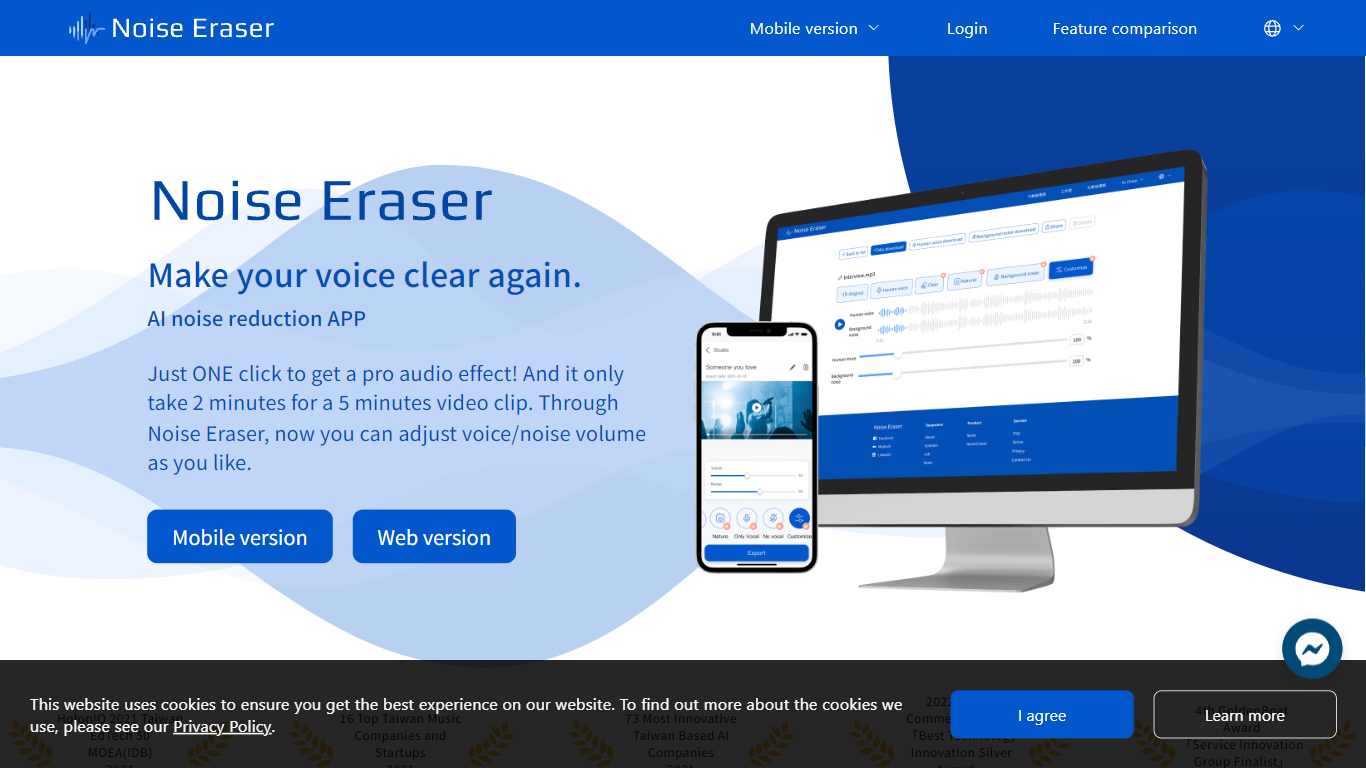
What is Noise Eraser?
Noise Eraser pulls apart vocals, wind, traffic, music, and air conditioning noise so you can keep the sounds you want and drop the rest. Upload an audio or video file, pick a separation target, and fine-tune the mix with sliders. DeepWave offers it as a browser studio and a mobile app for creators who need cleaner speech without rebuilding the track in a full DAW.
Most denoisers apply one blanket filter across the whole clip. Noise Eraser splits individual sound types so you can keep the voice while dropping wind, or mute traffic without touching the music bed. The free tier handles vocal separation only; paid plans unlock up to five separation models with stereo output on Pro+.
Podcasters, vloggers, and social media editors use it to salvage clips recorded outdoors, in cars, or near HVAC units. The mobile app supports full video files end to end, which matters when you are fixing audio straight from a phone recording rather than exporting stems first.
Moshi AI Upvotes
Noise Eraser Upvotes
Moshi AI Top Features
Processes speech directly without a text pipeline in the middle
Listens and talks simultaneously with overlap and interruption support
Inner Monologue text stream improves speech quality and reasoning
Runs real-time on an L4 GPU or M3 MacBook Pro via the Mimi codec
Open weights on Hugging Face with PyTorch, Rust, and MLX inference code
Noise Eraser Top Features
Free tier includes 5 minutes per file and 20 minutes of processing per month for vocal separation only
Pro+ subscribers can choose from 5 sound models to split vocals, wind, music, traffic, or AC noise
Mobile app processes full video and audio files; the web studio accepts audio files only
Upload MP3 or WAV files up to 2GB per the published file size limit
Adjustable noise-ratio sliders let you balance isolated sound against the background mix
7-day trial unlocks Pro+ features including stereo support and priority processing
Moshi AI Category
- Audio Generation
Noise Eraser Category
- Audio Generation
Moshi AI Pricing Type
- Free
Noise Eraser Pricing Type
- Freemium