
Last updated 08-03-2026
Category:
Reviews:
Join thousands of AI enthusiasts in the World of AI!
Noise Eraser
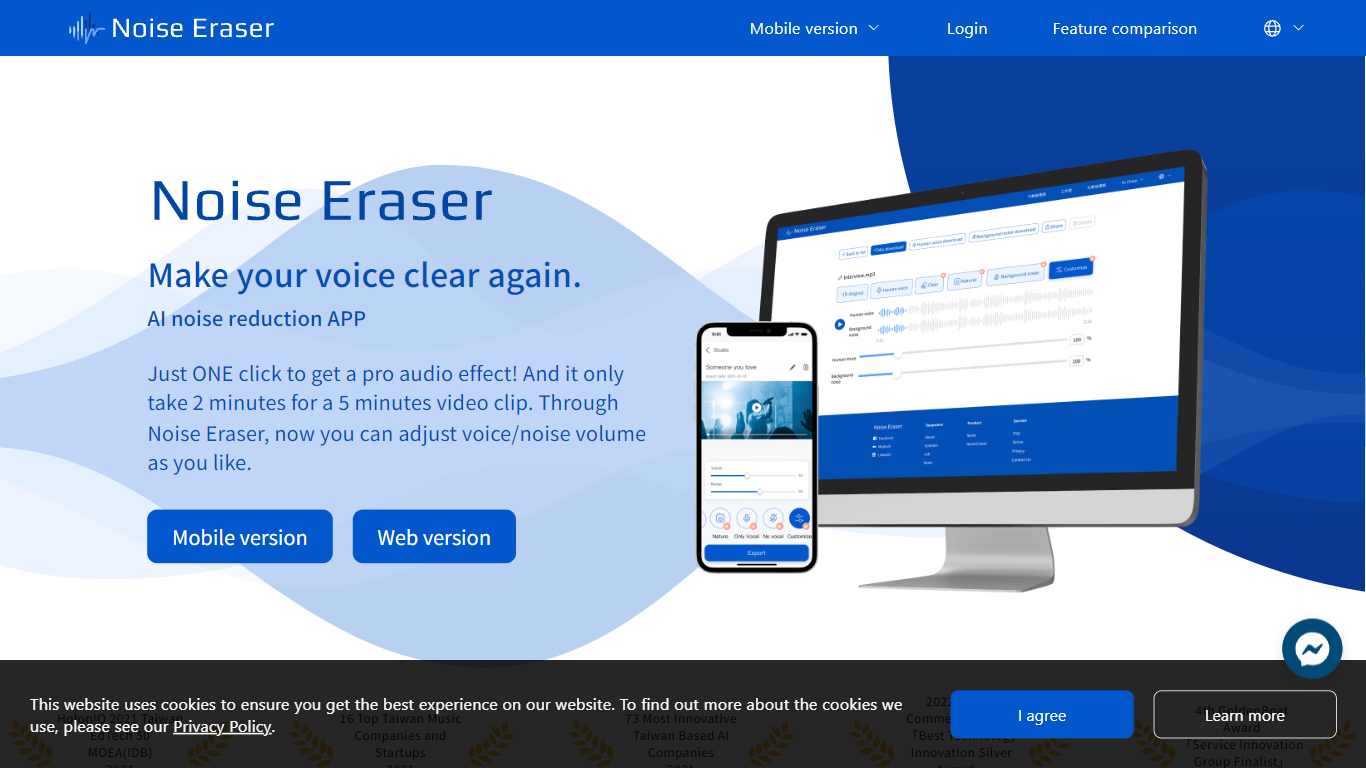
Noise Eraser pulls apart vocals, wind, traffic, music, and air conditioning noise so you can keep the sounds you want and drop the rest. Upload an audio or video file, pick a separation target, and fine-tune the mix with sliders. DeepWave offers it as a browser studio and a mobile app for creators who need cleaner speech without rebuilding the track in a full DAW.
Most denoisers apply one blanket filter across the whole clip. Noise Eraser splits individual sound types so you can keep the voice while dropping wind, or mute traffic without touching the music bed. The free tier handles vocal separation only; paid plans unlock up to five separation models with stereo output on Pro+.
Podcasters, vloggers, and social media editors use it to salvage clips recorded outdoors, in cars, or near HVAC units. The mobile app supports full video files end to end, which matters when you are fixing audio straight from a phone recording rather than exporting stems first.
Free tier includes 5 minutes per file and 20 minutes of processing per month for vocal separation only
Pro+ subscribers can choose from 5 sound models to split vocals, wind, music, traffic, or AC noise
Mobile app processes full video and audio files; the web studio accepts audio files only
Upload MP3 or WAV files up to 2GB per the published file size limit
Adjustable noise-ratio sliders let you balance isolated sound against the background mix
7-day trial unlocks Pro+ features including stereo support and priority processing
Pick specific sounds to keep or remove instead of applying one blanket noise filter
Mobile app handles full-length video files without a short clip cap
Free tier lets you test vocal separation before committing to a paid plan
Noise ratio sliders give manual control over how much background sound remains
Browser studio needs no install for quick audio cleanup tasks
Web version only accepts audio files, not video uploads
Free plan caps files at 5 minutes per upload and adds watermarks
Some mobile UI prompts are not fully translated to English
Pro tier only includes 2 of the 5 available sound separation models
Is Noise Eraser free to use?
Yes. Noise Eraser offers a free plan with 5 minutes per file and 20 minutes of monthly processing for vocal separation. Free exports include a watermark and require watching ads, while paid Pro and Pro+ plans remove ads and watermarks.
What file formats does Noise Eraser support?
Noise Eraser accepts MP3 and WAV uploads with a 2GB file size cap. Maximum clip length depends on your subscription tier, with the free plan limited to 5 minutes per file.
What is the difference between Pro and Pro+ on Noise Eraser?
Noise Eraser Pro includes up to 100 hours of monthly processing and access to 2 sound separation models. Pro+ raises the cap to 200 hours per month, adds stereo support, and unlocks all 5 separation models including wind, traffic, and AC.
Does Noise Eraser work on video files?
Yes on mobile. The Noise Eraser mobile app supports both video and audio files for editing and sharing. The browser studio handles audio files only, so video cleanup requires the app.
How long is the Noise Eraser trial?
Noise Eraser offers a 7-day trial of the Pro+ plan. The trial includes up to 2 hours per file, stereo support, access to 5 sound models, priority processing, and watermark-free output.
Can I cancel my Noise Eraser subscription?
Yes. Noise Eraser subscriptions can be canceled through the DeepWave Member Center or the platform where you subscribed, including Google Play, the App Store, or PayPal. Access continues through the end of the paid billing period, and refunds are not issued for unused time.