Moshi AI vs OptimizerAI
When comparing Moshi AI vs OptimizerAI, which AI Audio Generation tool shines brighter? We look at pricing, alternatives, upvotes, features, reviews, and more.
In a comparison between Moshi AI and OptimizerAI, which one comes out on top?
When we put Moshi AI and OptimizerAI side by side, both being AI-powered audio generation tools, Both tools are equally favored, as indicated by the identical upvote count. Since other aitools.fyi users could decide the winner, the ball is in your court now to cast your vote and help us determine the winner.
Feeling rebellious? Cast your vote and shake things up!
Moshi AI
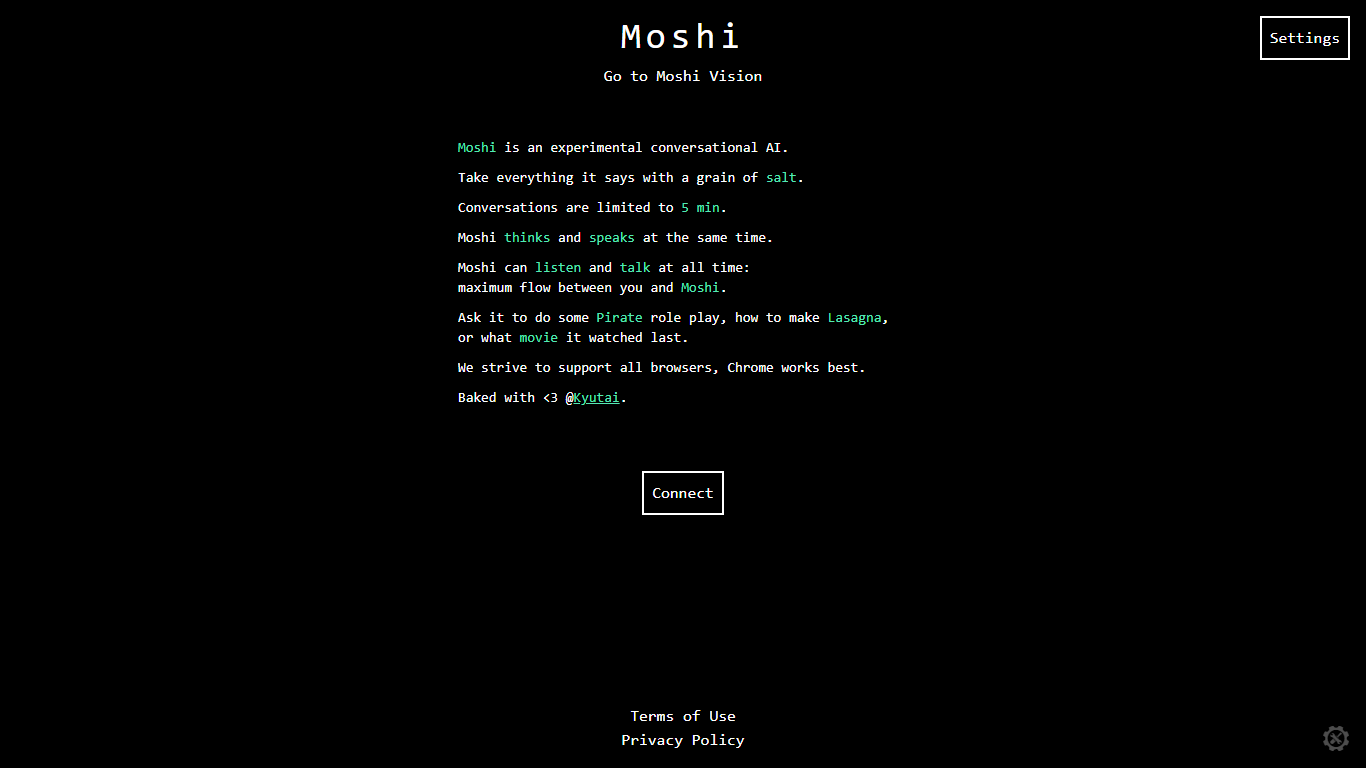

What is Moshi AI?
Moshi AI is a speech-native conversational model from Kyutai, a Paris-based open-science research lab. Instead of chaining speech recognition, text generation, and text-to-speech, Moshi processes audio directly and holds full-duplex voice conversations with minimal latency.
Its multi-stream design runs separate channels for the user, Moshi's spoken output, and an Inner Monologue text stream that improves coherence. That setup lets Moshi listen and talk at the same time, handle overlaps, interruptions, and backchanneling like a real conversation rather than rigid speaker turns.
Moshi is built on Helium, a 7B language model, and Mimi, Kyutai's neural audio codec. Weights and inference code ship for PyTorch, Rust, and MLX, and you can try it in the browser at moshi-chat.kyutai.org. Researchers, voice AI developers, and anyone building real-time spoken interfaces will find the most value here.
OptimizerAI
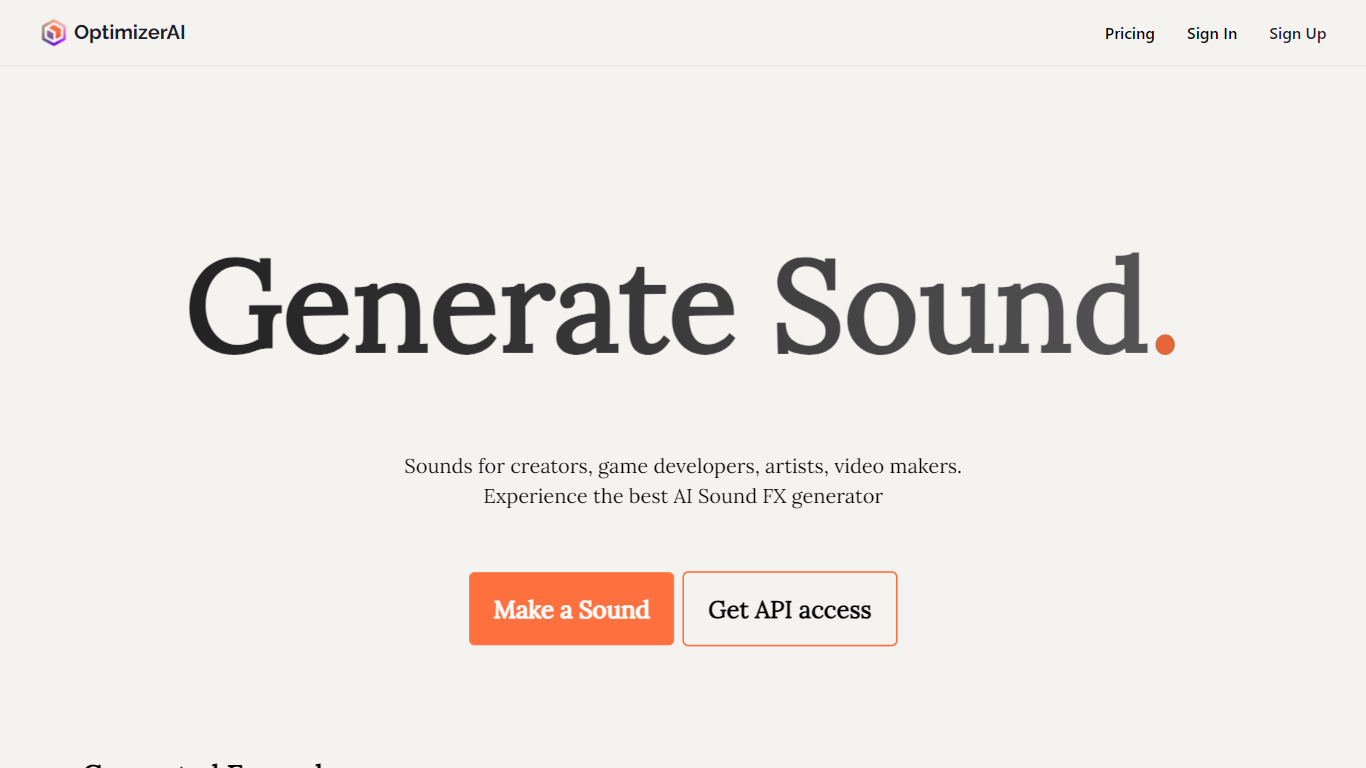
What is OptimizerAI?
OptimizerAI turns text prompts into custom sound effects for games, videos, animation, and ads. Describe the sound you need, from an 8-bit jump to a ghost whisper, and the platform generates audio you can drop straight into a project.
The team builds its own foundational audio models and positions the product as a research-driven sound generator rather than a stock library search tool. You can start from scratch with text, upload an existing clip to spin out variations, or lean on Magic prompt when you only have a scene description instead of technical audio language.
It is aimed at creators who need unique effects without hunting through libraries: game developers prototyping SFX, video editors filling gaps in a timeline, and animators matching sound to mood. OptimizerAI was started by AI researchers who got tired of the slow workflow of adding sound while building mobile games as a side project.
Moshi AI Upvotes
OptimizerAI Upvotes
Moshi AI Top Features
Processes speech directly without a text pipeline in the middle
Listens and talks simultaneously with overlap and interruption support
Inner Monologue text stream improves speech quality and reasoning
Runs real-time on an L4 GPU or M3 MacBook Pro via the Mimi codec
Open weights on Hugging Face with PyTorch, Rust, and MLX inference code
OptimizerAI Top Features
Type a prompt and get stereo sound effects at 44.1 kHz, up to 60 seconds long
Upload an audio file to generate multiple modified variations
Magic prompt turns a short scene description into a detailed sound request
Pick a style preset when you do not want to write technical audio prompts
Homepage demos cover game, animation, and video sound use cases
Moshi AI Category
- Audio Generation
OptimizerAI Category
- Audio Generation
Moshi AI Pricing Type
- Free
OptimizerAI Pricing Type
- Freemium