OptimizerAI vs Murf AI
In the face-off between OptimizerAI vs Murf AI, which AI Audio Generation tool takes the crown? We scrutinize features, alternatives, upvotes, reviews, pricing, and more.
When we put OptimizerAI and Murf AI head to head, which one emerges as the victor?
If we were to analyze OptimizerAI and Murf AI, both of which are AI-powered audio generation tools, what would we find? The users have made their preference clear, Murf AI leads in upvotes. Murf AI has garnered 82 upvotes, and OptimizerAI has garnered 6 upvotes.
You don't agree with the result? Cast your vote to help us decide!
OptimizerAI

What is OptimizerAI?
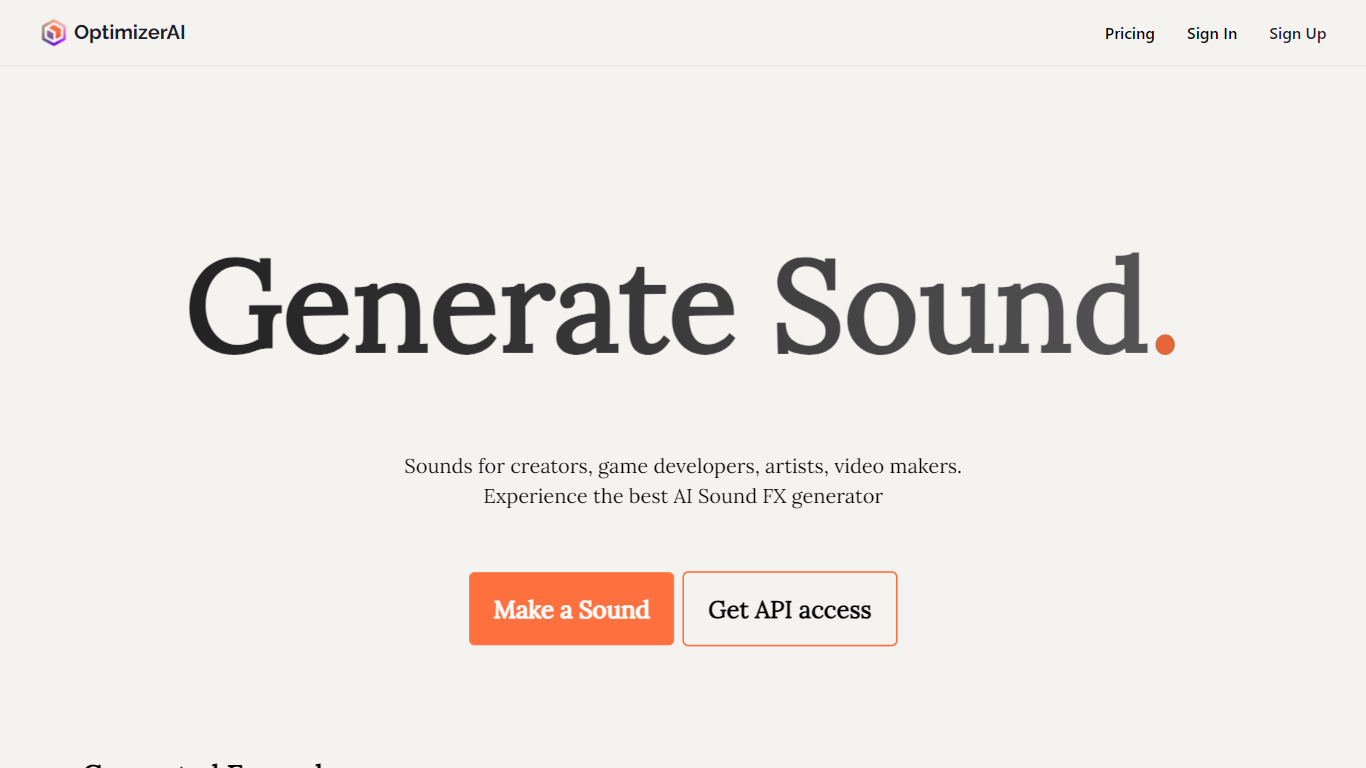
OptimizerAI turns text prompts into custom sound effects for games, videos, animation, and ads. Describe the sound you need, from an 8-bit jump to a ghost whisper, and the platform generates audio you can drop straight into a project.
The team builds its own foundational audio models and positions the product as a research-driven sound generator rather than a stock library search tool. You can start from scratch with text, upload an existing clip to spin out variations, or lean on Magic prompt when you only have a scene description instead of technical audio language.
It is aimed at creators who need unique effects without hunting through libraries: game developers prototyping SFX, video editors filling gaps in a timeline, and animators matching sound to mood. OptimizerAI was started by AI researchers who got tired of the slow workflow of adding sound while building mobile games as a side project.
Murf AI
What is Murf AI?
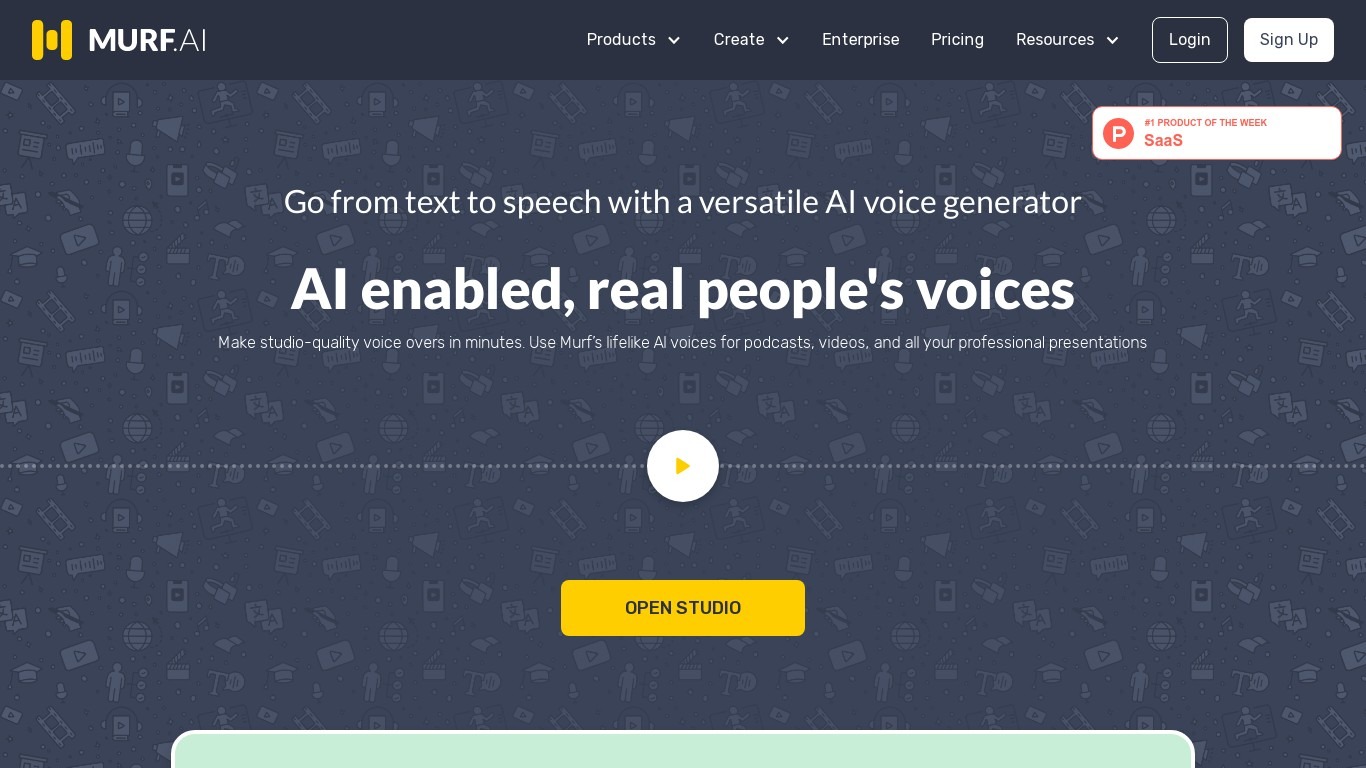
Murf AI turns text, documents, and scripts into lifelike speech for videos, courses, and phone agents. Murf Studio offers 200+ voices across 35+ languages with pitch, speed, and pronunciation controls, while the Falcon text-to-speech API targets real-time voice agents with sub-100ms time-to-first-audio. Murf Dubbing translates videos into 40+ languages while preserving tone.
Most text-to-speech tools sound flat or lag on live calls. Murf splits the problem: Gen 2 scored 99.38% pronunciation accuracy on multilingual news sentences, and Falcon 2 prices at $0.01 per minute with sub-55ms model latency for 10,000 concurrent calls. That dual-model setup costs more complexity than a single voice picker, but it covers both studio voiceovers and IVR agents in one platform.
Nestle, Air France, and Vertiv use Murf for training audio and multilingual content. The free Studio tier includes 10 minutes of voice generation without commercial rights, and paid monthly plans unlock downloads, team workspaces, and commercial licensing.
OptimizerAI Upvotes
Murf AI Upvotes
OptimizerAI Top Features
Type a prompt and get stereo sound effects at 44.1 kHz, up to 60 seconds long
Upload an audio file to generate multiple modified variations
Magic prompt turns a short scene description into a detailed sound request
Pick a style preset when you do not want to write technical audio prompts
Homepage demos cover game, animation, and video sound use cases
Murf AI Top Features
200+ voices across 35+ languages with word-level pitch, speed, and pause controls
Falcon 2 API delivers sub-100ms time-to-first-audio at $0.01 per minute
Gen 2 model scored 99.38% pronunciation accuracy on 4,710 multilingual test words
Free Studio tier includes 10 minutes of voice generation without commercial licensing
Murf Dubbing localizes videos into 40+ languages while preserving original tone
SOC 2, ISO 27001, GDPR, and HIPAA compliance for enterprise deployments
OptimizerAI Category
- Audio Generation
Murf AI Category
- Audio Generation
OptimizerAI Pricing Type
- Freemium
Murf AI Pricing Type
- Freemium