Moshi AI vs tts4free
In the clash of Moshi AI vs tts4free, which AI Audio Generation tool emerges victorious? We assess reviews, pricing, alternatives, features, upvotes, and more.
When we put Moshi AI and tts4free head to head, which one emerges as the victor?
Let's take a closer look at Moshi AI and tts4free, both of which are AI-driven audio generation tools, and see what sets them apart. Neither tool takes the lead, as they both have the same upvote count. Every vote counts! Cast yours and contribute to the decision of the winner.
You don't agree with the result? Cast your vote to help us decide!
Moshi AI
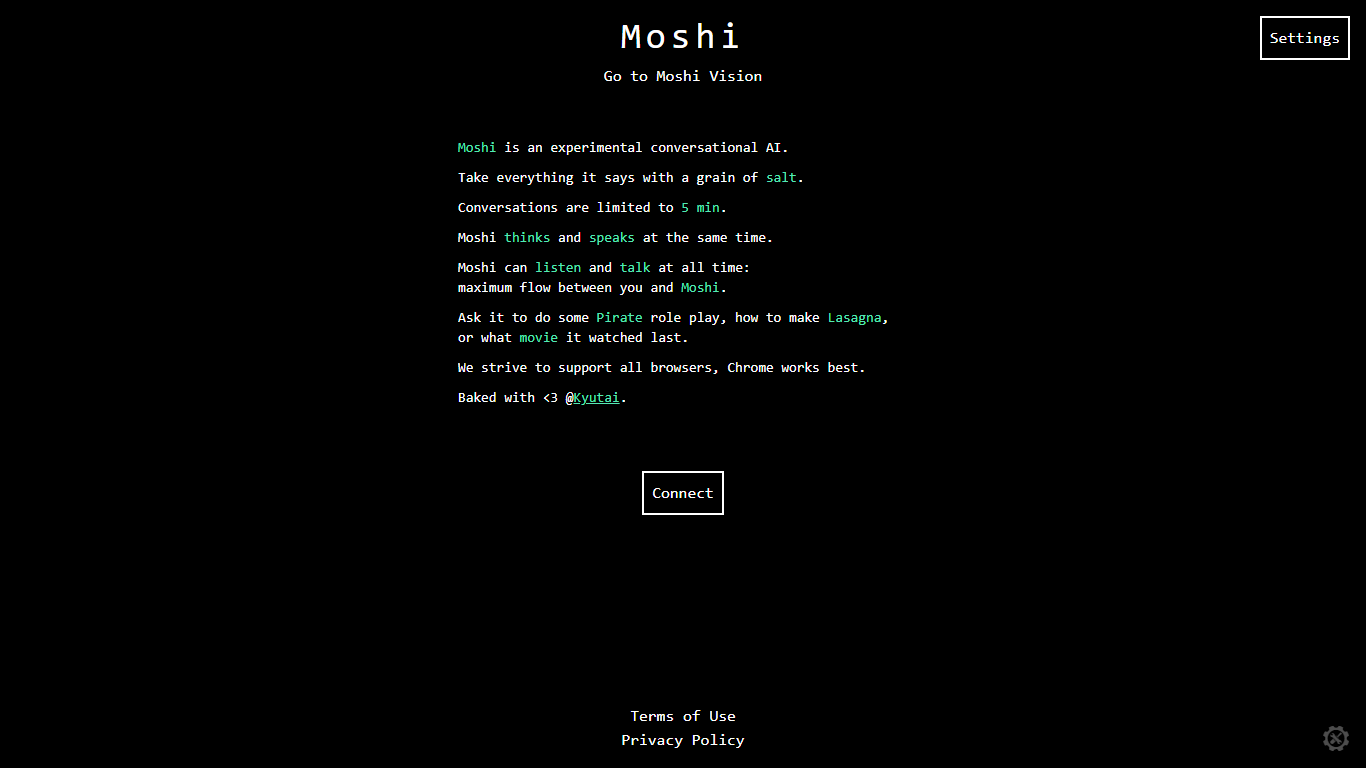

What is Moshi AI?
Moshi AI is a speech-native conversational model from Kyutai, a Paris-based open-science research lab. Instead of chaining speech recognition, text generation, and text-to-speech, Moshi processes audio directly and holds full-duplex voice conversations with minimal latency.
Its multi-stream design runs separate channels for the user, Moshi's spoken output, and an Inner Monologue text stream that improves coherence. That setup lets Moshi listen and talk at the same time, handle overlaps, interruptions, and backchanneling like a real conversation rather than rigid speaker turns.
Moshi is built on Helium, a 7B language model, and Mimi, Kyutai's neural audio codec. Weights and inference code ship for PyTorch, Rust, and MLX, and you can try it in the browser at moshi-chat.kyutai.org. Researchers, voice AI developers, and anyone building real-time spoken interfaces will find the most value here.
tts4free
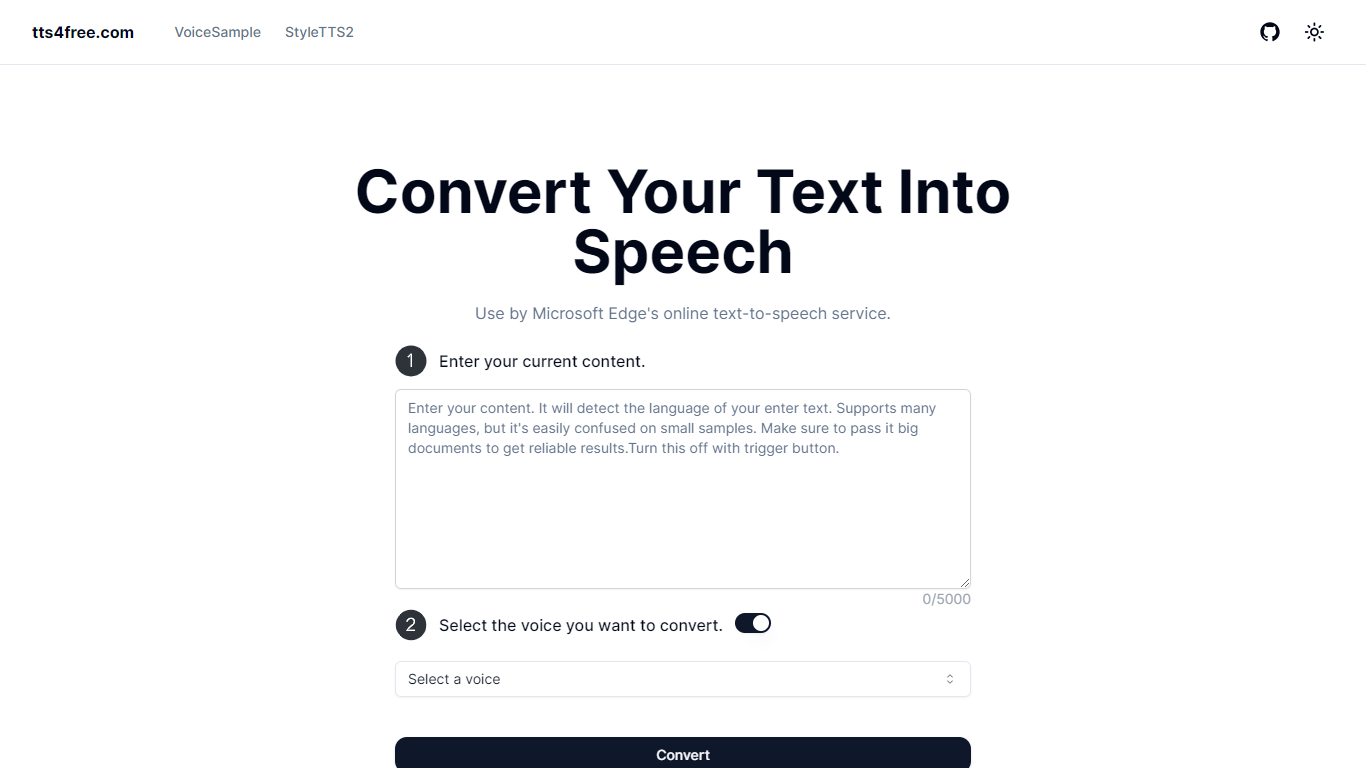
What is tts4free?
tts4free.com is a free online text-to-speech converter that turns typed text into downloadable audio using Microsoft Edge's online voices. Paste up to 5,000 characters, pick a voice, and hit Convert without creating an account or paying anything.
The site runs on Next.js with edge-tts and pulls from Microsoft's natural-sounding online TTS catalog. A separate VoiceSample page lists voices by language and style so you can preview options before converting your own text.
It fits students, language learners, accessibility users, and anyone who wants written content read aloud in the browser. The interface stays minimal: text box, voice selector, and a single convert action.
Moshi AI Upvotes
tts4free Upvotes
Moshi AI Top Features
Processes speech directly without a text pipeline in the middle
Listens and talks simultaneously with overlap and interruption support
Inner Monologue text stream improves speech quality and reasoning
Runs real-time on an L4 GPU or M3 MacBook Pro via the Mimi codec
Open weights on Hugging Face with PyTorch, Rust, and MLX inference code
tts4free Top Features
Paste up to 5,000 characters and convert them to speech in one click
Pick from Microsoft Edge natural voices spanning 20+ languages
No signup or login required to start converting text
Browse the VoiceSample page to preview voices by language and style
Runs in the browser on Next.js with edge-tts for quick online conversion
Moshi AI Category
- Audio Generation
tts4free Category
- Audio Generation
Moshi AI Pricing Type
- Free
tts4free Pricing Type
- Free