Movavi vs AI Video Summary
In the clash of Movavi vs AI Video Summary , which AI Video Editing tool emerges victorious? We assess reviews, pricing, alternatives, features, upvotes, and more.
When we put Movavi and AI Video Summary head to head, which one emerges as the victor?
Let's take a closer look at Movavi and AI Video Summary , both of which are AI-driven video editing tools, and see what sets them apart. There's no clear winner in terms of upvotes, as both tools have received the same number. Every vote counts! Cast yours and contribute to the decision of the winner.
Don't agree with the result? Cast your vote and be a part of the decision-making process!
Movavi


What is Movavi ?
Movavi Video Editor 2024 enables users to create and edit videos with a variety of tools designed for both beginners and experienced creators. It provides features such as background removal, motion tracking, noise reduction, color correction, and video stabilization to enhance video projects.
What sets Movavi apart is its combination of over 6,000 effects and transitions with AI-powered tools that speed up editing tasks like cutting and overlay effects. This balance of extensive creative options and intelligent automation helps users produce polished videos efficiently.
The software supports a wide range of video formats and offers a drag-and-drop interface that simplifies applying filters, titles, and effects. Movavi also includes a free music library and tutorials to assist users in mastering video editing techniques.
Movavi Video Editor 2024 is designed primarily for Windows users who want to create engaging content such as travel videos, vlogs, or family memories without a steep learning curve. Its value lies in making powerful editing accessible while maintaining quality results.
Overall, Movavi stands out for its extensive effects, AI enhancements, and approachable design that help users bring their video ideas to life quickly and effectively.
AI Video Summary
What is AI Video Summary ?
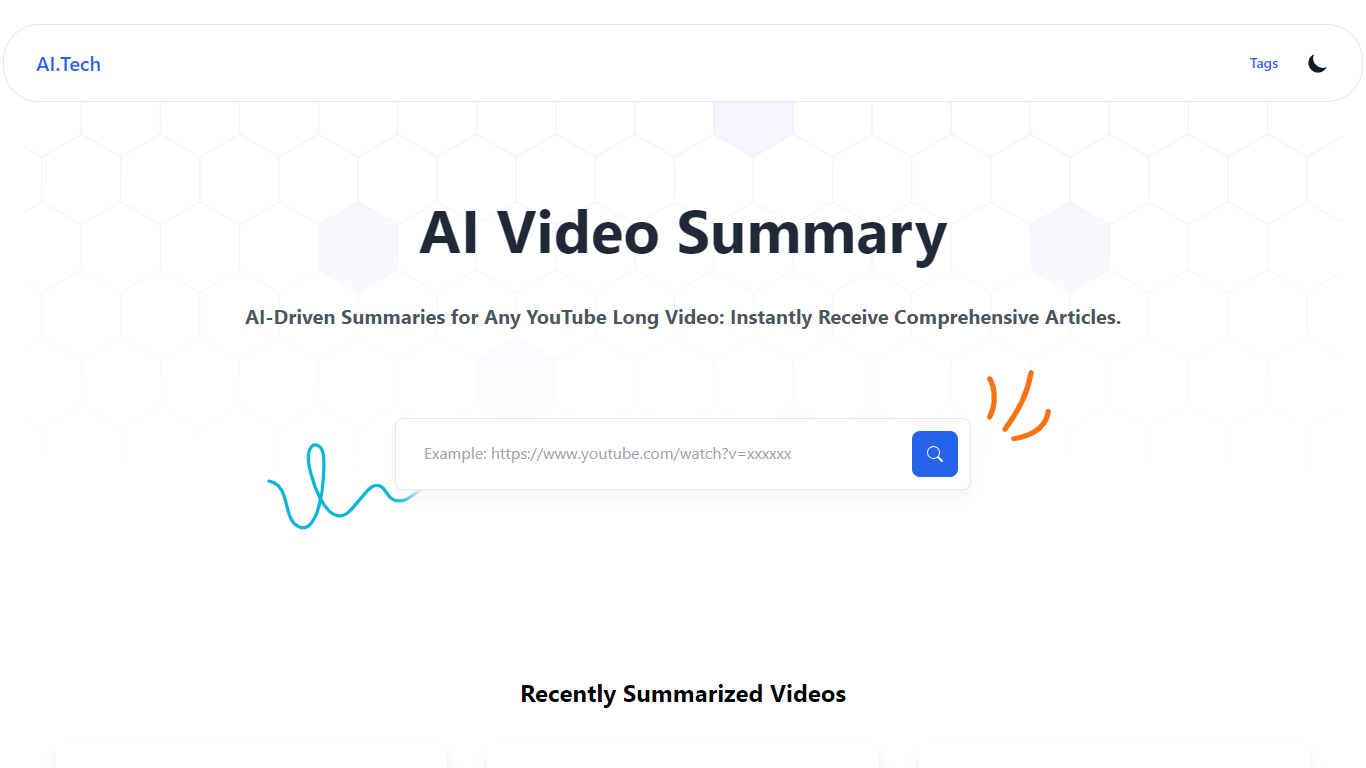
AI Video Summary (AIVideoSummary) turns uploaded audio and video into subtitles, full transcripts, and bullet-point summaries. Paste a link from YouTube, TikTok, Facebook, or Vimeo, or upload MP4, MP3, WAV, MOV, or M4A files and pick the output you need.
The platform runs OpenAI Whisper for speech-to-text and Facebook BART for summarization on its servers. Uploaded files are processed temporarily and deleted afterward, so nothing stays stored after the job finishes.
It fits creators, educators, podcasters, journalists, and remote teams who need searchable text from lectures, interviews, webinars, or long-form video without sitting through the full recording. A separate blog rewriter tool also lets you rework existing articles and transcripts.
Movavi Upvotes
AI Video Summary Upvotes
Movavi Top Features
AI-powered video cutting speeds up editing tasks
Background removal tool for clean subject isolation
Motion tracking to follow objects smoothly in videos
Free music library included for adding soundtracks
Over 6,000 effects and transitions to customize videos
AI Video Summary Top Features
Paste a YouTube, TikTok, Facebook, or Vimeo link for subtitles, transcripts, or summaries
Upload MP4, MP3, WAV, MOV, or M4A and export SRT, VTT, or TXT subtitle files
Whisper transcribes speech in 100+ languages with timestamps on each paragraph
BART condenses long recordings into bullet-point summaries downloadable as markdown
Built-in blog rewriter reworks articles and transcript text in a separate workflow
Movavi Category
- Video Editing
AI Video Summary Category
- Video Editing
Movavi Pricing Type
- Freemium
AI Video Summary Pricing Type
- Freemium