Movavi vs Animatable
In the face-off between Movavi vs Animatable, which AI Video Editing tool takes the crown? We scrutinize features, alternatives, upvotes, reviews, pricing, and more.
When we put Movavi and Animatable head to head, which one emerges as the victor?
If we were to analyze Movavi and Animatable, both of which are AI-powered video editing tools, what would we find? The upvote count reveals a draw, with both tools earning the same number of upvotes. Every vote counts! Cast yours and contribute to the decision of the winner.
Don't agree with the result? Cast your vote and be a part of the decision-making process!
Movavi


What is Movavi ?
Movavi Video Editor 2024 enables users to create and edit videos with a variety of tools designed for both beginners and experienced creators. It provides features such as background removal, motion tracking, noise reduction, color correction, and video stabilization to enhance video projects.
What sets Movavi apart is its combination of over 6,000 effects and transitions with AI-powered tools that speed up editing tasks like cutting and overlay effects. This balance of extensive creative options and intelligent automation helps users produce polished videos efficiently.
The software supports a wide range of video formats and offers a drag-and-drop interface that simplifies applying filters, titles, and effects. Movavi also includes a free music library and tutorials to assist users in mastering video editing techniques.
Movavi Video Editor 2024 is designed primarily for Windows users who want to create engaging content such as travel videos, vlogs, or family memories without a steep learning curve. Its value lies in making powerful editing accessible while maintaining quality results.
Overall, Movavi stands out for its extensive effects, AI enhancements, and approachable design that help users bring their video ideas to life quickly and effectively.
Animatable
What is Animatable?
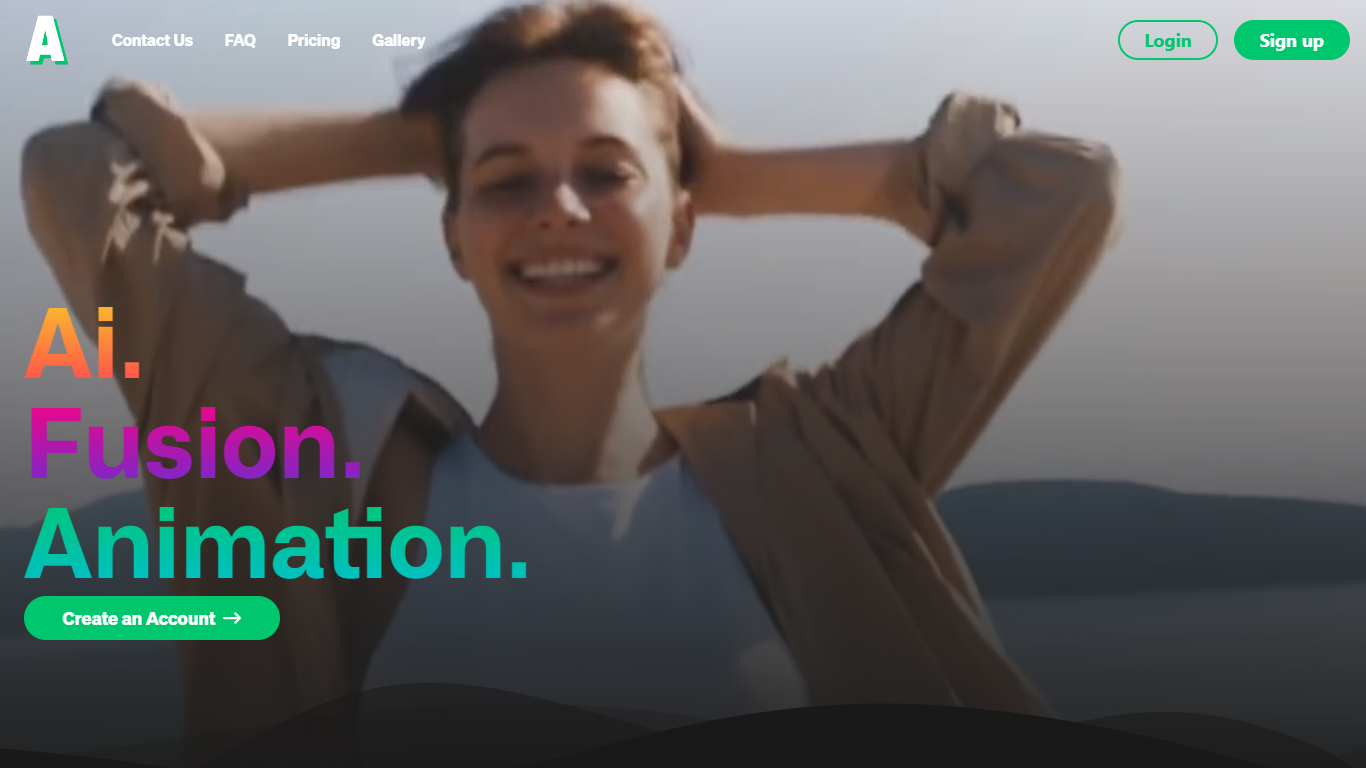
Animatable turns uploaded videos into stylized animations through a video-to-video workflow. You pick a style, describe hair, eyes, clothing, and background details, then generate a preview image before committing credits to the full render.
Where most animation tools start from text or static images, Animatable works from footage you already have. That makes it useful when you want to restyle an existing clip rather than build motion from scratch. Each second of output costs 7 credits, and the Basic plan includes 1,000 monthly credits at $20 per month.
The platform targets creators and marketers who need commercial-use animations without a full 3D or motion-design stack. Generation averages about one minute per second of video, and Stripe handles billing with optional credit rollover on paid plans.
Movavi Upvotes
Animatable Upvotes
Movavi Top Features
AI-powered video cutting speeds up editing tasks
Background removal tool for clean subject isolation
Motion tracking to follow objects smoothly in videos
Free music library included for adding soundtracks
Over 6,000 effects and transitions to customize videos
Animatable Top Features
🎨 Diverse animation styles to fit any creative vision
⚡ Fast generation speed averaging 1 minute per second of video
🔍 Preview images to check and adjust animations before finalizing
💳 Flexible credit system for pay-as-you-go animation creation
🔒 Full commercial rights granted for all created animations
Movavi Category
- Video Editing
Animatable Category
- Video Editing
Movavi Pricing Type
- Freemium
Animatable Pricing Type
- Paid