Movavi vs Dubbah (formerly Clippah)
Dive into the comparison of Movavi vs Dubbah (formerly Clippah) and discover which AI Video Editing tool stands out. We examine alternatives, upvotes, features, reviews, pricing, and beyond.
In a comparison between Movavi and Dubbah (formerly Clippah), which one comes out on top?
When we compare Movavi and Dubbah (formerly Clippah), two exceptional video editing tools powered by artificial intelligence, and place them side by side, several key similarities and differences come to light. With more upvotes, Dubbah (formerly Clippah) is the preferred choice. The upvote count for Dubbah (formerly Clippah) is 53, and for Movavi it's 6.
Disagree with the result? Upvote your favorite tool and help it win!
Movavi


What is Movavi ?
Movavi Video Editor 2024 enables users to create and edit videos with a variety of tools designed for both beginners and experienced creators. It provides features such as background removal, motion tracking, noise reduction, color correction, and video stabilization to enhance video projects.
What sets Movavi apart is its combination of over 6,000 effects and transitions with AI-powered tools that speed up editing tasks like cutting and overlay effects. This balance of extensive creative options and intelligent automation helps users produce polished videos efficiently.
The software supports a wide range of video formats and offers a drag-and-drop interface that simplifies applying filters, titles, and effects. Movavi also includes a free music library and tutorials to assist users in mastering video editing techniques.
Movavi Video Editor 2024 is designed primarily for Windows users who want to create engaging content such as travel videos, vlogs, or family memories without a steep learning curve. Its value lies in making powerful editing accessible while maintaining quality results.
Overall, Movavi stands out for its extensive effects, AI enhancements, and approachable design that help users bring their video ideas to life quickly and effectively.
Dubbah (formerly Clippah)
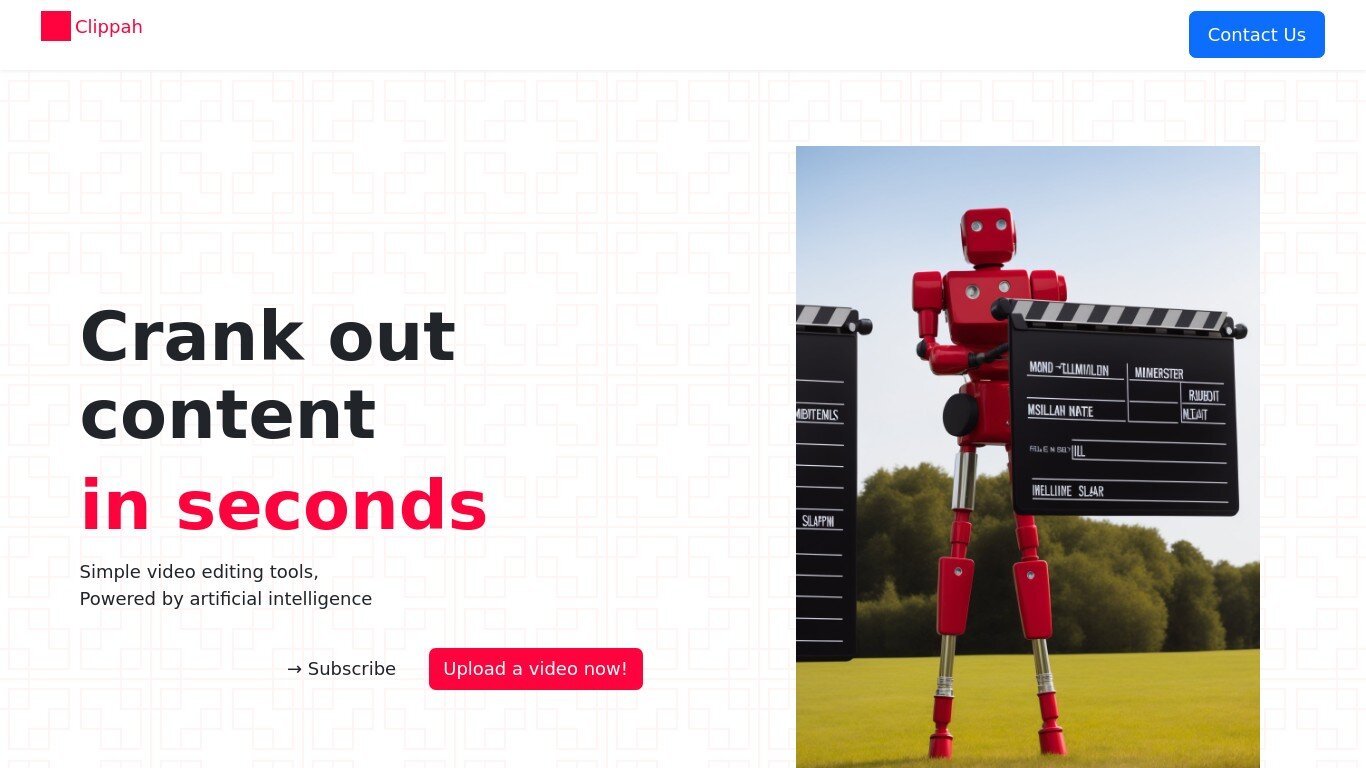
What is Dubbah (formerly Clippah)?
Drop an MP4 or MOV into Dubbah, pick from 14 languages, and get back a dubbed video with the original speaker's voice matched in each target language. The whole pipeline runs on your Mac, so footage stays on your machine and never gets uploaded for processing.
Most dubbing services upload your video to remote servers and bill by the minute. Dubbah runs locally after setup, works offline, and charges nothing for unlimited exports. That privacy-first, on-device model is the trade-off: it is Mac-only (macOS 13+, Apple Silicon and Intel), not a browser tool or Windows app.
YouTube creators, marketing teams, and educators who need localized clips without studio budgets are the clearest fit. The workflow is drag, pick languages, review each translated line, tweak wording or timing, then export finished video files.
Movavi Upvotes
Dubbah (formerly Clippah) Upvotes
Movavi Top Features
AI-powered video cutting speeds up editing tasks
Background removal tool for clean subject isolation
Motion tracking to follow objects smoothly in videos
Free music library included for adding soundtracks
Over 6,000 effects and transitions to customize videos
Dubbah (formerly Clippah) Top Features
Dubs videos into 14 languages including Spanish, Mandarin, Hindi, Arabic, Japanese, French, German, Korean, Portuguese, Italian, Polish, Turkish, Tamil, and English
Voice cloning keeps the original speaker's tone in each target language instead of generic text-to-speech
Runs on macOS 13+ for both Apple Silicon and Intel Macs with no account or sign-up required
Processes MP4, MOV, and other common video formats entirely on your Mac with no per-minute fees
Works offline after initial setup so you can dub on a plane or on set without uploading files
Line-by-line editor lets you change translated wording, adjust timing, or re-generate individual segments before export
Movavi Category
- Video Editing
Dubbah (formerly Clippah) Category
- Video Editing
Movavi Pricing Type
- Freemium
Dubbah (formerly Clippah) Pricing Type
- Freemium