Movavi vs Descript
In the contest of Movavi vs Descript, which AI Video Editing tool is the champion? We evaluate pricing, alternatives, upvotes, features, reviews, and more.
If you had to choose between Movavi and Descript, which one would you go for?
When we examine Movavi and Descript, both of which are AI-enabled video editing tools, what unique characteristics do we discover? The users have made their preference clear, Descript leads in upvotes. Descript has 8 upvotes, and Movavi has 6 upvotes.
Feeling rebellious? Cast your vote and shake things up!
Movavi


What is Movavi ?
Movavi Video Editor 2024 enables users to create and edit videos with a variety of tools designed for both beginners and experienced creators. It provides features such as background removal, motion tracking, noise reduction, color correction, and video stabilization to enhance video projects.
What sets Movavi apart is its combination of over 6,000 effects and transitions with AI-powered tools that speed up editing tasks like cutting and overlay effects. This balance of extensive creative options and intelligent automation helps users produce polished videos efficiently.
The software supports a wide range of video formats and offers a drag-and-drop interface that simplifies applying filters, titles, and effects. Movavi also includes a free music library and tutorials to assist users in mastering video editing techniques.
Movavi Video Editor 2024 is designed primarily for Windows users who want to create engaging content such as travel videos, vlogs, or family memories without a steep learning curve. Its value lies in making powerful editing accessible while maintaining quality results.
Overall, Movavi stands out for its extensive effects, AI enhancements, and approachable design that help users bring their video ideas to life quickly and effectively.
Descript
What is Descript?
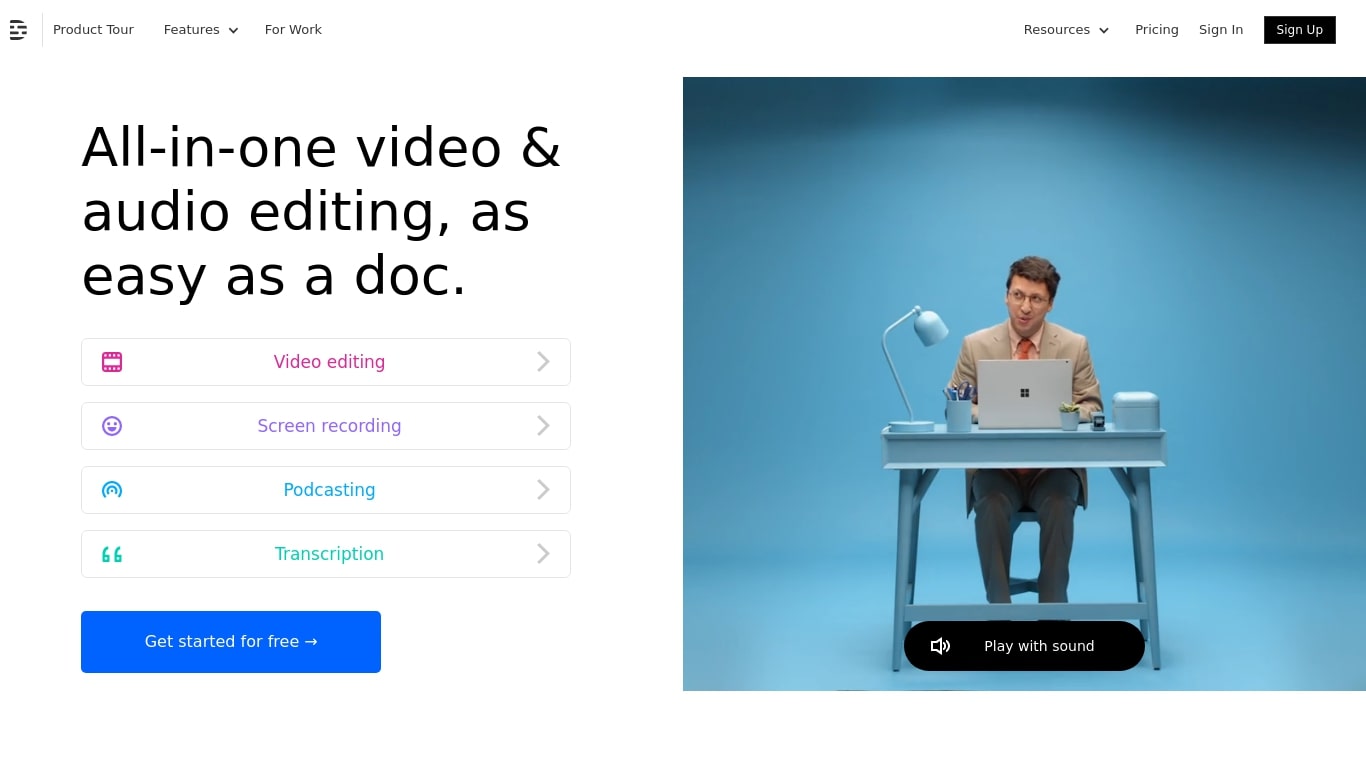
Descript is a video and podcast editor built around a transcript. You record or import media, get an automatic transcript, and edit the timeline by editing text. Creators, marketers, and teams use it to produce tutorials, demos, podcasts, and social clips without living inside a traditional NLE.
The core idea is text-based editing: delete a sentence from the transcript and the matching video or audio disappears. Underlord, Descript's built-in co-editor, can tighten cuts, suggest changes, apply layouts, generate B-roll, and handle repetitive cleanup when you describe what you want in plain language.
It targets people who need polished video but do not want a steep learning curve. Marketing teams ship product demos and webinar recaps. Podcasters edit multitrack audio like a document. Solo creators use Rooms for remote recording, Studio Sound for noisy rooms, and one-click filler word removal to publish faster.
Movavi Upvotes
Descript Upvotes
Movavi Top Features
AI-powered video cutting speeds up editing tasks
Background removal tool for clean subject isolation
Motion tracking to follow objects smoothly in videos
Free music library included for adding soundtracks
Over 6,000 effects and transitions to customize videos
Descript Top Features
Edit video and audio by editing the transcript, like a document
Underlord co-editor handles cuts, layouts, and visuals from plain instructions
Studio Sound removes noise and boosts voice clarity without extra mics
Strip ums, uhs, and filler words across a project in one click
Record remote podcasts and video in Rooms with separate cloud tracks
Regenerate fixes spoken mistakes by typing the corrected word or phrase
Movavi Category
- Video Editing
Descript Category
- Video Editing
Movavi Pricing Type
- Freemium
Descript Pricing Type
- Freemium