Movavi vs Framedrop
When comparing Movavi vs Framedrop, which AI Video Editing tool shines brighter? We look at pricing, alternatives, upvotes, features, reviews, and more.
In a comparison between Movavi and Framedrop, which one comes out on top?
When we put Movavi and Framedrop side by side, both being AI-powered video editing tools, The upvote count reveals a draw, with both tools earning the same number of upvotes. Be a part of the decision-making process. Your vote could determine the winner.
Not your cup of tea? Upvote your preferred tool and stir things up!
Movavi


What is Movavi ?
Movavi Video Editor 2024 enables users to create and edit videos with a variety of tools designed for both beginners and experienced creators. It provides features such as background removal, motion tracking, noise reduction, color correction, and video stabilization to enhance video projects.
What sets Movavi apart is its combination of over 6,000 effects and transitions with AI-powered tools that speed up editing tasks like cutting and overlay effects. This balance of extensive creative options and intelligent automation helps users produce polished videos efficiently.
The software supports a wide range of video formats and offers a drag-and-drop interface that simplifies applying filters, titles, and effects. Movavi also includes a free music library and tutorials to assist users in mastering video editing techniques.
Movavi Video Editor 2024 is designed primarily for Windows users who want to create engaging content such as travel videos, vlogs, or family memories without a steep learning curve. Its value lies in making powerful editing accessible while maintaining quality results.
Overall, Movavi stands out for its extensive effects, AI enhancements, and approachable design that help users bring their video ideas to life quickly and effectively.
Framedrop
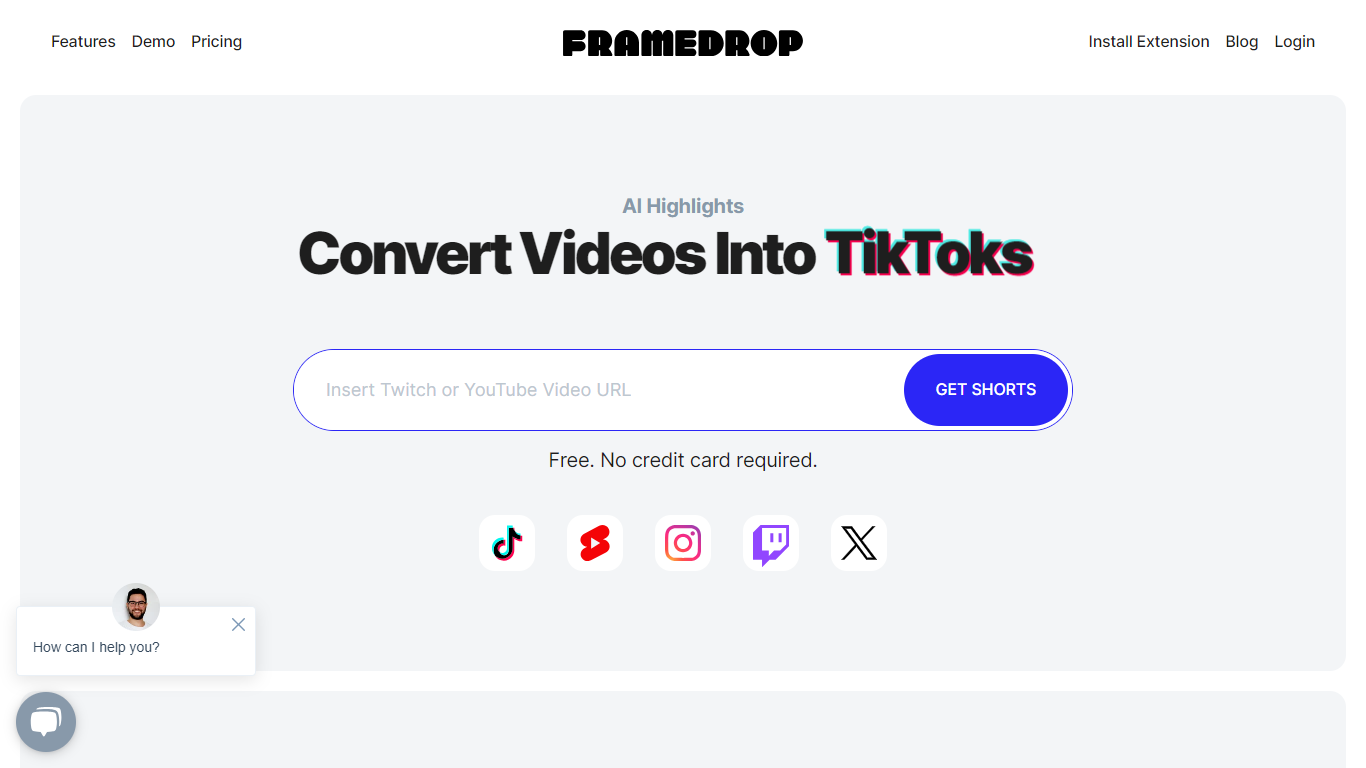
What is Framedrop?
Framedrop is an innovative platform designed to enhance content creators' reach by using AI-powered technology to generate highlights from long-form content on YouTube and Twitch. With Framedrop, turning your content into engaging short-form videos suitable for platforms like TikTok, YouTube Shorts, Instagram Reels, and more is quick and effortless.
This service is particularly useful for creators looking to expand their audience and increase engagement by repurposing their content into formats favored by different social media platforms. Whether you are a gamer, a vlogger, or an educator, Framedrop ensures that your best moments don't go unnoticed by creating snappy, shareable video clips.
Simplicity is at the core of Framedrop's functionality, offering a streamlined process that saves time and amplifies online presence.
Movavi Upvotes
Framedrop Upvotes
Movavi Top Features
AI-powered video cutting speeds up editing tasks
Background removal tool for clean subject isolation
Motion tracking to follow objects smoothly in videos
Free music library included for adding soundtracks
Over 6,000 effects and transitions to customize videos
Framedrop Top Features
AI-Powered Technology: Enables the automatic creation of video highlights from long-form content.
Multiple Platform Sharing: Easily share your content on TikTok, YouTube Shorts, and Instagram Reels for increased reach.
User-Friendly Interface: Simplifies the process of converting videos to ensure efficiency and ease of use.
Time-Saving Tool: Quickly turns your longer streams and videos into short, engaging clips without manual editing.
Content Amplification: Aids in boosting online presence and engagement by repurposing existing content.
Movavi Category
- Video Editing
Framedrop Category
- Video Editing
Movavi Pricing Type
- Freemium
Framedrop Pricing Type
- Freemium