Movavi vs Powder
Explore the showdown between Movavi vs Powder and find out which AI Video Editing tool wins. We analyze upvotes, features, reviews, pricing, alternatives, and more.
In a face-off between Movavi and Powder, which one takes the crown?
When we contrast Movavi with Powder, both of which are exceptional AI-operated video editing tools, and place them side by side, we can spot several crucial similarities and divergences. There's no clear winner in terms of upvotes, as both tools have received the same number. Join the aitools.fyi users in deciding the winner by casting your vote.
You don't agree with the result? Cast your vote to help us decide!
Movavi


What is Movavi ?
Movavi Video Editor 2024 enables users to create and edit videos with a variety of tools designed for both beginners and experienced creators. It provides features such as background removal, motion tracking, noise reduction, color correction, and video stabilization to enhance video projects.
What sets Movavi apart is its combination of over 6,000 effects and transitions with AI-powered tools that speed up editing tasks like cutting and overlay effects. This balance of extensive creative options and intelligent automation helps users produce polished videos efficiently.
The software supports a wide range of video formats and offers a drag-and-drop interface that simplifies applying filters, titles, and effects. Movavi also includes a free music library and tutorials to assist users in mastering video editing techniques.
Movavi Video Editor 2024 is designed primarily for Windows users who want to create engaging content such as travel videos, vlogs, or family memories without a steep learning curve. Its value lies in making powerful editing accessible while maintaining quality results.
Overall, Movavi stands out for its extensive effects, AI enhancements, and approachable design that help users bring their video ideas to life quickly and effectively.
Powder
What is Powder?
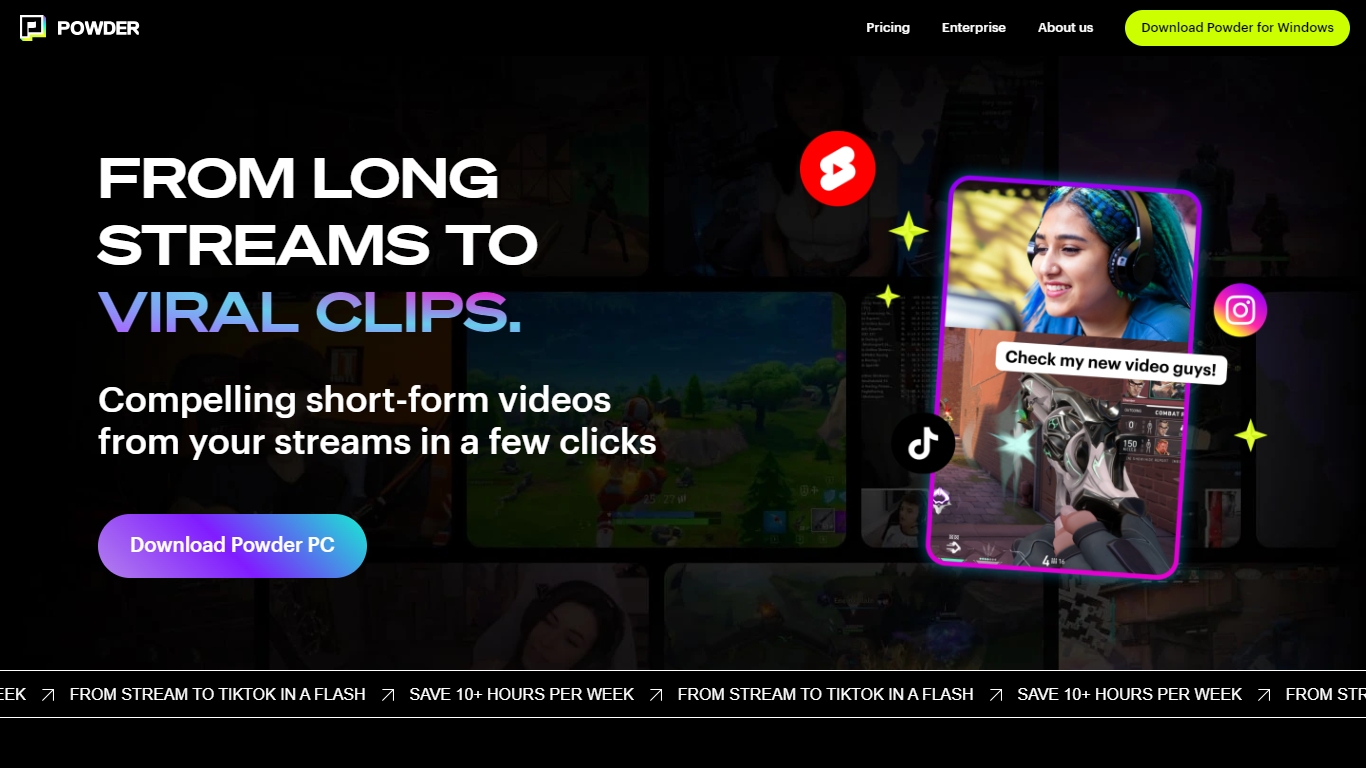
Powder automatically extracts and creates short video clips from gaming streams and local video files. It detects key moments such as emotional reactions, victories, and chat highlights to help content creators quickly generate engaging highlights.
The tool supports integration with Twitch, YouTube, and local files, covering over 50,000 games and Just Chatting streams. Powder's unique keyword search allows users to find specific moments by spoken words during streams, which speeds up content discovery compared to manual clipping.
Powder includes an editing suite for trimming clips and converting them into vertical formats optimized for social media platforms like TikTok, Instagram, Twitter, and YouTube. Users can upload clips directly to TikTok from the app, streamlining the sharing process.
By automating highlight detection and simplifying editing, Powder helps creators save over 10 hours weekly on video editing tasks. It offers Premium and Enterprise pricing plans with features such as 4K video output, campaign creation, and collaboration tools via a web app.
Movavi Upvotes
Powder Upvotes
Movavi Top Features
AI-powered video cutting speeds up editing tasks
Background removal tool for clean subject isolation
Motion tracking to follow objects smoothly in videos
Free music library included for adding soundtracks
Over 6,000 effects and transitions to customize videos
Powder Top Features
🎮 Stream Integration: Connect Twitch, YouTube, and local files to analyze and clip your streams automatically.
🤖 AI Moment Detection: Finds key gaming events, emotional reactions, and chat highlights to create engaging clips.
🔍 Keyword Search: Use CTRL+F style search to quickly locate specific moments by what was said during streams.
✂️ Easy Editing Suite: Trim clips and convert them to vertical formats ready for social media sharing.
📲 Direct Sharing: Upload clips straight to TikTok and other platforms without leaving the app.
🕹️ Game Coverage: Supports over 50,000 games and Just Chatting streams for broad content compatibility.
💼 Collaboration Tools: Available in Premium and Enterprise plans for team campaign management.
Movavi Category
- Video Editing
Powder Category
- Video Editing
Movavi Pricing Type
- Freemium
Powder Pricing Type
- Freemium