Movavi vs VideoAsk
When comparing Movavi vs VideoAsk, which AI Video Editing tool shines brighter? We look at pricing, alternatives, upvotes, features, reviews, and more.
In a comparison between Movavi and VideoAsk, which one comes out on top?
When we put Movavi and VideoAsk side by side, both being AI-powered video editing tools, There's no clear winner in terms of upvotes, as both tools have received the same number. You can help us determine the winner by casting your vote and tipping the scales in favor of one of the tools.
Don't agree with the result? Cast your vote and be a part of the decision-making process!
Movavi


What is Movavi ?
Movavi Video Editor 2024 enables users to create and edit videos with a variety of tools designed for both beginners and experienced creators. It provides features such as background removal, motion tracking, noise reduction, color correction, and video stabilization to enhance video projects.
What sets Movavi apart is its combination of over 6,000 effects and transitions with AI-powered tools that speed up editing tasks like cutting and overlay effects. This balance of extensive creative options and intelligent automation helps users produce polished videos efficiently.
The software supports a wide range of video formats and offers a drag-and-drop interface that simplifies applying filters, titles, and effects. Movavi also includes a free music library and tutorials to assist users in mastering video editing techniques.
Movavi Video Editor 2024 is designed primarily for Windows users who want to create engaging content such as travel videos, vlogs, or family memories without a steep learning curve. Its value lies in making powerful editing accessible while maintaining quality results.
Overall, Movavi stands out for its extensive effects, AI enhancements, and approachable design that help users bring their video ideas to life quickly and effectively.
VideoAsk
What is VideoAsk?
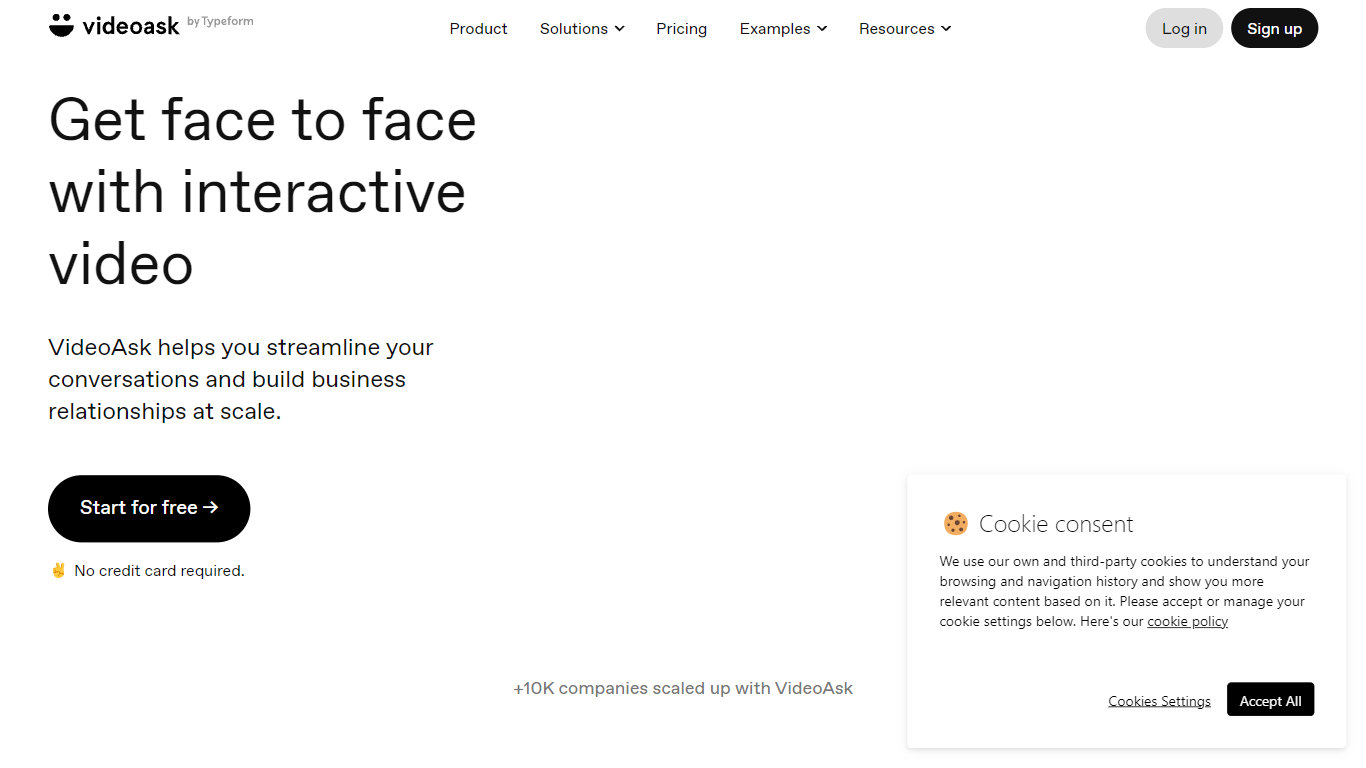
VideoAsk by Typeform lets you record video questions once and collect video, voice, or text replies from anyone on their own schedule. You build flows with a no-code editor, share a link or embed, and review responses in one inbox. Recruiters, sales teams, and support staff use it when a typed form feels too cold but live calls do not scale.
Most form tools treat video as an attachment. VideoAsk meters your account by video and audio processing minutes, counting both your recorded steps and every respondent reply. Playback views are free, and live calls do not use minutes at all. That pricing model rewards short, focused asks but punishes long back-and-forth threads, which is the opposite of per-response SaaS forms.
The platform covers async interviews, video funnels with branching paths, AI video chatbots that respond to spoken questions, and direct multimedia messaging. You get 9 answer types including NPS, appointment booking, and payment collection. Zapier connects to 1,500 apps, and developers can use the REST API and webhooks. Over 10,000 companies use VideoAsk, with 15 million conversations and 44 million videoask views in the past year.
Movavi Upvotes
VideoAsk Upvotes
Movavi Top Features
AI-powered video cutting speeds up editing tasks
Background removal tool for clean subject isolation
Motion tracking to follow objects smoothly in videos
Free music library included for adding soundtracks
Over 6,000 effects and transitions to customize videos
VideoAsk Top Features
9 answer types including NPS, appointment scheduling, and payment collection
Async video interviews let candidates respond on their own schedule
AI video chatbots understand spoken questions and reply around the clock
Connect to 1,500 apps through Zapier plus REST API and webhooks
Live calls have no time limit and do not count toward processing minutes
Brand plan includes 200 video and audio processing minutes per month
Movavi Category
- Video Editing
VideoAsk Category
- Video Editing
Movavi Pricing Type
- Freemium
VideoAsk Pricing Type
- Freemium