Movavi vs VideoSage
Compare Movavi vs VideoSage and see which AI Video Editing tool is better when we compare features, reviews, pricing, alternatives, upvotes, etc.
Which one is better? Movavi or VideoSage ?
When we compare Movavi with VideoSage , which are both AI-powered video editing tools, The upvote count reveals a draw, with both tools earning the same number of upvotes. You can help us determine the winner by casting your vote and tipping the scales in favor of one of the tools.
Think we got it wrong? Cast your vote and show us who's boss!
Movavi


What is Movavi ?
Movavi Video Editor 2024 enables users to create and edit videos with a variety of tools designed for both beginners and experienced creators. It provides features such as background removal, motion tracking, noise reduction, color correction, and video stabilization to enhance video projects.
What sets Movavi apart is its combination of over 6,000 effects and transitions with AI-powered tools that speed up editing tasks like cutting and overlay effects. This balance of extensive creative options and intelligent automation helps users produce polished videos efficiently.
The software supports a wide range of video formats and offers a drag-and-drop interface that simplifies applying filters, titles, and effects. Movavi also includes a free music library and tutorials to assist users in mastering video editing techniques.
Movavi Video Editor 2024 is designed primarily for Windows users who want to create engaging content such as travel videos, vlogs, or family memories without a steep learning curve. Its value lies in making powerful editing accessible while maintaining quality results.
Overall, Movavi stands out for its extensive effects, AI enhancements, and approachable design that help users bring their video ideas to life quickly and effectively.
VideoSage
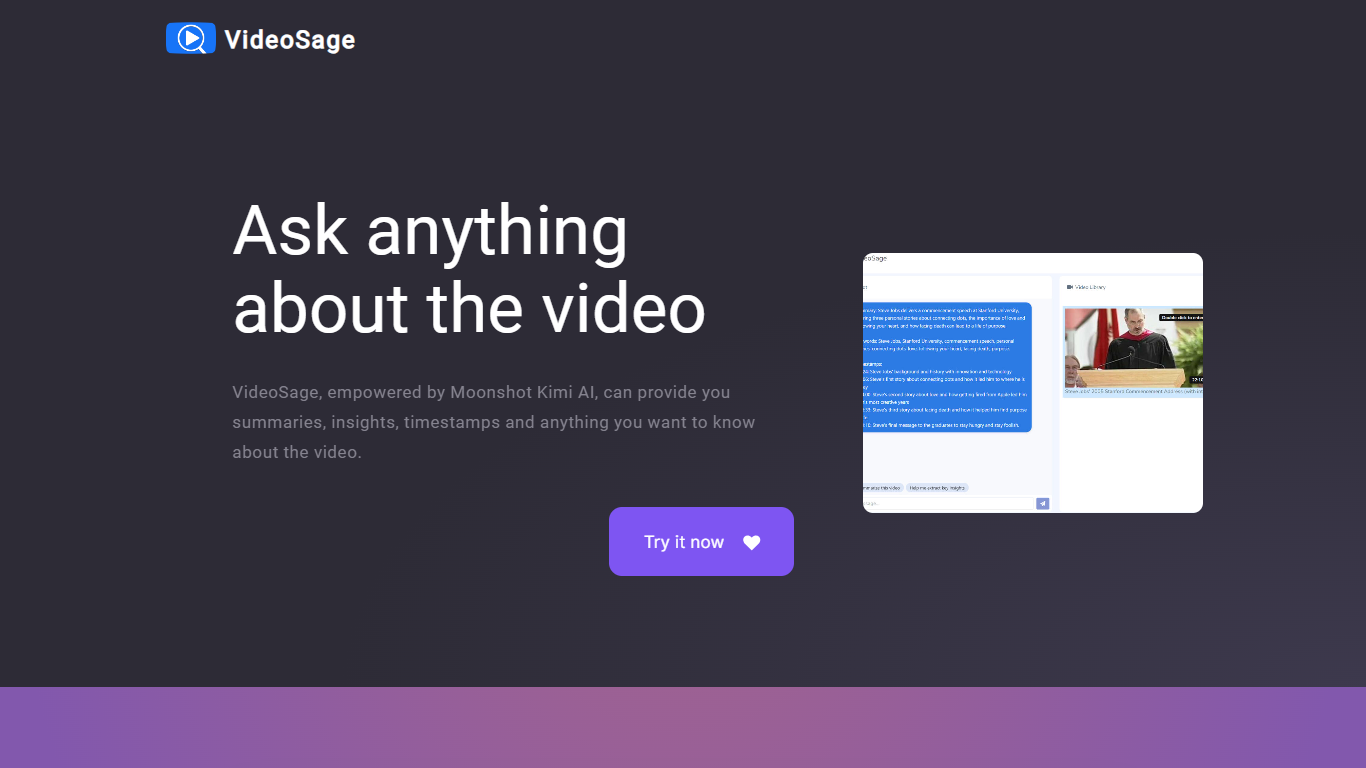
What is VideoSage ?
VideoSage is an AI-powered video companion designed to enhance how you watch and learn from videos. It uses the Moonshot Kimi AI model to generate detailed summaries, extract key insights, and provide precise timestamps, making long videos easier to navigate and understand. This tool is ideal for content creators, students, and anyone looking to get more from video content without wasting time.
The platform encourages interactive engagement by allowing users to ask questions about the video content and receive accurate, transparent answers. This conversational approach helps deepen understanding and supports note-taking directly within the video interface, fostering a more active learning experience.
VideoSage also offers customization options to tailor the viewing experience to individual preferences, helping users focus on the most relevant parts of a video. Its ability to break down complex or lengthy videos into manageable segments saves time and improves retention.
The AI model powering VideoSage is regularly updated to maintain high accuracy and relevance, ensuring that users get reliable information and insights. The platform's design emphasizes ease of use, making advanced video analysis accessible without technical expertise.
Overall, VideoSage transforms passive video watching into an interactive, efficient, and insightful process, helping users extract maximum value from video content across educational and entertainment contexts.
Movavi Upvotes
VideoSage Upvotes
Movavi Top Features
AI-powered video cutting speeds up editing tasks
Background removal tool for clean subject isolation
Motion tracking to follow objects smoothly in videos
Free music library included for adding soundtracks
Over 6,000 effects and transitions to customize videos
VideoSage Top Features
📌 Detailed video summaries highlight key points for quick understanding
⏰ Precise timestamps let you jump to important moments instantly
💬 Interactive Q&A lets you ask questions and get clear answers about videos
📝 Built-in note-taking helps capture thoughts while watching
⚙️ Customizable viewing options tailor the experience to your needs
Movavi Category
- Video Editing
VideoSage Category
- Video Editing
Movavi Pricing Type
- Freemium
VideoSage Pricing Type
- Freemium