Movavi vs Vizard.ai
In the face-off between Movavi vs Vizard.ai, which AI Video Editing tool takes the crown? We scrutinize features, alternatives, upvotes, reviews, pricing, and more.
When we put Movavi and Vizard.ai head to head, which one emerges as the victor?
If we were to analyze Movavi and Vizard.ai, both of which are AI-powered video editing tools, what would we find? The users have made their preference clear, Vizard.ai leads in upvotes. Vizard.ai has attracted 16 upvotes from aitools.fyi users, and Movavi has attracted 6 upvotes.
You don't agree with the result? Cast your vote to help us decide!
Movavi


What is Movavi ?
Movavi Video Editor 2024 enables users to create and edit videos with a variety of tools designed for both beginners and experienced creators. It provides features such as background removal, motion tracking, noise reduction, color correction, and video stabilization to enhance video projects.
What sets Movavi apart is its combination of over 6,000 effects and transitions with AI-powered tools that speed up editing tasks like cutting and overlay effects. This balance of extensive creative options and intelligent automation helps users produce polished videos efficiently.
The software supports a wide range of video formats and offers a drag-and-drop interface that simplifies applying filters, titles, and effects. Movavi also includes a free music library and tutorials to assist users in mastering video editing techniques.
Movavi Video Editor 2024 is designed primarily for Windows users who want to create engaging content such as travel videos, vlogs, or family memories without a steep learning curve. Its value lies in making powerful editing accessible while maintaining quality results.
Overall, Movavi stands out for its extensive effects, AI enhancements, and approachable design that help users bring their video ideas to life quickly and effectively.
Vizard.ai
What is Vizard.ai?
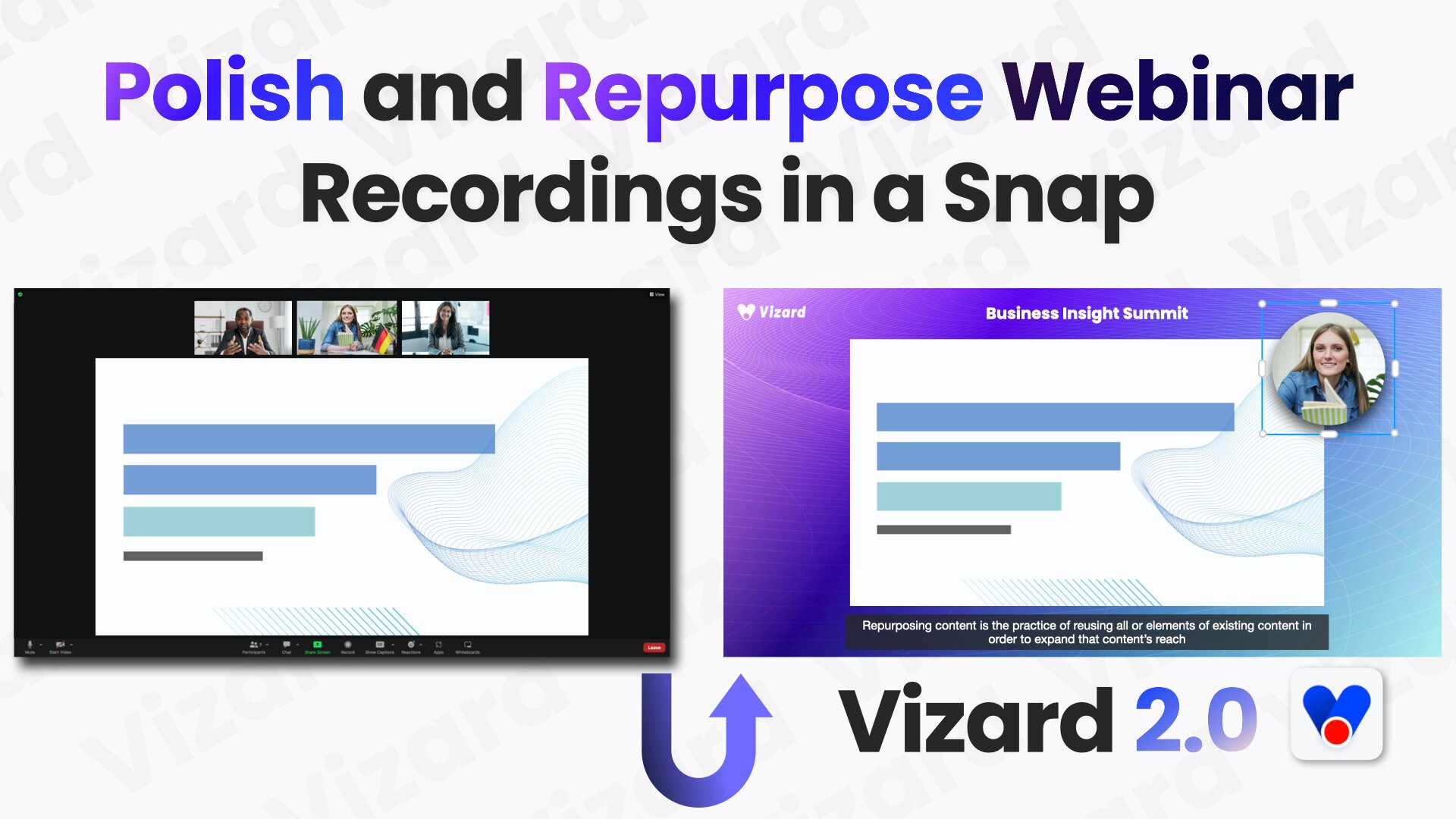
Vizard.ai turns long-form videos into short clips ready for TikTok, Instagram, YouTube Shorts, and other social channels. Upload a webinar, podcast, interview, or course recording and the platform generates dozens of shareable clips without manual timeline work.
At the core is Spark 1.0, a video understanding model that clips either in one-click mode for speech-heavy content or by natural-language prompt for specific moments. The editor supports text-based cuts, auto reframing, subtitles in 30+ languages, brand templates, and direct scheduling to connected social accounts.
Vizard, Corp. is based in Delaware and builds web tools for marketers, podcasters, coaches, consultants, and agencies who need to repurpose long recordings at scale. The product also ships a REST API with Python, Java, and Go examples for automated clipping workflows.
Movavi Upvotes
Vizard.ai Upvotes
Movavi Top Features
AI-powered video cutting speeds up editing tasks
Background removal tool for clean subject isolation
Motion tracking to follow objects smoothly in videos
Free music library included for adding soundtracks
Over 6,000 effects and transitions to customize videos
Vizard.ai Top Features
One click can turn a long video into 30+ short clips
Spark 1.0 finds moments from a text prompt, from sports plays to podcast Q&A
Text-based timeline editor for second-level cuts without a traditional NLE
Auto subtitles and translation across 30+ languages
Schedule posts and publish to TikTok, Instagram, and YouTube Shorts
REST API with Python, Java, and Go samples for automated clipping
Brand templates keep fonts, outros, and visuals consistent across clips
Movavi Category
- Video Editing
Vizard.ai Category
- Video Editing
Movavi Pricing Type
- Freemium
Vizard.ai Pricing Type
- Freemium