Movavi vs Vsub
In the battle of Movavi vs Vsub, which AI Video Editing tool comes out on top? We compare reviews, pricing, alternatives, upvotes, features, and more.
Between Movavi and Vsub, which one is superior?
Upon comparing Movavi with Vsub, which are both AI-powered video editing tools, There's no clear winner in terms of upvotes, as both tools have received the same number. Join the aitools.fyi users in deciding the winner by casting your vote.
Disagree with the result? Upvote your favorite tool and help it win!
Movavi


What is Movavi ?
Movavi Video Editor 2024 enables users to create and edit videos with a variety of tools designed for both beginners and experienced creators. It provides features such as background removal, motion tracking, noise reduction, color correction, and video stabilization to enhance video projects.
What sets Movavi apart is its combination of over 6,000 effects and transitions with AI-powered tools that speed up editing tasks like cutting and overlay effects. This balance of extensive creative options and intelligent automation helps users produce polished videos efficiently.
The software supports a wide range of video formats and offers a drag-and-drop interface that simplifies applying filters, titles, and effects. Movavi also includes a free music library and tutorials to assist users in mastering video editing techniques.
Movavi Video Editor 2024 is designed primarily for Windows users who want to create engaging content such as travel videos, vlogs, or family memories without a steep learning curve. Its value lies in making powerful editing accessible while maintaining quality results.
Overall, Movavi stands out for its extensive effects, AI enhancements, and approachable design that help users bring their video ideas to life quickly and effectively.
Vsub
What is Vsub?
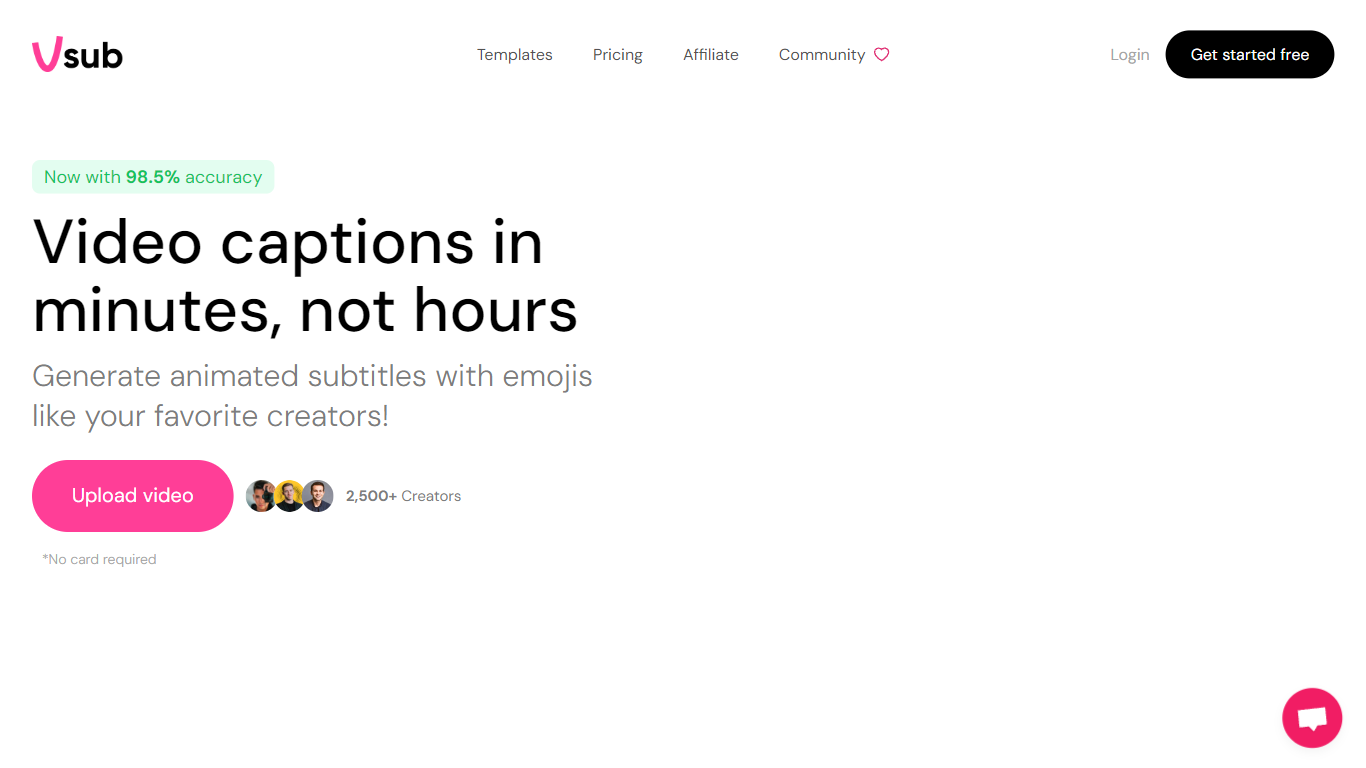
Vsub turns scripts into short faceless videos for TikTok, YouTube Shorts, and Reels without opening a traditional editor. You pick a format like Reddit stories, Roblox commentary, fake text chats, or AI-generated visuals, and the platform handles voiceover, visuals, captions, and rendering in one flow. Export limits range from 2 minutes on the Starter plan to 20 minutes on Premium.
CapCut and Premiere expect you to source footage, record voiceovers, and sync captions by hand. Vsub automates the repetitive parts of faceless channel workflows: ElevenLabs or OpenAI voices, AI image generation in styles from Studio Ghibli to Pixar, and animated emoji captions baked in. The trade-off is less frame-by-frame control in exchange for publishing dozens of shorts per month from templates.
Faceless YouTube creators, short-form marketers, and meme page operators use Vsub to batch Reddit story videos, quiz clips, and trend-reactive commentary. The site claims 500,000+ creators in its community, with a Discord server for new automation tools as they ship.
Movavi Upvotes
Vsub Upvotes
Movavi Top Features
AI-powered video cutting speeds up editing tasks
Background removal tool for clean subject isolation
Motion tracking to follow objects smoothly in videos
Free music library included for adding soundtracks
Over 6,000 effects and transitions to customize videos
Vsub Top Features
One-click AI shorts in 15+ visual styles including Pixar, Studio Ghibli, Anime, and Simpsons
Starter plan includes 5,000 monthly credits; Pro includes 10,000 and Premium includes 25,000
Auto captions with animated emojis sync to your voiceover automatically
Built-in formats for Reddit stories, Roblox rants, fake text, quiz, and would-you-rather videos
Export lengths up to 2 min on Starter, 10 min on Pro, and 20 min on Premium
Credit top-ups at $1 per 300 to 350 credits depending on your plan tier
Movavi Category
- Video Editing
Vsub Category
- Video Editing
Movavi Pricing Type
- Freemium
Vsub Pricing Type
- Paid