Multilingual vs AI TranslateDocs
Dive into the comparison of Multilingual vs AI TranslateDocs and discover which AI Translation tool stands out. We examine alternatives, upvotes, features, reviews, pricing, and beyond.
When comparing Multilingual and AI TranslateDocs, which one rises above the other?
When we compare Multilingual and AI TranslateDocs, two exceptional translation tools powered by artificial intelligence, and place them side by side, several key similarities and differences come to light. The upvote count is neck and neck for both Multilingual and AI TranslateDocs. Join the aitools.fyi users in deciding the winner by casting your vote.
You don't agree with the result? Cast your vote to help us decide!
Multilingual

What is Multilingual?
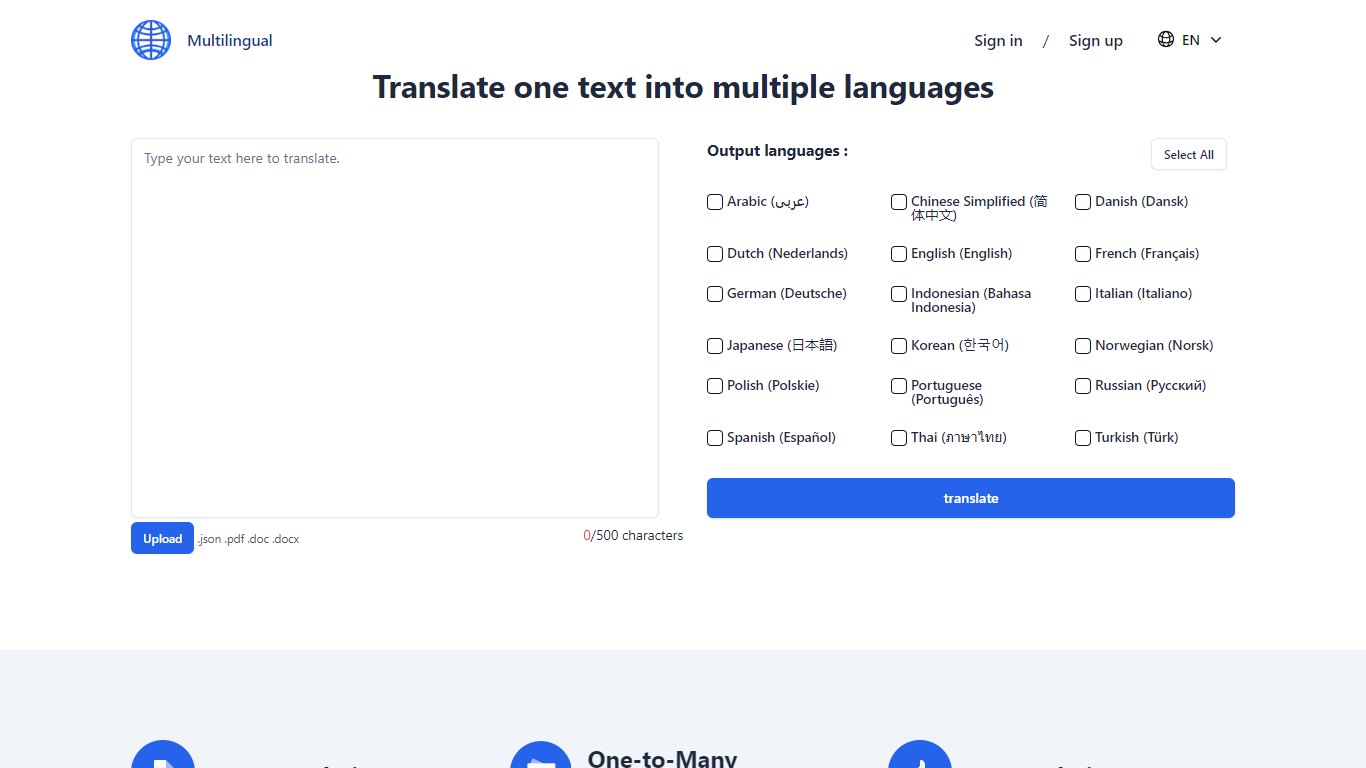
Multilingual enables users to translate text directly in their browser using AI models that run locally on their device. It downloads compact neural translation models, allowing unlimited text translation without sending data to external servers. This approach ensures that sensitive content such as contracts or medical records remains private and secure.
What distinguishes Multilingual from typical online translators is its local-first design: all translation processing happens on the user's device rather than in the cloud. This eliminates risks associated with data uploads and removes usage limits common with cloud-based services. While local models may have varying accuracy compared to cloud solutions, Multilingual offers unmatched privacy and offline functionality.
The tool supports 26 languages with plans to expand to 200, and it includes automatic language detection that operates entirely offline once models are cached. Users can translate between non-English languages by routing translations through English locally. Multilingual requires no signup, imposes no character limits, and has no rate restrictions, making it ideal for travelers, professionals, and privacy-conscious users.
Future updates aim to add document translation, image OCR, speech-to-text, and text-to-speech features, all running locally to maintain privacy and offline capability. This roadmap reflects Multilingual's commitment to expanding its capabilities while preserving user data security and accessibility.
AI TranslateDocs
What is AI TranslateDocs?
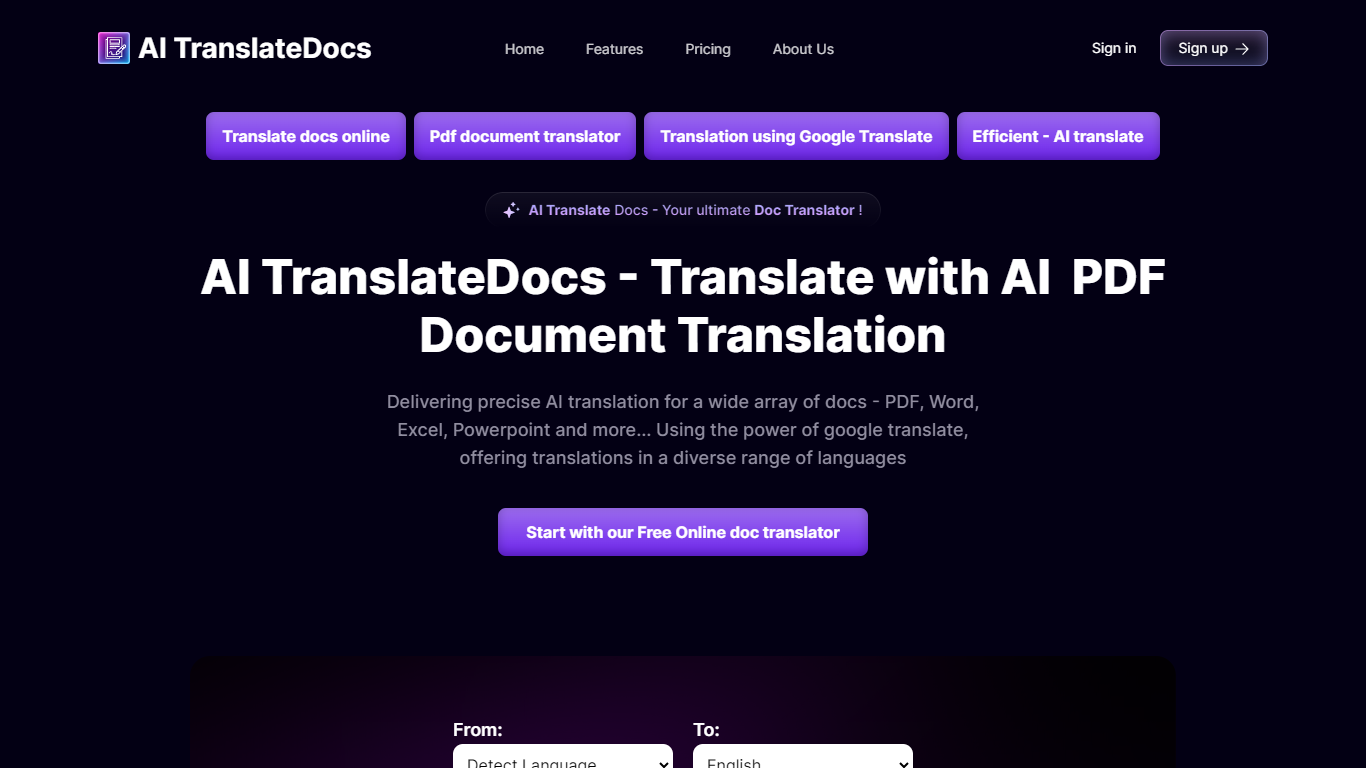
AI TranslateDocs is an online document translator built for people who need full files converted, not just pasted paragraphs. Upload a PDF, Word doc, Excel sheet, PowerPoint deck, CSV, SRT, VTT, or plain text file, pick your source and target language, and get a translated version that keeps the original layout intact.
The platform supports 130+ languages, from widely spoken ones like Spanish and Mandarin to regional dialects. It uses OCR for scanned PDFs and handles format preservation so tables, charts, and page structure survive the translation. Powered by Azure, it targets legal contracts, medical records, academic papers, business reports, and immigration documents where formatting matters as much as the words.
AscentApp Software LLP runs the service from Mumbai. You can try the first 10,000 characters free before buying a character pack or subscription.
Multilingual Upvotes
AI TranslateDocs Upvotes
Multilingual Top Features
🛡️ 100% Private Translation: Your text never leaves your device, ensuring complete confidentiality.
🌐 Offline Capability: Download language models once and translate without internet access anytime.
🔄 Unlimited Use: No character limits or quotas; translate as much text as you need freely.
🗣️ Local Language Detection: Automatically identifies source language without sending data online.
📥 Supports 26 Languages: Translate between many languages with plans to add more regularly.
AI TranslateDocs Top Features
Drop a PDF, Word, Excel, PowerPoint, CSV, SRT, VTT, or TXT file and get a translated copy with the layout still intact
130+ languages on tap, including regional dialects you won't find on basic translators
OCR handles scanned PDFs so you are not stuck retyping pages before translating
Auto-detect source language or pick from a long dropdown that even includes Klingon
First 10,000 characters free, enough to test a short doc before you commit to a plan
Multilingual Category
- Translation
AI TranslateDocs Category
- Translation
Multilingual Pricing Type
- Free
AI TranslateDocs Pricing Type
- Freemium