Murf AI vs Timebolt
Dive into the comparison of Murf AI vs Timebolt and discover which AI tool stands out. We examine alternatives, upvotes, features, reviews, pricing, and beyond.
In a comparison between Murf AI and Timebolt, which one comes out on top?
When we compare Murf AI and Timebolt, two exceptional tools powered by artificial intelligence, and place them side by side, several key similarities and differences come to light. Murf AI is the clear winner in terms of upvotes. The upvote count for Murf AI is 82, and for Timebolt it's 18.
Want to flip the script? Upvote your favorite tool and change the game!
Murf AI

What is Murf AI?
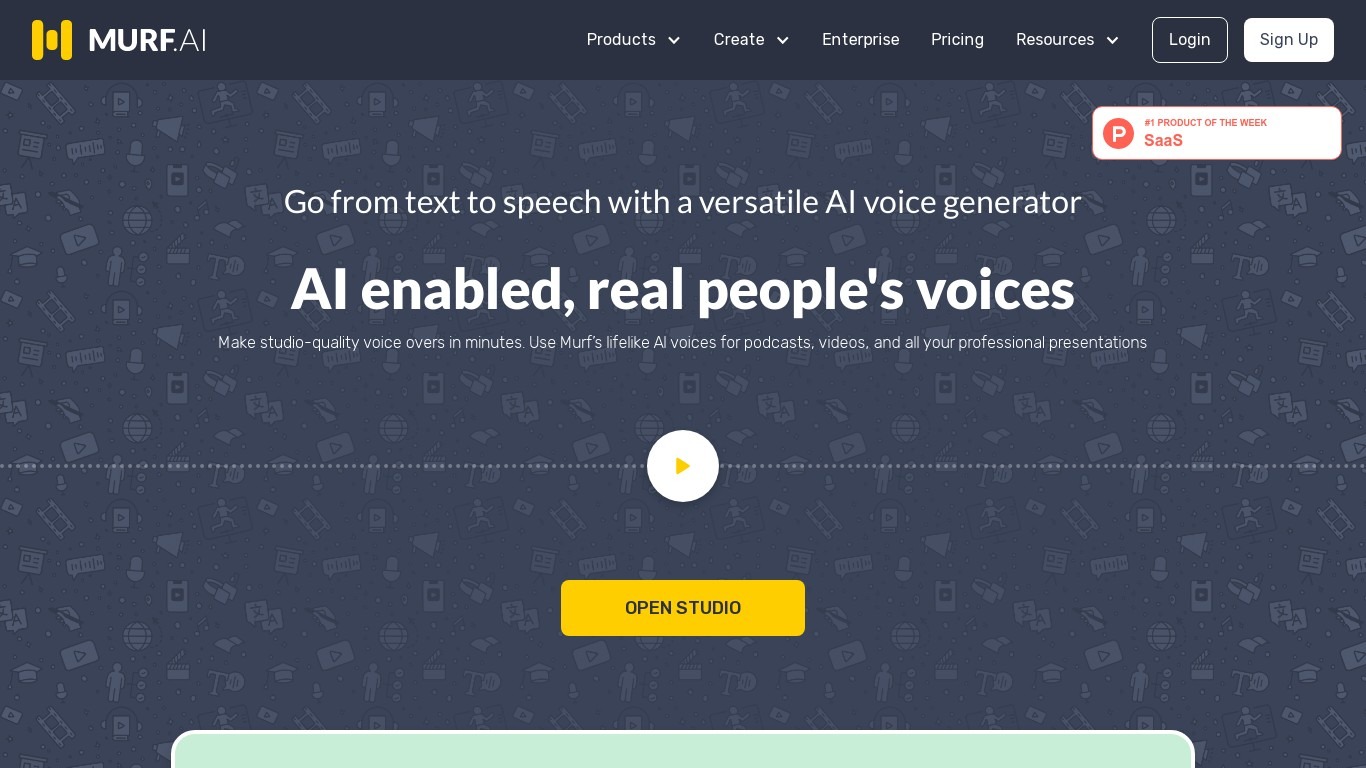
Murf AI turns text, documents, and scripts into lifelike speech for videos, courses, and phone agents. Murf Studio offers 200+ voices across 35+ languages with pitch, speed, and pronunciation controls, while the Falcon text-to-speech API targets real-time voice agents with sub-100ms time-to-first-audio. Murf Dubbing translates videos into 40+ languages while preserving tone.
Most text-to-speech tools sound flat or lag on live calls. Murf splits the problem: Gen 2 scored 99.38% pronunciation accuracy on multilingual news sentences, and Falcon 2 prices at $0.01 per minute with sub-55ms model latency for 10,000 concurrent calls. That dual-model setup costs more complexity than a single voice picker, but it covers both studio voiceovers and IVR agents in one platform.
Nestle, Air France, and Vertiv use Murf for training audio and multilingual content. The free Studio tier includes 10 minutes of voice generation without commercial rights, and paid monthly plans unlock downloads, team workspaces, and commercial licensing.
Timebolt

What is Timebolt?
Timebolt is a desktop video editor built around waveform-first jump cuts for podcasts, interviews, and screen recordings. It strips silence, filler words, and bad takes with 0.01 second cut control, then exports timelines to Premiere Pro, Final Cut Pro, DaVinci Resolve, or Camtasia without re-cutting by hand.
Most text-based AI editors guess where pauses live and leave hundreds of missed cuts per hour. Timebolt measures the audio waveform first, which is why its benchmark claims zero mistakes left per hour while rivals like Descript and Gling still need manual cleanup. That trade-off favors editors who want frame-tight cuts over a chat-style transcript workflow.
Podcasters, YouTubers, and course creators use Timebolt to shrink raw talking-head footage before publishing. Post-production teams also route Riverside multicam sessions through Timebolt XML exports so senior editors finish polish work in their preferred NLE.
Murf AI Upvotes
Timebolt Upvotes
Murf AI Top Features
200+ voices across 35+ languages with word-level pitch, speed, and pause controls
Falcon 2 API delivers sub-100ms time-to-first-audio at $0.01 per minute
Gen 2 model scored 99.38% pronunciation accuracy on 4,710 multilingual test words
Free Studio tier includes 10 minutes of voice generation without commercial licensing
Murf Dubbing localizes videos into 40+ languages while preserving original tone
SOC 2, ISO 27001, GDPR, and HIPAA compliance for enterprise deployments
Timebolt Top Features
0.01 second cut control on waveform-based silence removal
Processes an hour of footage in about 13 seconds for jump cuts
Exports XML timelines to Premiere Pro, Final Cut Pro, and DaVinci Resolve
UMCHECK removes filler words automatically from recorded speech
Free 4K screen capture tool for Mac and Windows
Benchmark reports zero missed cuts per hour versus hundreds on rival AI editors
Murf AI Category
- Audio Generation
Timebolt Category
- Video Editing
Murf AI Pricing Type
- Freemium
Timebolt Pricing Type
- Freemium