My Approach on BuildAI.space vs Autoclear ChatGPT History
In the contest of My Approach on BuildAI.space vs Autoclear ChatGPT History, which AI Sales tool is the champion? We evaluate pricing, alternatives, upvotes, features, reviews, and more.
If you had to choose between My Approach on BuildAI.space and Autoclear ChatGPT History, which one would you go for?
When we examine My Approach on BuildAI.space and Autoclear ChatGPT History, both of which are AI-enabled sales tools, what unique characteristics do we discover? Both tools have received the same number of upvotes from aitools.fyi users. Join the aitools.fyi users in deciding the winner by casting your vote.
Want to flip the script? Upvote your favorite tool and change the game!
My Approach on BuildAI.space
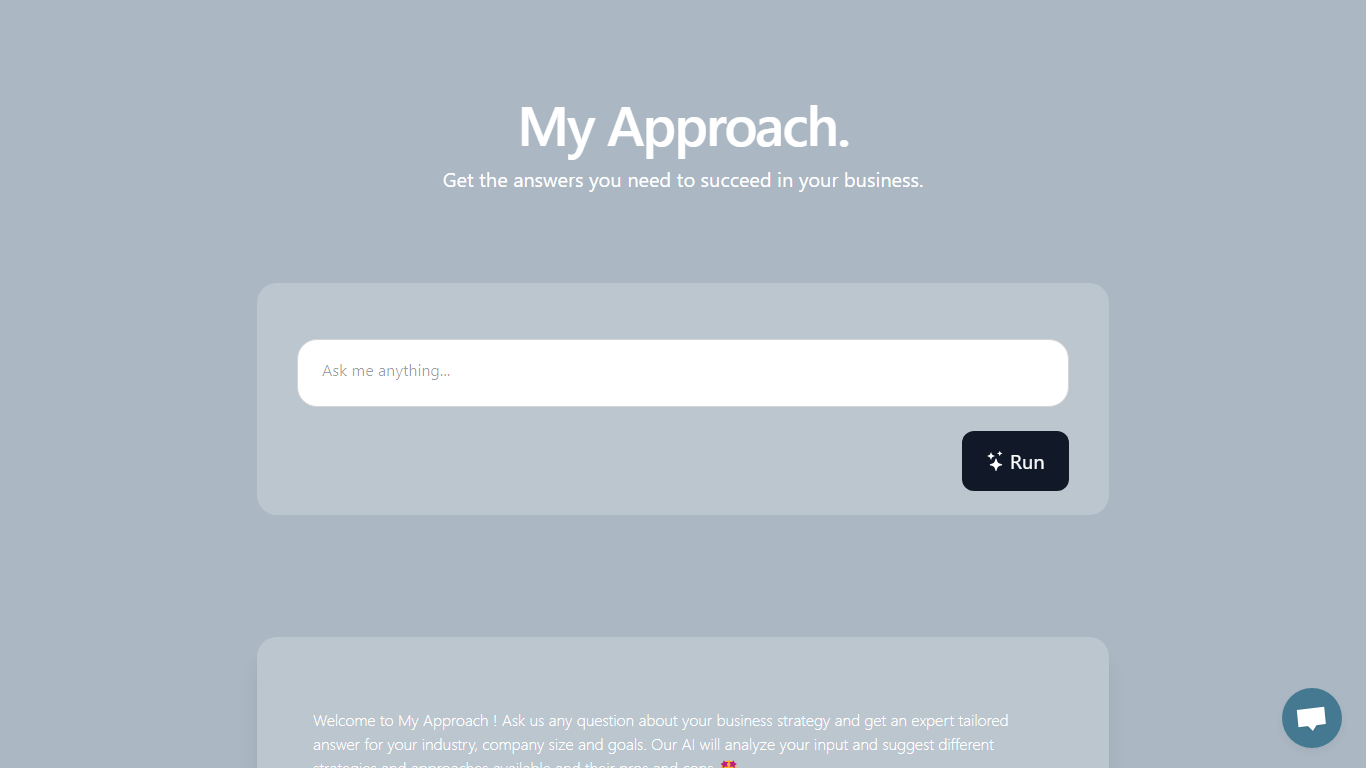

What is My Approach on BuildAI.space?
My Approach on BuildAI.space answers business strategy questions tailored to your industry, company size, and goals. You type a question about marketing, loyalty, launches, or operations, and the app returns strategy options with pros and cons instead of a single generic answer.
Unlike a static business blog, My Approach runs as an interactive prompt on the BuildAI platform. Sample prompts on the page cover retail marketing for small businesses, finance customer loyalty, and tech product launches, which shows the intended use case is operational decision support rather than creative writing.
Founders, operators, and sales leaders use My Approach when they want a quick second opinion before committing to a plan. The app is built with BuildAI.space tooling and links back to the parent platform for users who want to publish similar assistants without coding.
Autoclear ChatGPT History
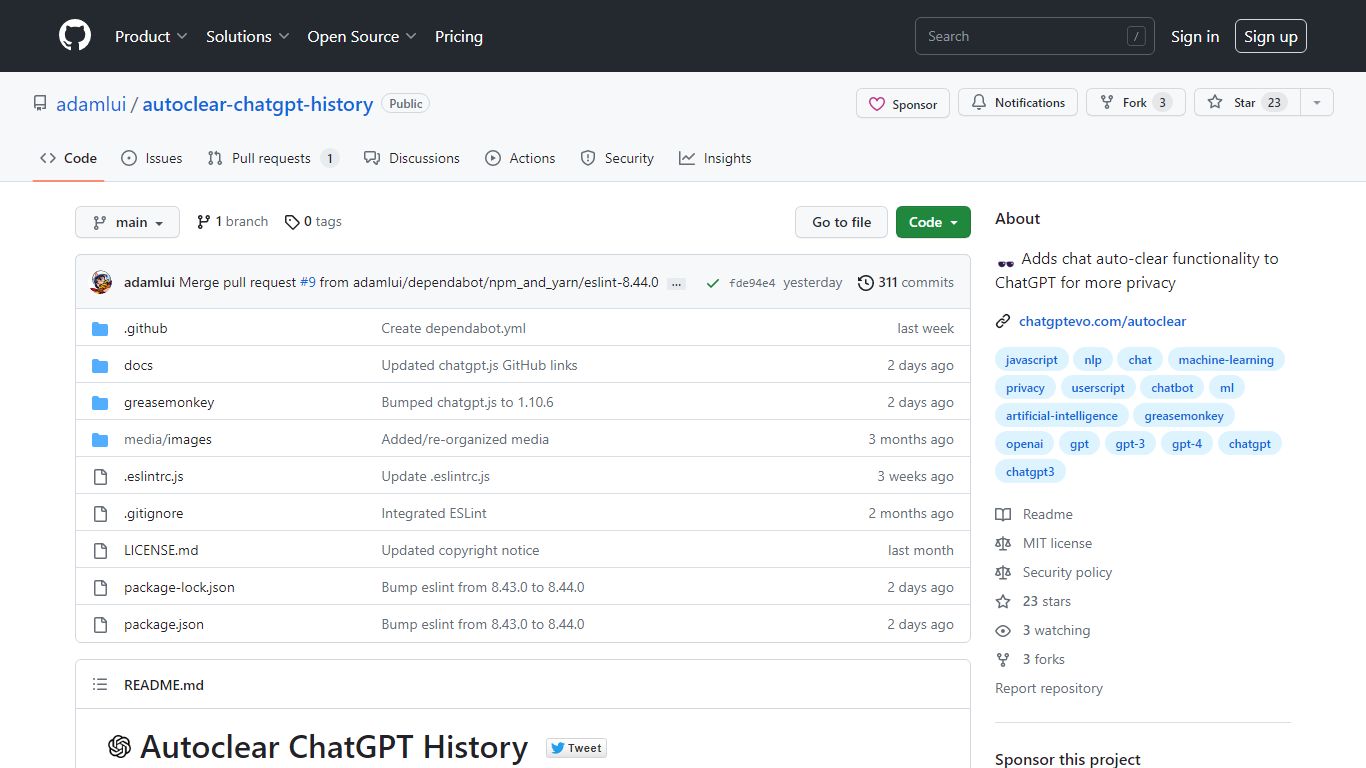
What is Autoclear ChatGPT History?
Autoclear ChatGPT History is a free userscript that wipes your ChatGPT conversation list each time you open chatgpt.com, so prior chats do not linger in the sidebar. You install it through a userscript manager such as Tampermonkey, Violentmonkey, or ScriptCat, then visit chatgpt.com as usual and a toggle appears for controlling the behavior.
Unlike browser privacy extensions that block trackers broadly, this script targets one job on one site: clearing stored ChatGPT threads on arrival. That narrow scope keeps the install lightweight compared with full privacy suites, though it only helps if you already use a userscript manager.
The project is MIT licensed, distributed via Greasy Fork and GitHub, and built on the chatgpt.js library from KudoAI. It supports Chrome, Firefox, Edge, Opera, Brave, Vivaldi, LibreWolf, Ghost, and QQ, with Safari options through Stay or Userscripts.
My Approach on BuildAI.space Upvotes
Autoclear ChatGPT History Upvotes
My Approach on BuildAI.space Top Features
My Approach answers business strategy questions tailored to industry, company size, and goals
Sample prompts cover retail marketing, finance loyalty, and tech product launches
Responses list multiple strategies with pros and cons for each option
Runs as a hosted app on BuildAI.space with a one-click Run interface
Footer links to buildai.space for users who want to build similar no-code apps
Autoclear ChatGPT History Top Features
Clears ChatGPT sidebar history automatically each time you load chatgpt.com
Adds an on-page toggle so you can turn auto-clear on or off during a session
Installs through Tampermonkey, Violentmonkey, ScriptCat, OrangeMonkey, or Safari Stay
MIT licensed with a free Greasy Fork install and a raw GitHub userscript URL
Lists compatibility with 9 browsers including Chrome, Firefox, Edge, Brave, and Vivaldi
Runs on chatgpt.js, the open-source library maintained by KudoAI
My Approach on BuildAI.space Category
- Sales
Autoclear ChatGPT History Category
- Sales
My Approach on BuildAI.space Pricing Type
- Freemium
Autoclear ChatGPT History Pricing Type
- Free