
Last updated 07-30-2026
Category:
Reviews:
Join thousands of AI enthusiasts in the World of AI!
Autoclear ChatGPT History
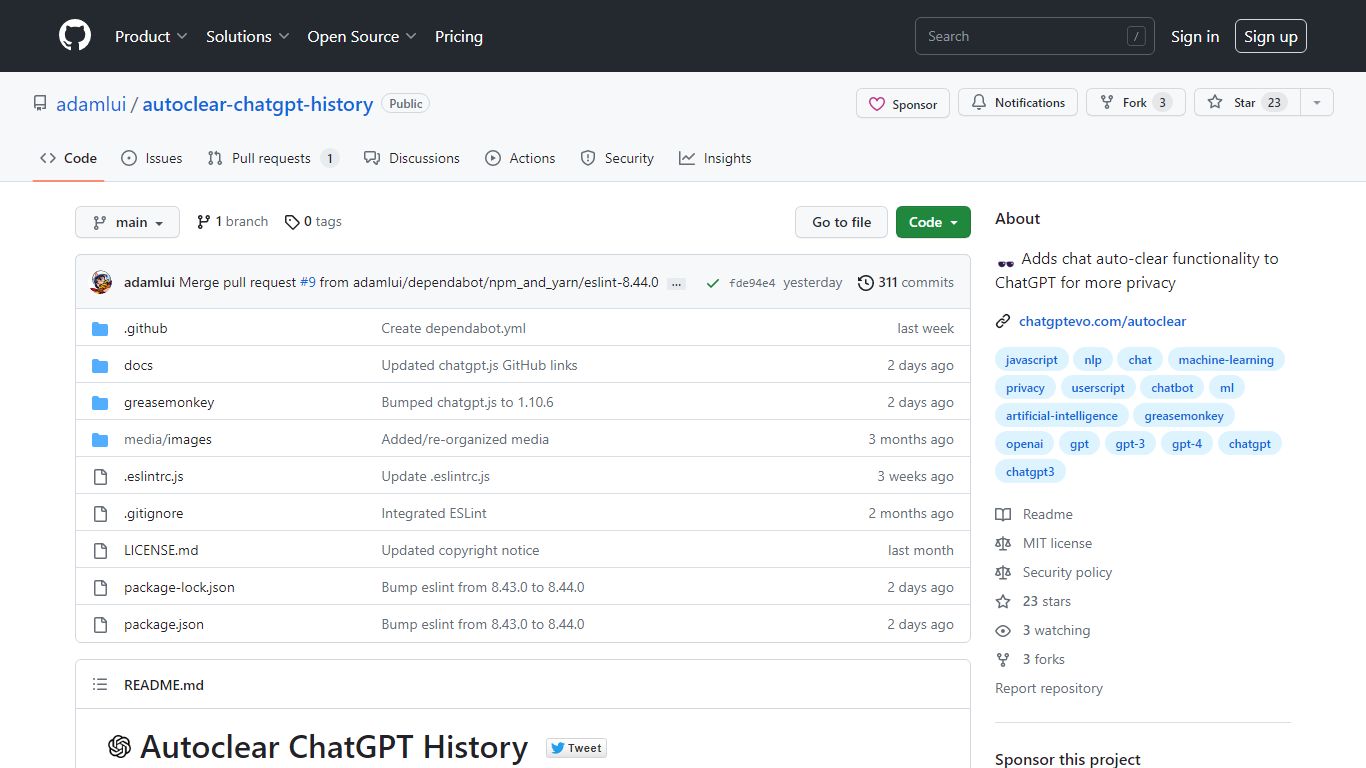
Autoclear ChatGPT History is a free userscript that wipes your ChatGPT conversation list each time you open chatgpt.com, so prior chats do not linger in the sidebar. You install it through a userscript manager such as Tampermonkey, Violentmonkey, or ScriptCat, then visit chatgpt.com as usual and a toggle appears for controlling the behavior.
Unlike browser privacy extensions that block trackers broadly, this script targets one job on one site: clearing stored ChatGPT threads on arrival. That narrow scope keeps the install lightweight compared with full privacy suites, though it only helps if you already use a userscript manager.
The project is MIT licensed, distributed via Greasy Fork and GitHub, and built on the chatgpt.js library from KudoAI. It supports Chrome, Firefox, Edge, Opera, Brave, Vivaldi, LibreWolf, Ghost, and QQ, with Safari options through Stay or Userscripts.
Clears ChatGPT sidebar history automatically each time you load chatgpt.com
Adds an on-page toggle so you can turn auto-clear on or off during a session
Installs through Tampermonkey, Violentmonkey, ScriptCat, OrangeMonkey, or Safari Stay
MIT licensed with a free Greasy Fork install and a raw GitHub userscript URL
Lists compatibility with 9 browsers including Chrome, Firefox, Edge, Brave, and Vivaldi
Runs on chatgpt.js, the open-source library maintained by KudoAI
Free MIT-licensed userscript with no account required to install.
Focused on one privacy task: clearing ChatGPT sidebar history on site load.
Supports many browsers and several userscript managers, including Safari options.
Requires a separate userscript manager install before the script works.
Only affects chatgpt.com, not other AI chat sites or OpenAI properties.
The stored landing URL redirects to GitHub during automated fetches, which can confuse first-time installers.
Is Autoclear ChatGPT History free?
Yes. Autoclear ChatGPT History is MIT licensed and free to install. The chatgptevo.com page links to a Greasy Fork install button and a raw GitHub userscript file with no paid tier listed.
Which site does Autoclear ChatGPT History work on?
Autoclear ChatGPT History targets chatgpt.com. Its readme states that it auto-clears chat history when visiting chatgpt.com and adds a toggle on that site after installation.
How do you install Autoclear ChatGPT History?
Install a userscript manager such as Tampermonkey or Violentmonkey, then add the Autoclear ChatGPT History userscript from the Greasy Fork or GitHub link on chatgptevo.com. Visit chatgpt.com afterward to see the toggle.
Which browsers support Autoclear ChatGPT History?
Autoclear ChatGPT History lists Google Chrome, Mozilla Firefox, Microsoft Edge, Opera, Brave, Vivaldi, LibreWolf, Ghost, and QQ. Safari users can install through Stay or Userscripts.
Does Autoclear ChatGPT History need a browser extension?
No. Autoclear ChatGPT History is a userscript, not a standalone browser extension. You need a userscript manager such as Tampermonkey, Violentmonkey, ScriptCat, or OrangeMonkey to run it.
What library powers Autoclear ChatGPT History?
Autoclear ChatGPT History relies on chatgpt.js, an open-source library from KudoAI and contributors. The dependency section on chatgptevo.com credits that library under the MIT license.