Reply.io vs Autoclear ChatGPT History
In the face-off between Reply.io vs Autoclear ChatGPT History, which AI Sales tool takes the crown? We scrutinize features, alternatives, upvotes, reviews, pricing, and more.
In a face-off between Reply.io and Autoclear ChatGPT History, which one takes the crown?
If we were to analyze Reply.io and Autoclear ChatGPT History, both of which are AI-powered sales tools, what would we find? Reply.io is the clear winner in terms of upvotes. Reply.io has 118 upvotes, and Autoclear ChatGPT History has 7 upvotes.
Want to flip the script? Upvote your favorite tool and change the game!
Reply.io


What is Reply.io?
Reply.io lets sales teams build multichannel outbound from one workspace: prospect from a B2B database of 1+ billion contacts, run conditional email and LinkedIn steps, and manage replies from a unified inbox. The product also sells mailboxes with built-in warmup so you can buy domains, connect inboxes, and start sending without juggling separate deliverability tools.
Where many sequencers stop at email templates, Reply.io layers an optional Jason AI SDR agent that researches prospects, writes personalized copy, handles replies, and books meetings on autopilot or in approval mode. Reply.io also exposes an API and MCP integration so you can launch outbound from Claude, Cursor, or Codex without opening the dashboard. That terminal-first angle is unusual for a category dominated by browser-only campaign builders.
Reply.io fits outbound sales reps, SDR teams, and agencies running cold email at volume. Common workflows include list building from intent signals, multichannel nurture sequences, and agency client workspaces with role-based access. The Agency Core plan at $210 per month supports multiple client workspaces under one agency account.
Autoclear ChatGPT History
What is Autoclear ChatGPT History?
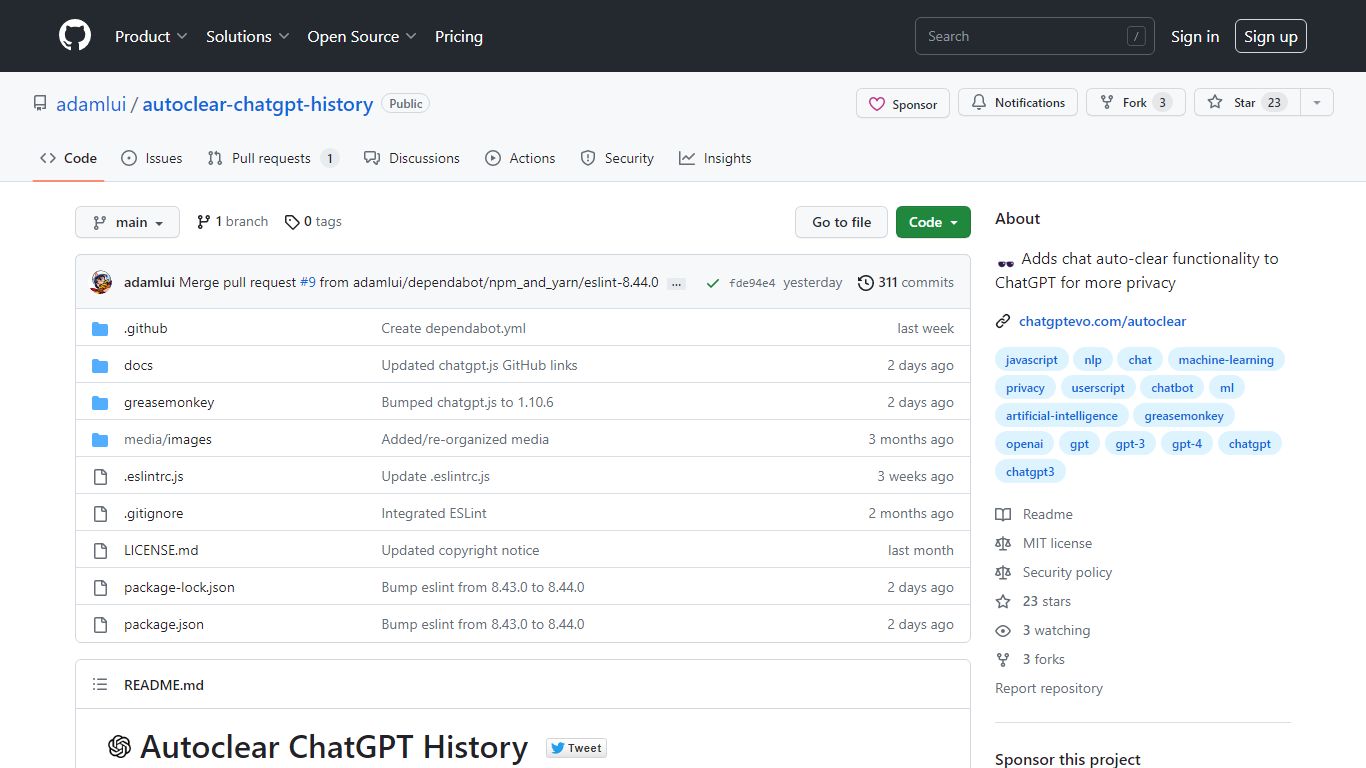
Autoclear ChatGPT History is a free userscript that wipes your ChatGPT conversation list each time you open chatgpt.com, so prior chats do not linger in the sidebar. You install it through a userscript manager such as Tampermonkey, Violentmonkey, or ScriptCat, then visit chatgpt.com as usual and a toggle appears for controlling the behavior.
Unlike browser privacy extensions that block trackers broadly, this script targets one job on one site: clearing stored ChatGPT threads on arrival. That narrow scope keeps the install lightweight compared with full privacy suites, though it only helps if you already use a userscript manager.
The project is MIT licensed, distributed via Greasy Fork and GitHub, and built on the chatgpt.js library from KudoAI. It supports Chrome, Firefox, Edge, Opera, Brave, Vivaldi, LibreWolf, Ghost, and QQ, with Safari options through Stay or Userscripts.
Reply.io Upvotes
Autoclear ChatGPT History Upvotes
Reply.io Top Features
Search 1+ billion B2B contacts with 50 live data credits per month and intent signals like hiring activity or LinkedIn engagement
Buy Google or Microsoft mailboxes inside Reply.io with automatic SPF, DKIM, and DMARC setup plus peer-to-peer warmup included
Run conditional sequences across email, LinkedIn, WhatsApp, SMS, and calls from one workflow with a unified inbox
Jason AI SDR researches prospects, personalizes outreach in 50+ languages, and books meetings from $500 per month
Connect HubSpot, Salesforce, Zapier, and MCP clients like Claude Code or Cursor for API-driven outbound
Multichannel plan includes 10 email mailboxes and unlimited active contacts from $89 per user monthly when billed annually
Autoclear ChatGPT History Top Features
Clears ChatGPT sidebar history automatically each time you load chatgpt.com
Adds an on-page toggle so you can turn auto-clear on or off during a session
Installs through Tampermonkey, Violentmonkey, ScriptCat, OrangeMonkey, or Safari Stay
MIT licensed with a free Greasy Fork install and a raw GitHub userscript URL
Lists compatibility with 9 browsers including Chrome, Firefox, Edge, Brave, and Vivaldi
Runs on chatgpt.js, the open-source library maintained by KudoAI
Reply.io Category
- Sales
Autoclear ChatGPT History Category
- Sales
Reply.io Pricing Type
- Freemium
Autoclear ChatGPT History Pricing Type
- Free