MyVocal.ai vs SpeechGPT
Compare MyVocal.ai vs SpeechGPT and see which AI Audio Generation tool is better when we compare features, reviews, pricing, alternatives, upvotes, etc.
Which one is better? MyVocal.ai or SpeechGPT?
When we compare MyVocal.ai with SpeechGPT, which are both AI-powered audio generation tools, The upvote count reveals a draw, with both tools earning the same number of upvotes. You can help us determine the winner by casting your vote and tipping the scales in favor of one of the tools.
You don't agree with the result? Cast your vote to help us decide!
MyVocal.ai

What is MyVocal.ai?
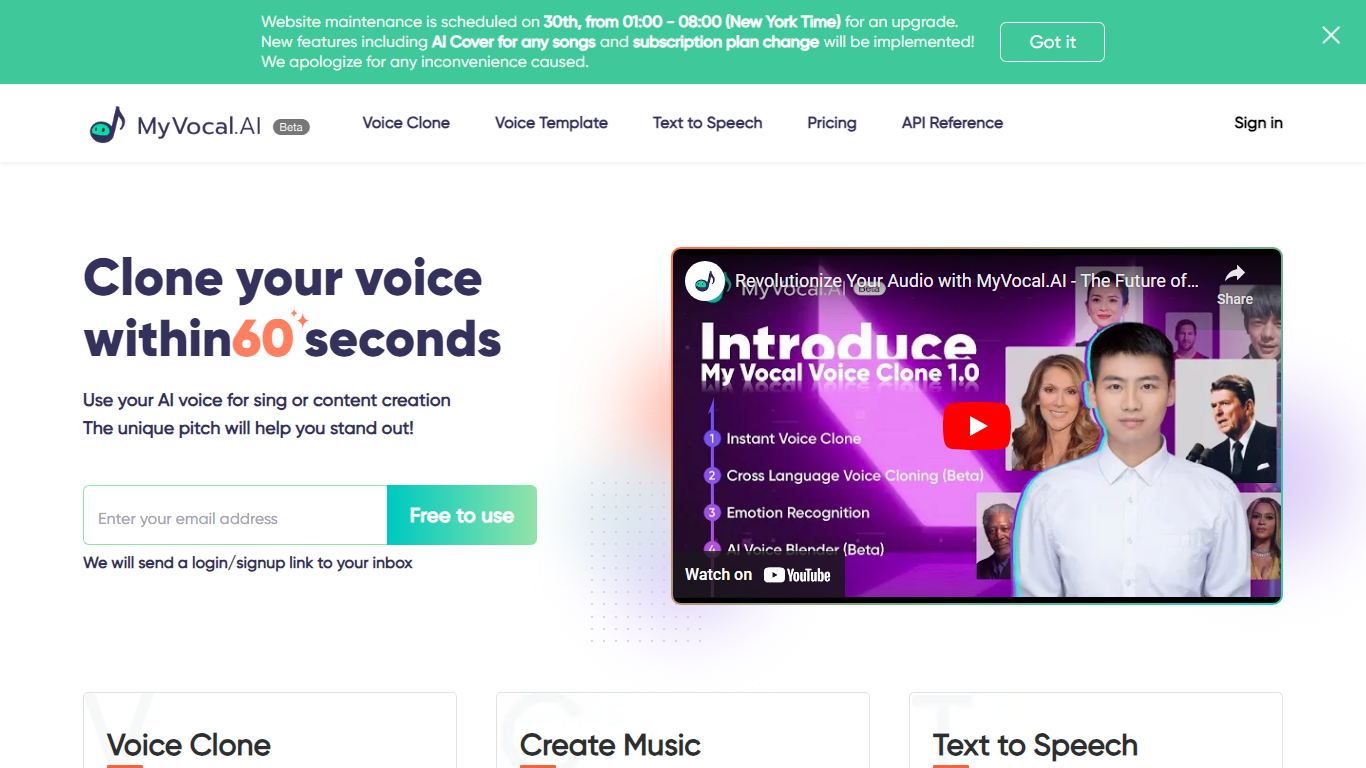
MyVocal.ai lets you clone a voice from a short recording, then generate speech, narration, or singing in that voice across Voice Clone, Text To Speech, and AI Cover workflows. The homepage tagline is Speak. Sing. Create., and the site runs on the MyVocal V3 model with 100+ languages and automatic language detection.
Most voice tools split cloning, TTS, and music covers into separate products. MyVocal.ai bundles all three, plus a developer API documented at docs.myvocal.ai. The voice-clone page says one cloned voice can speak 100+ languages, and the TTS page adds emotion tags, non-speech sounds like laughter and sighs, and a daily free pool of 50,000 characters for guests with two requests per day. AI Cover supports both speech-clone and singing-clone workflows for TikTok and YouTube content.
MyVocal.ai targets YouTubers, podcasters, game developers, and AI assistant builders who need scalable voice output. ProVisionary Intelligence Limited acquired the service in 2024 per the privacy policy, and support runs through [email protected]. New accounts start on a free plan with optional paid subscriptions for faster generation and higher character quotas.
SpeechGPT

What is SpeechGPT?
SpeechGPT lets you hold voice conversations in the browser using your own OpenAI API key. You type or record messages, send them through a chat interface, and hear spoken replies without installing desktop software.
Unlike hosted TTS services that bundle model costs into a subscription, SpeechGPT runs in the browser and bills you only through the OpenAI, Azure Speech Services, or Amazon Polly accounts you connect. That makes it a lightweight option for developers and language learners who already have API access and want a simple voice chat front end.
The interface supports English, Spanish, and Chinese UI labels, includes a record button for speech input, and stores session data locally in the browser. It suits developers testing voice chat flows, language learners practicing spoken prompts, and anyone who wants a minimal ChatGPT voice client on mobile or desktop.
MyVocal.ai Upvotes
SpeechGPT Upvotes
MyVocal.ai Top Features
MyVocal V3 model supports 100+ languages with automatic language detection
Voice cloning workflow creates a model from roughly 30 seconds to a few minutes of audio
Text-to-speech page offers a daily free pool of 50,000 characters for generation
Emotion tags include Happy, Excited, Relaxed, Sad, Angry, Confident, and Surprised
AI Cover supports speech-clone and singing-clone modes for song covers
Developer API documented at docs.myvocal.ai for assistants, games, and automation
FAQ states 100,000 characters synthesize approximately two hours of audio
SpeechGPT Top Features
Chat interface accepts typed messages or recorded speech input with Enter to send
Requires your OpenAI API key in settings before the app will run conversations
Optional Azure Speech Services or Amazon Polly access keys for alternate text-to-speech backends
UI available in English, Spanish, and Chinese from the in-app language selector
Shift plus Enter inserts a newline without sending the message
Runs as a web app on Vercel with no separate desktop install required
MyVocal.ai Category
- Audio Generation
SpeechGPT Category
- Audio Generation
MyVocal.ai Pricing Type
- Freemium
SpeechGPT Pricing Type
- Free