Nano Banana Pro API - Kie.ai vs Canva:Text-to-Image
Compare Nano Banana Pro API - Kie.ai vs Canva:Text-to-Image and see which AI Image Generation tool is better when we compare features, reviews, pricing, alternatives, upvotes, etc.
Which one is better? Nano Banana Pro API - Kie.ai or Canva:Text-to-Image?
When we compare Nano Banana Pro API - Kie.ai with Canva:Text-to-Image, which are both AI-powered image generation tools, The upvote count favors Canva:Text-to-Image, making it the clear winner. Canva:Text-to-Image has attracted 7 upvotes from aitools.fyi users, and Nano Banana Pro API - Kie.ai has attracted 6 upvotes.
Does the result make you go "hmm"? Cast your vote and turn that frown upside down!
Nano Banana Pro API - Kie.ai
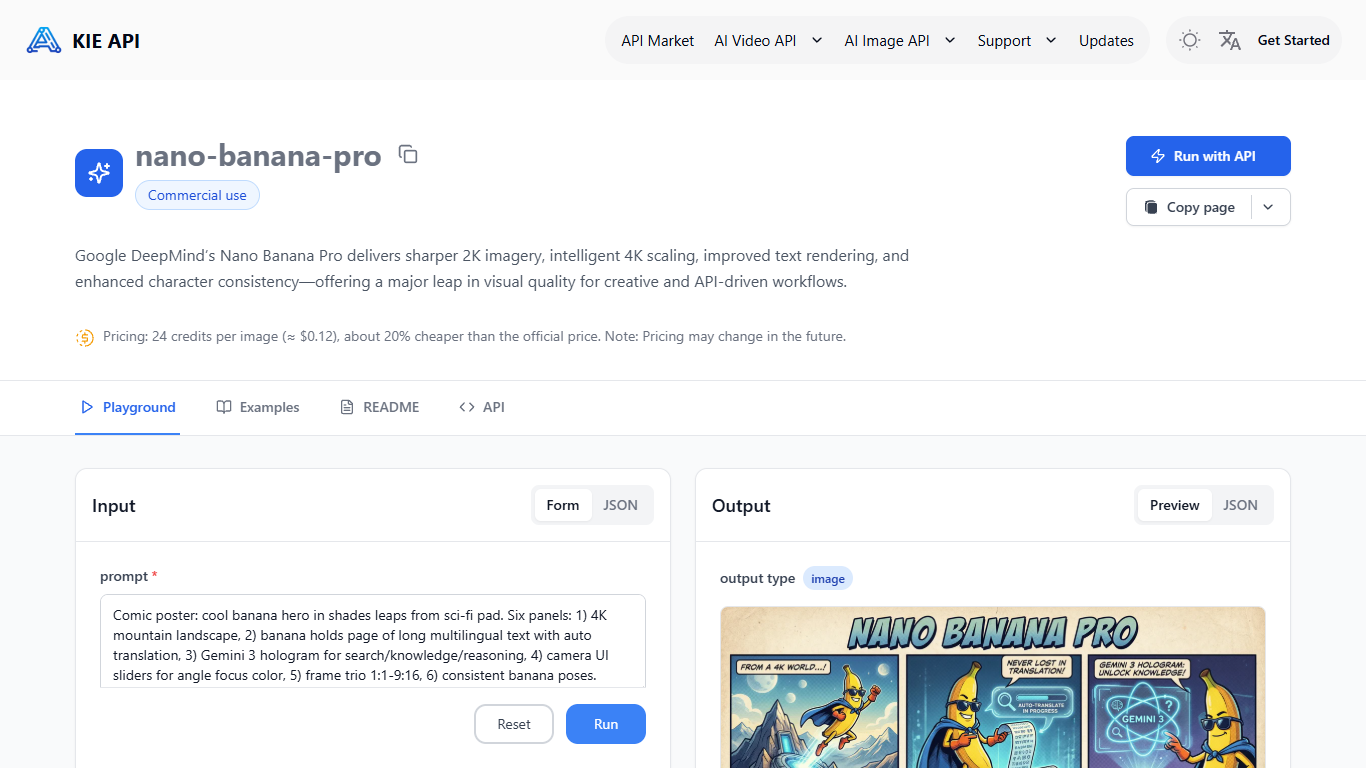

What is Nano Banana Pro API - Kie.ai?
Nano Banana Pro API on Kie.ai gives developers API access to Google DeepMind's Nano Banana Pro image model (Gemini 3.0 Pro Image) for text-to-image and image-to-image workflows. Kie.ai hosts the model behind a developer dashboard with a playground, API keys, usage logs, and documentation so teams can test prompts and ship integrations without running their own GPU stack.
The model targets sharper 2K output with intelligent 4K scaling, stronger text rendering inside images, and more stable character consistency than the earlier Nano Banana generation. Kie.ai positions the endpoint for production pipelines that need predictable visual quality across marketing assets, storyboards, product shots, and localized creative variants.
Developers call the API with a text prompt and optional reference images (up to eight JPEG, PNG, or WEBP files at 30MB each), then choose aspect ratio, resolution (1K, 2K, or 4K), and output format (PNG or JPG). A built-in playground mirrors runtime behavior before you wire REST or SDK calls into your app.
Kie.ai runs on a pay-as-you-go credit balance with per-image rates published on the product page, plus request logs, quota monitoring, and 24/7 support for production deployments.
Canva:Text-to-Image
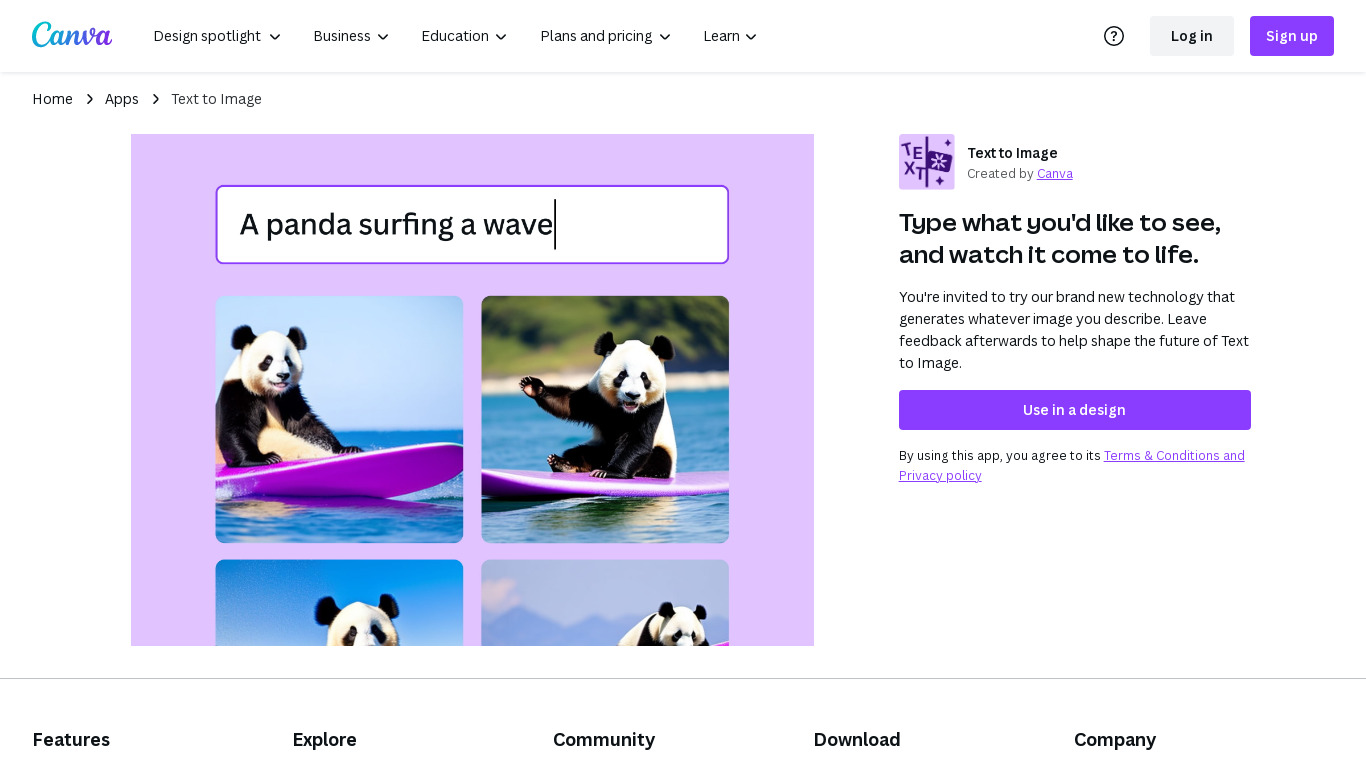
What is Canva:Text-to-Image?
Canva Text-to-Image turns written prompts into images inside the Canva editor through Magic Media and Dream Lab. You describe a scene, pick styles like Photo, Watercolor, Filmic, Neon, or Retrowave, and drop the result into presentations, social posts, or any Canva design without exporting to a separate generator. Dream Lab adds reference-image generation that keeps layout while swapping aesthetics.
Standalone text-to-image tools export PNGs you still have to import and resize. Canva keeps generation, Magic Edit, Magic Eraser, filters, and layout tools in one canvas. The workflow targets marketers and creators who need a thumbnail or hero image that already matches brand templates, not raw assets for manual assembly elsewhere.
Content creators, entrepreneurs, and small teams who design in Canva daily fit this best. Free accounts can experiment with AI images; Canva Pro at $180 per year unlocks premium styles, higher monthly AI allowances, and 100GB storage for heavier generation volume.
Nano Banana Pro API - Kie.ai Upvotes
Canva:Text-to-Image Upvotes
Nano Banana Pro API - Kie.ai Top Features
Ship text-to-image or image-to-image calls with up to eight reference uploads
Pick 1K, 2K, or 4K output plus aspect ratios from square to ultrawide
Test prompts in a playground that matches live API behavior
Get sharper in-image text and steadier character consistency vs the first Nano Banana API
Pay per image with published credit rates lower than several rival API hosts
Canva:Text-to-Image Top Features
Magic Media Text to Image with 20+ style presets including Watercolor, Filmic, and Neon
Dream Lab generates images from a reference photo while preserving composition
Outputs drop directly into Canva presentations, social posts, and print layouts
Canva Pro costs $180 per year and includes 10x more monthly AI allowance than Free
Magic Edit and Magic Eraser refine AI images with short text prompts in the same editor
Commercial use allowed under Canva AI Product Terms with user responsibility for rights
Nano Banana Pro API - Kie.ai Category
- Image Generation
Canva:Text-to-Image Category
- Image Generation
Nano Banana Pro API - Kie.ai Pricing Type
- Paid
Canva:Text-to-Image Pricing Type
- Freemium