Napkin vs CodeRabbit
Compare Napkin vs CodeRabbit and see which AI Developer tool is better when we compare features, reviews, pricing, alternatives, upvotes, etc.
Which one is better? Napkin or CodeRabbit?
When we compare Napkin with CodeRabbit, which are both AI-powered developer tools, Both tools have received the same number of upvotes from aitools.fyi users. Every vote counts! Cast yours and contribute to the decision of the winner.
Want to flip the script? Upvote your favorite tool and change the game!
Napkin


What is Napkin?
Napkin is a comprehensive platform designed to simplify the process of website creation and digital marketing for businesses. Its core functionality revolves around transforming ideas into successful online ventures by providing a user-friendly interface that requires no technical skills from the user. The platform caters primarily to small and medium-sized enterprises (SMEs) and entrepreneurs who seek to establish a robust online presence without the complexities typically associated with web development and digital marketing.
The unique value proposition of Napkin lies in its all-inclusive service model, where users can provide their business details, and the platform takes care of the entire website development process. This approach not only saves time but also alleviates the stress of managing multiple service providers. Key differentiators include a fixed pricing structure for website creation and ongoing digital marketing services, ensuring transparency and predictability in costs for users.
In addition to its ease of use, Napkin employs proven marketing strategies to attract real customers, making it an attractive option for those looking to enhance their online visibility. By combining website development with effective marketing tactics, Napkin positions itself as a one-stop solution for businesses aiming to thrive in the digital landscape.
CodeRabbit
What is CodeRabbit?
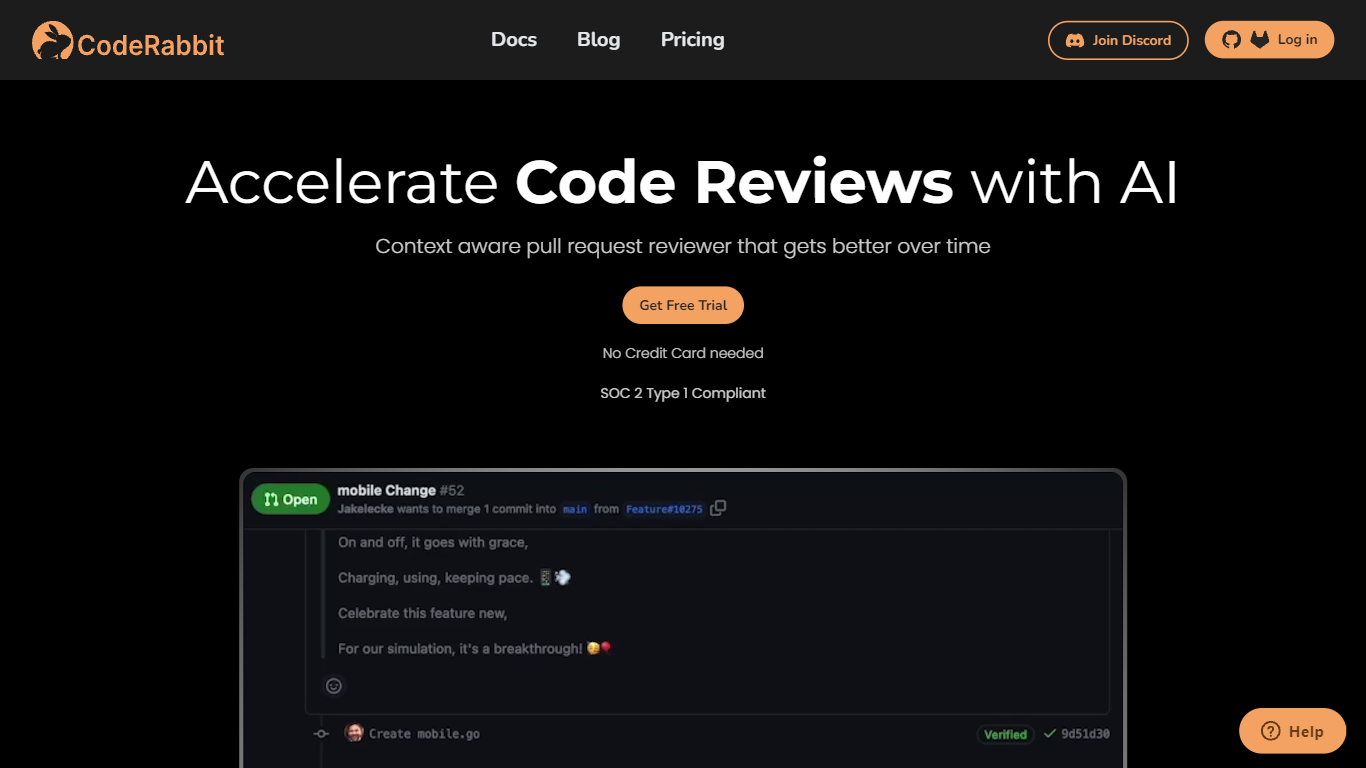
CodeRabbit comments on pull requests in GitHub and GitLab, summarizing diffs and flagging bugs before a human reviewer opens the PR. It summarizes diffs, flags bugs and style issues, and suggests fixes before a human reviewer opens the PR. Reviews also run in the IDE and CLI, so developers can catch problems before pushing. The product targets engineering teams that want faster review cycles without adding headcount.
Generic AI assistants can comment on code, but they lack repo context and PR workflow hooks. CodeRabbit installs as a GitHub or GitLab app and posts line-level feedback on every pull request, with optional linters, SAST tool output, and linked-repository analysis for cross-repo changes. Pro and Pro Plus tiers add agentic chat inside the PR, docstring generation, autofix suggestions, and custom pre-merge checks that block merges until conditions pass.
Small teams can start on the free tier, which covers PR summarization and IDE/CLI reviews across unlimited public and private repos. Paid plans bill per developer who creates pull requests, not per seat in the org, starting at $24 per user per month on annual billing. Open-source maintainers get free reviews on public repositories with no time limit.
Napkin Upvotes
CodeRabbit Upvotes
Napkin Top Features
Comprehensive Website Development: Napkin offers a complete website creation service, handling everything from design to deployment, ensuring a professional online presence without requiring technical skills from the user.
Proven Marketing Strategies: The platform utilizes established marketing techniques to attract real customers, enhancing the visibility and reach of the user's business online.
Fixed Pricing Model: Napkin provides a transparent pricing structure, with clear costs for website creation and ongoing marketing services, allowing users to budget effectively.
User-Centric Approach: By focusing on the needs of small and medium-sized enterprises, Napkin tailors its services to meet the specific requirements of its target audience, ensuring satisfaction and success.
Ongoing Support and Resources: Users have access to continuous support and additional resources, helping them navigate the complexities of online business management even after the initial setup.
CodeRabbit Top Features
Automated line-level code review comments on every GitHub and GitLab pull request
Free tier includes PR summarization and IDE/CLI reviews with unlimited repositories
Pro plan at $24 per user per month (annual) adds linters, SAST, Jira/Linear, and agentic chat
Pro Plus at $48 per user per month adds unit test generation, merge conflict resolution, and 10 linked repo analyses
Pre-merge checks block merges until custom conditions pass (up to 20 on Pro Plus)
MCP connections let the reviewer pull context from external tools (5 on Pro, 15 on Pro Plus)
CodeRabbit Agent for Slack bills $0.50 per active agent minute for incident response and code generation
Napkin Category
- Developer
CodeRabbit Category
- Developer
Napkin Pricing Type
- Paid
CodeRabbit Pricing Type
- Freemium