
Last updated 07-30-2026
Category:
Reviews:
Join thousands of AI enthusiasts in the World of AI!
CodeRabbit
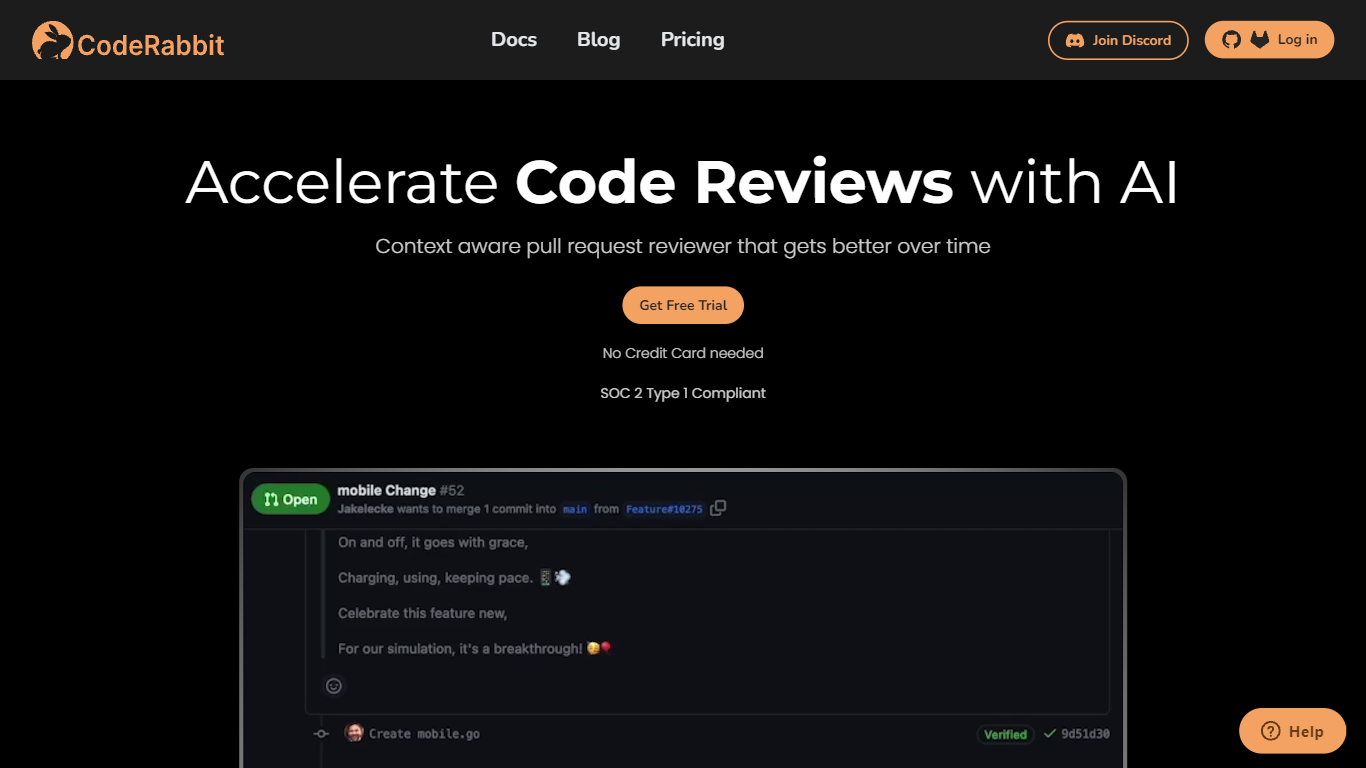
CodeRabbit comments on pull requests in GitHub and GitLab, summarizing diffs and flagging bugs before a human reviewer opens the PR. It summarizes diffs, flags bugs and style issues, and suggests fixes before a human reviewer opens the PR. Reviews also run in the IDE and CLI, so developers can catch problems before pushing. The product targets engineering teams that want faster review cycles without adding headcount.
Generic AI assistants can comment on code, but they lack repo context and PR workflow hooks. CodeRabbit installs as a GitHub or GitLab app and posts line-level feedback on every pull request, with optional linters, SAST tool output, and linked-repository analysis for cross-repo changes. Pro and Pro Plus tiers add agentic chat inside the PR, docstring generation, autofix suggestions, and custom pre-merge checks that block merges until conditions pass.
Small teams can start on the free tier, which covers PR summarization and IDE/CLI reviews across unlimited public and private repos. Paid plans bill per developer who creates pull requests, not per seat in the org, starting at $24 per user per month on annual billing. Open-source maintainers get free reviews on public repositories with no time limit.
Automated line-level code review comments on every GitHub and GitLab pull request
Free tier includes PR summarization and IDE/CLI reviews with unlimited repositories
Pro plan at $24 per user per month (annual) adds linters, SAST, Jira/Linear, and agentic chat
Pro Plus at $48 per user per month adds unit test generation, merge conflict resolution, and 10 linked repo analyses
Pre-merge checks block merges until custom conditions pass (up to 20 on Pro Plus)
MCP connections let the reviewer pull context from external tools (5 on Pro, 15 on Pro Plus)
CodeRabbit Agent for Slack bills $0.50 per active agent minute for incident response and code generation
Free tier covers unlimited repos with PR summarization and no credit card required
Bills per PR author, not every developer in the organization
Reviews run in GitHub, GitLab, IDE, and CLI from a single account
Pro and Pro Plus require annual billing at $24 and $48 per user per month respectively
PR review rate limits cap at 5 to 12 reviews per developer per hour depending on plan
Enterprise features like SSO and self-hosting require a sales conversation
Is CodeRabbit free to use?
CodeRabbit offers a Free plan at $0 per user per month with PR summarization and IDE/CLI reviews on unlimited public and private repositories. New accounts also get a 14-day trial of Pro Plus with no credit card required. Open-source public repositories receive free reviews permanently.
How much does CodeRabbit cost?
CodeRabbit Pro costs $24 per user per month billed annually and includes linters, SAST support, Jira and Linear integrations, and agentic chat. Pro Plus is $48 per user per month annually and adds unit test generation, merge conflict resolution, and higher rate limits. Enterprise pricing is available through sales.
Which platforms does CodeRabbit integrate with?
CodeRabbit installs as an app on GitHub and GitLab to review pull requests automatically. Paid plans connect to Jira and Linear for issue tracking, and MCP connections pull context from external developer tools. Reviews also run in supported IDEs and through a CLI.
Does CodeRabbit charge for every developer in my org?
No. CodeRabbit bills only developers who create pull requests, and admins can manually assign seats. Seats can be reassigned to different developers at any time. There is no limit on the number of pull requests reviewed or repositories connected on any plan.
What are CodeRabbit pre-merge checks?
CodeRabbit pre-merge checks are custom conditions that must pass before a pull request can merge. Pro Plus includes up to 20 custom checks, such as requiring docstrings, passing linter output, or resolving flagged security issues. Enterprise plans support the same check framework with additional governance controls.
Can CodeRabbit review code before a pull request?
Yes. CodeRabbit offers IDE and CLI review modes so developers can get AI feedback on local changes before pushing. The CLI also supports unlimited reviews through a usage-based add-on for teams running agentic coding loops.