CodeRabbit vs PSEUDO.AI
In the battle of CodeRabbit vs PSEUDO.AI, which AI Developer tool comes out on top? We compare reviews, pricing, alternatives, upvotes, features, and more.
Between CodeRabbit and PSEUDO.AI, which one is superior?
Upon comparing CodeRabbit with PSEUDO.AI, which are both AI-powered developer tools, With more upvotes, PSEUDO.AI is the preferred choice. PSEUDO.AI has been upvoted 7 times by aitools.fyi users, and CodeRabbit has been upvoted 6 times.
Does the result make you go "hmm"? Cast your vote and turn that frown upside down!
CodeRabbit

What is CodeRabbit?
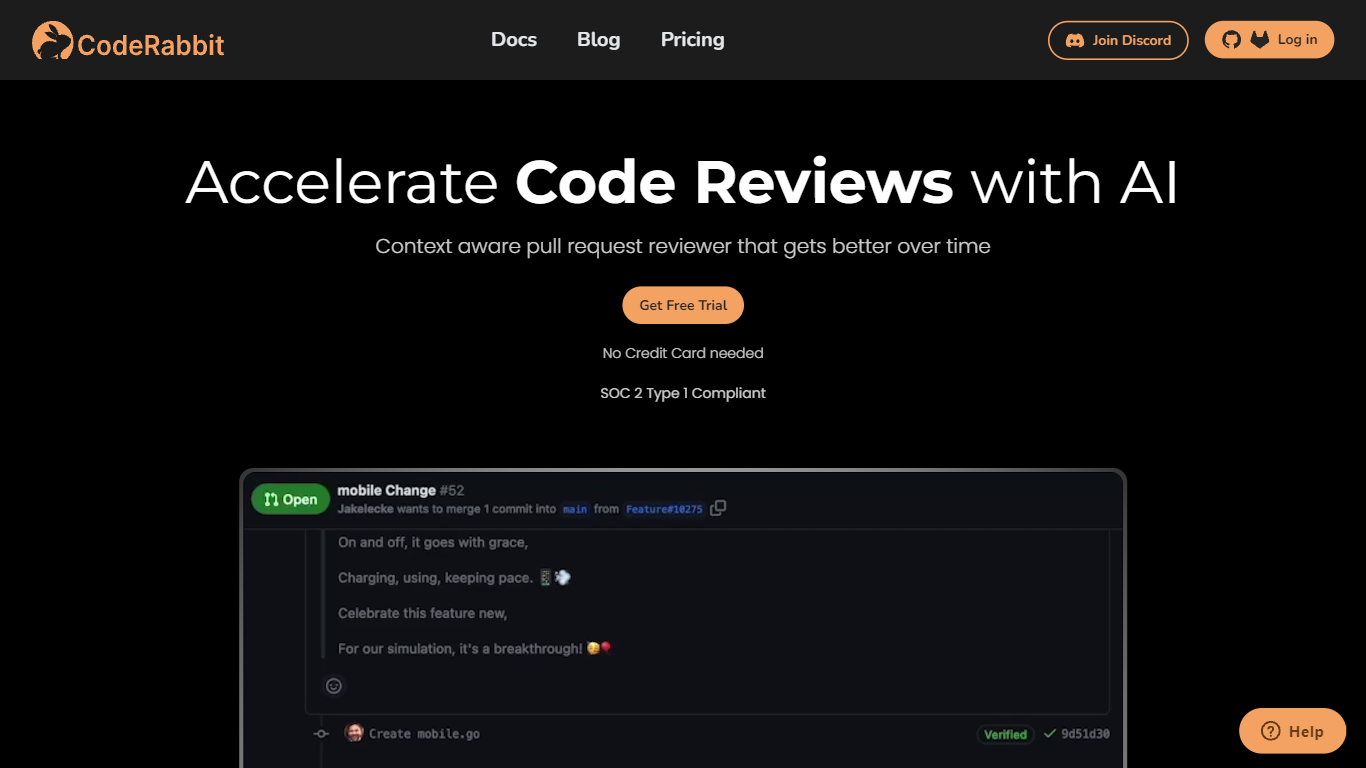
CodeRabbit comments on pull requests in GitHub and GitLab, summarizing diffs and flagging bugs before a human reviewer opens the PR. It summarizes diffs, flags bugs and style issues, and suggests fixes before a human reviewer opens the PR. Reviews also run in the IDE and CLI, so developers can catch problems before pushing. The product targets engineering teams that want faster review cycles without adding headcount.
Generic AI assistants can comment on code, but they lack repo context and PR workflow hooks. CodeRabbit installs as a GitHub or GitLab app and posts line-level feedback on every pull request, with optional linters, SAST tool output, and linked-repository analysis for cross-repo changes. Pro and Pro Plus tiers add agentic chat inside the PR, docstring generation, autofix suggestions, and custom pre-merge checks that block merges until conditions pass.
Small teams can start on the free tier, which covers PR summarization and IDE/CLI reviews across unlimited public and private repos. Paid plans bill per developer who creates pull requests, not per seat in the org, starting at $24 per user per month on annual billing. Open-source maintainers get free reviews on public repositories with no time limit.
PSEUDO.AI

What is PSEUDO.AI?
PSEUDO.AI turns source code into human-readable pseudocode in your browser. You enter a prompt or code snippet, pick a language, and the app returns plain-language steps that read like structured pseudocode rather than raw syntax. It runs on the web at pseudoai.vercel.app with no install, and targets teams who need to explain implementation details to people who do not read code daily.
Most code explainers summarize what a snippet does in prose. PSEUDO.AI keeps the output closer to pseudocode structure, which makes handoffs to designers, product owners, or junior developers easier to scan. The trade-off is focus: it is built for pseudocode conversion, not debugging, testing, or repo-wide documentation. That narrow scope is the point when the goal is shared comprehension, not a full IDE workflow.
Software developers use it to translate tricky logic before code reviews or stakeholder meetings. Computer science students and instructors lean on it when a textbook example needs a readable walkthrough. Product managers and mentors who sit in technical discussions but do not write production code get a format they can follow without parsing braces and semicolons.
CodeRabbit Upvotes
PSEUDO.AI Upvotes
CodeRabbit Top Features
Automated line-level code review comments on every GitHub and GitLab pull request
Free tier includes PR summarization and IDE/CLI reviews with unlimited repositories
Pro plan at $24 per user per month (annual) adds linters, SAST, Jira/Linear, and agentic chat
Pro Plus at $48 per user per month adds unit test generation, merge conflict resolution, and 10 linked repo analyses
Pre-merge checks block merges until custom conditions pass (up to 20 on Pro Plus)
MCP connections let the reviewer pull context from external tools (5 on Pro, 15 on Pro Plus)
CodeRabbit Agent for Slack bills $0.50 per active agent minute for incident response and code generation
PSEUDO.AI Top Features
Choose from 12 languages on the converter page, including C, C++, C#, Java, Python 3, JavaScript, Node.js, PHP, Kotlin, Swift, and SQL.
Runs entirely in the browser at pseudoai.vercel.app with no downloads required, per the homepage FAQ.
Uses an OpenAI-trained GPT model to generate pseudocode from your code input, according to the site FAQ.
Three-step workflow on the converter: enter a prompt or topic, pick a language, then click GO and copy the output.
Homepage FAQ lists Java, Python, C++, and JavaScript among supported languages, with a broader list on the live converter.
CodeRabbit Category
- Developer
PSEUDO.AI Category
- Developer
CodeRabbit Pricing Type
- Freemium
PSEUDO.AI Pricing Type
- Free