Native AI vs HitPaw
Explore the showdown between Native AI vs HitPaw and find out which AI All In One tool wins. We analyze upvotes, features, reviews, pricing, alternatives, and more.
In a face-off between Native AI and HitPaw, which one takes the crown?
When we contrast Native AI with HitPaw, both of which are exceptional AI-operated all in one tools, and place them side by side, we can spot several crucial similarities and divergences. The users have made their preference clear, HitPaw leads in upvotes. HitPaw has been upvoted 8 times by aitools.fyi users, and Native AI has been upvoted 6 times.
You don't agree with the result? Cast your vote to help us decide!
Native AI

What is Native AI?
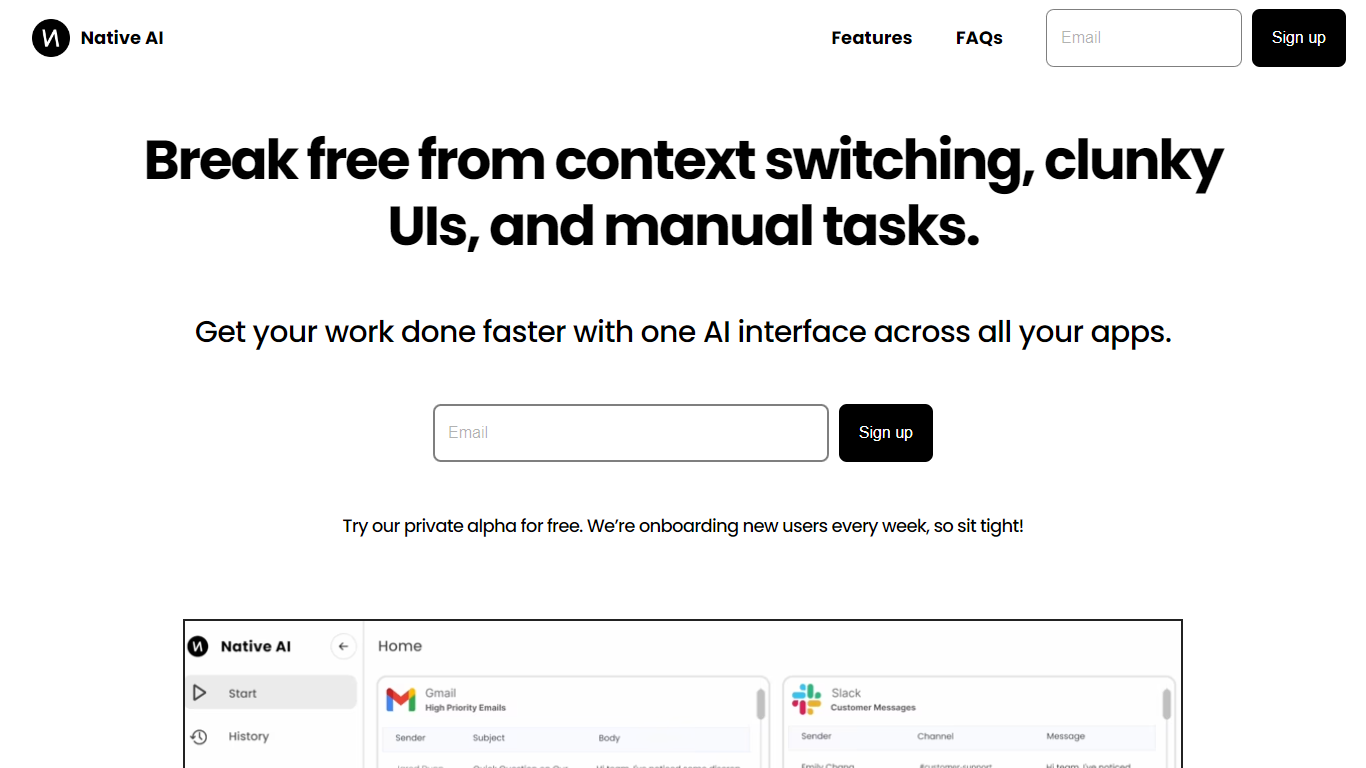
Native AI introduces a transformative approach to managing apps by providing a single AI interface for all your applications. Embrace the future with Native AI, where context switching, cumbersome user interfaces (UIs), and repetitive manual tasks become a thing of the past.
Experience the power of lightning-fast interactions, simple intuitive interfaces, and effortless automations designed to streamline your workflow across various apps such as Slack, Gmail, Jira, and more. The unified platform fosters a seamless experience, letting you focus on productivity rather than juggling multiple apps.
Native AI invites you to join their private alpha, offering you a complimentary opportunity to be part of an innovation that's onboarding users weekly. With endorsements from professionals across industries, it's clear that Native AI is setting a new standard for efficiency and effectiveness in the workplace.
HitPaw
What is HitPaw?
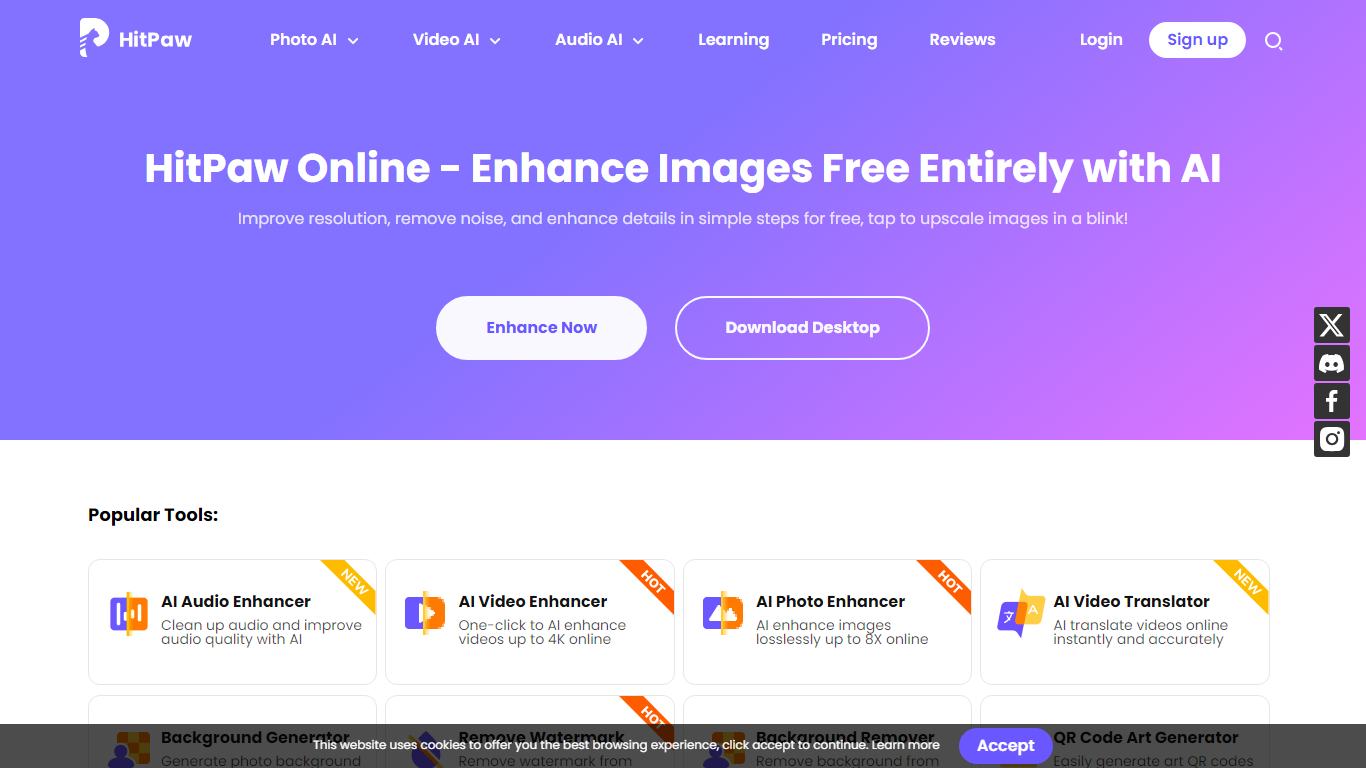
HitPaw Online is an all-in-one browser toolbox for editing photos, videos, and audio without installing desktop software. The site bundles 48 creative tools across video, image, and audio workflows, from AI upscaling and watermark removal to product video generation and vocal isolation.
Most single-purpose editors focus on one file type. HitPaw spreads the same credit-based account across 21 video AI tools, 17 photo AI tools, and 10 audio AI tools, so you can enhance a clip, clean a product photo, and strip vocals from a track in one tab. Free users get previews on core enhancers; paid plans unlock exports through a shared AI credit pool.
The platform targets creators, sellers, and editors who want quick fixes in the browser. Trustpilot lists a 4.7 rating, and HitPaw says over 2 million professionals use its online suite for social clips, store listings, and podcast cleanup.
Native AI Upvotes
HitPaw Upvotes
Native AI Top Features
Universal AI Interface: Manage all your apps through a single AI-powered interface.
Fast Interactions: Enjoy super quick interactions with apps, utilizing typing, speaking, and clicking methods.
Simple UI: Benefit from a minimal user interface that's easy to navigate, with context-based AI suggestions.
Effortless Automations: Automate tasks within your workflows using natural language commands.
Security and Privacy: Native AI ensures the security and privacy of your interactions.
HitPaw Top Features
48 browser tools split across 21 video AI, 17 photo AI, and 10 audio AI workflows
Shared AI credit plans from $9.99 weekly to $79.99 yearly with cross-tool usage
Video enhancer upscales footage to 4K with specialized face, denoise, and animation models
Product video generator turns product photos into eCommerce-ready clips with motion and lighting controls
Free tier offers preview-only access before you buy credits for full exports
Trustpilot rating of 4.7 with a 30-day money-back guarantee on paid plans
Native AI Category
- All In One
HitPaw Category
- All In One
Native AI Pricing Type
- Freemium
HitPaw Pricing Type
- Freemium