
Last updated 08-12-2026
Category:
Reviews:
Join thousands of AI enthusiasts in the World of AI!
HitPaw
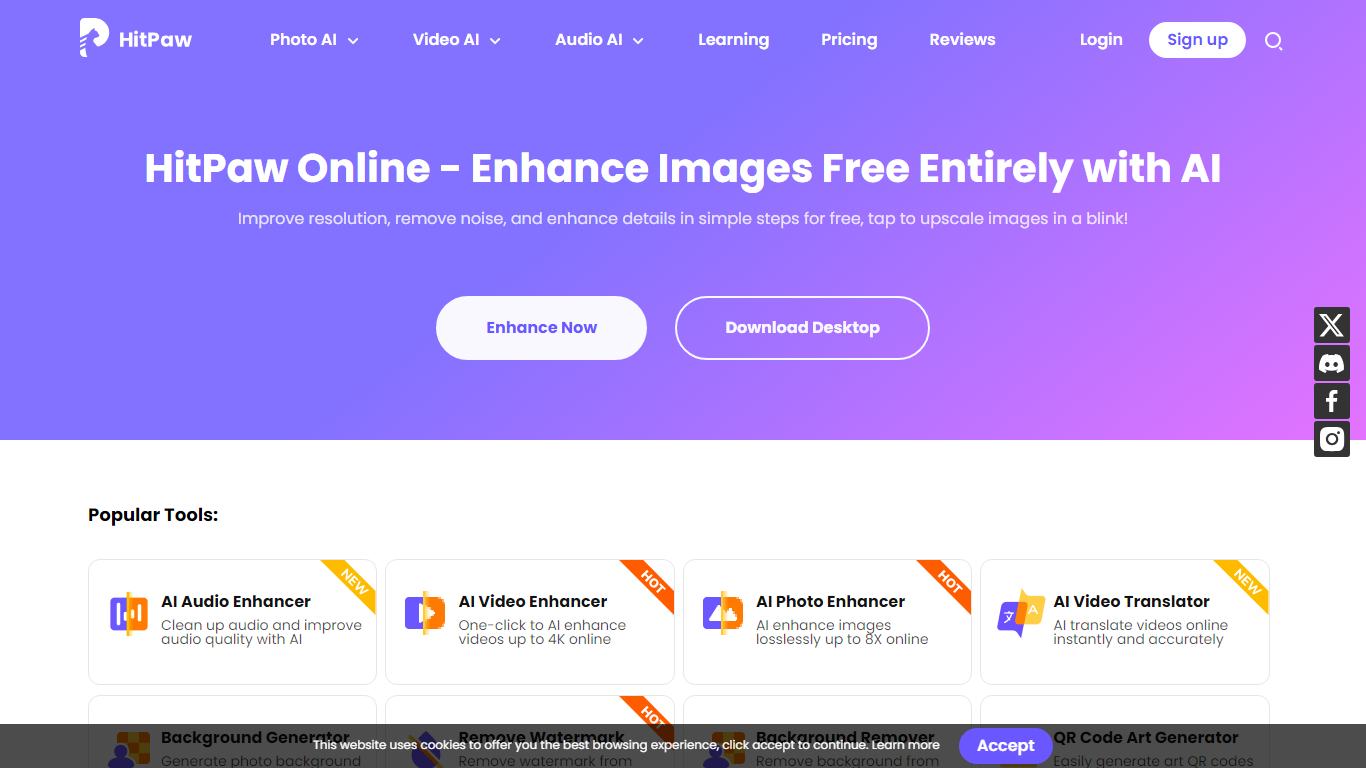
HitPaw Online is an all-in-one browser toolbox for editing photos, videos, and audio without installing desktop software. The site bundles 48 creative tools across video, image, and audio workflows, from AI upscaling and watermark removal to product video generation and vocal isolation.
Most single-purpose editors focus on one file type. HitPaw spreads the same credit-based account across 21 video AI tools, 17 photo AI tools, and 10 audio AI tools, so you can enhance a clip, clean a product photo, and strip vocals from a track in one tab. Free users get previews on core enhancers; paid plans unlock exports through a shared AI credit pool.
The platform targets creators, sellers, and editors who want quick fixes in the browser. Trustpilot lists a 4.7 rating, and HitPaw says over 2 million professionals use its online suite for social clips, store listings, and podcast cleanup.
48 browser tools split across 21 video AI, 17 photo AI, and 10 audio AI workflows
Shared AI credit plans from $9.99 weekly to $79.99 yearly with cross-tool usage
Video enhancer upscales footage to 4K with specialized face, denoise, and animation models
Product video generator turns product photos into eCommerce-ready clips with motion and lighting controls
Free tier offers preview-only access before you buy credits for full exports
Trustpilot rating of 4.7 with a 30-day money-back guarantee on paid plans
One account covers photo, video, and audio fixes instead of juggling separate single-purpose apps.
Preview mode lets you test enhancers before spending credits on a full export.
Large tool catalog includes niche generators like old photo animation and product video ads.
Free tier is preview-only, so you cannot export full-length enhanced files without paying.
Credit consumption varies by tool, which makes batch work harder to budget.
Heavy projects may still need the desktop apps for larger files and batch queues.
Is HitPaw Online free?
HitPaw Online has a free tier with preview-only access to core enhancers and limited exports. Full exports and AI generators require a Weekly, Monthly, or Yearly credit plan starting at $9.99 per week.
How many tools does HitPaw Online include?
HitPaw Online lists 48 creative tools, including 21 video AI tools, 17 photo AI tools, and 10 audio AI tools. One subscription unlocks credits across the full browser suite.
What video formats does HitPaw support?
HitPaw Online Video Enhancer accepts major formats including MP4, MOV, M4V, and AVI. You upload in the browser, pick an AI model, preview side by side, then download the enhanced file.
Do HitPaw credits work on every tool?
Yes. Weekly, Monthly, and Yearly HitPaw Online plans share one AI credit balance across all online products. Each feature consumes a different number of credits, shown when you run a tool.
Does HitPaw require software installation?
No. HitPaw Online runs entirely in the browser with no download required. Desktop apps like HitPaw VikPea exist separately for batch processing and larger files.
What is HitPaw's refund policy?
HitPaw offers a 30-day money-back guarantee on paid online plans. If support cannot resolve an issue, you can request a refund under the published refund policy.