Native AI vs UBBLU
Explore the showdown between Native AI vs UBBLU and find out which AI All In One tool wins. We analyze upvotes, features, reviews, pricing, alternatives, and more.
In a face-off between Native AI and UBBLU, which one takes the crown?
When we contrast Native AI with UBBLU, both of which are exceptional AI-operated all in one tools, and place them side by side, we can spot several crucial similarities and divergences. The users have made their preference clear, UBBLU leads in upvotes. The upvote count for UBBLU is 8, and for Native AI it's 6.
Does the result make you go "hmm"? Cast your vote and turn that frown upside down!
Native AI
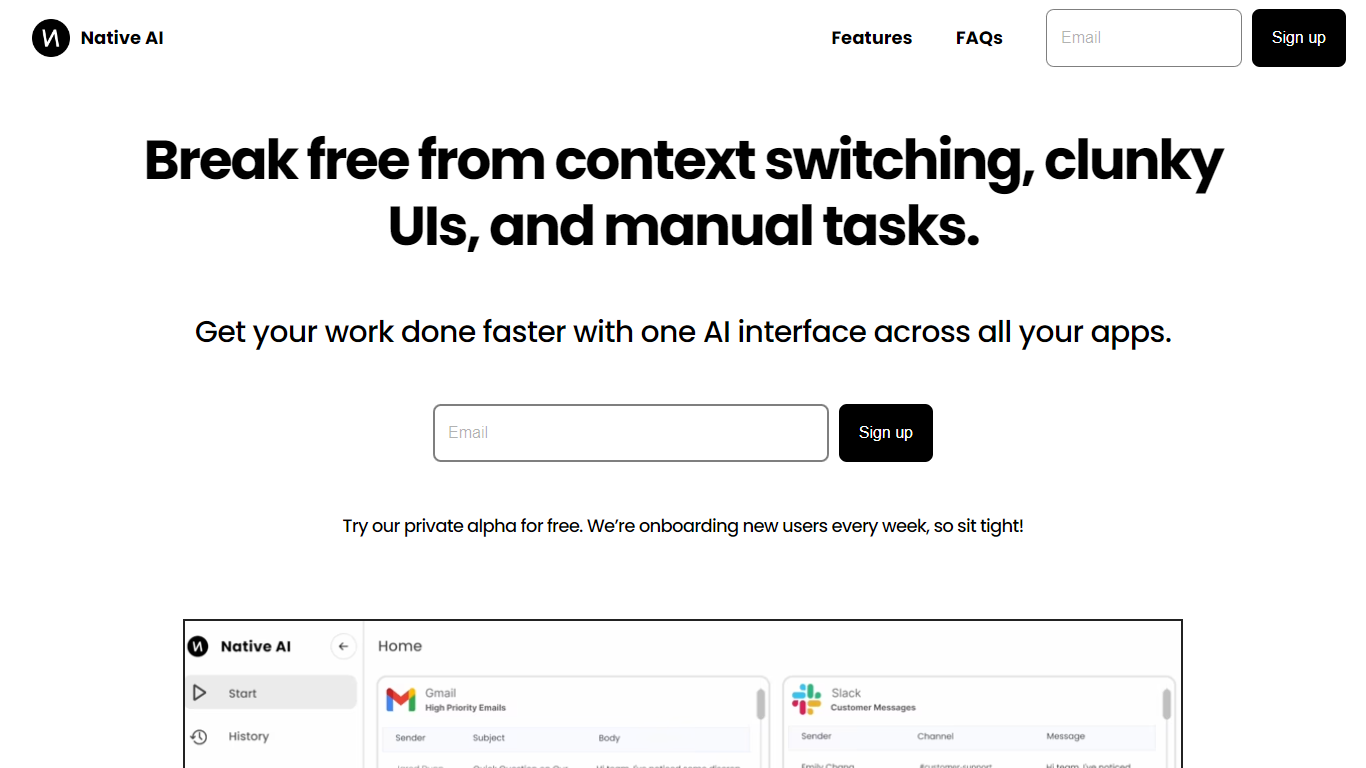

What is Native AI?
Native AI introduces a transformative approach to managing apps by providing a single AI interface for all your applications. Embrace the future with Native AI, where context switching, cumbersome user interfaces (UIs), and repetitive manual tasks become a thing of the past.
Experience the power of lightning-fast interactions, simple intuitive interfaces, and effortless automations designed to streamline your workflow across various apps such as Slack, Gmail, Jira, and more. The unified platform fosters a seamless experience, letting you focus on productivity rather than juggling multiple apps.
Native AI invites you to join their private alpha, offering you a complimentary opportunity to be part of an innovation that's onboarding users weekly. With endorsements from professionals across industries, it's clear that Native AI is setting a new standard for efficiency and effectiveness in the workplace.
UBBLU
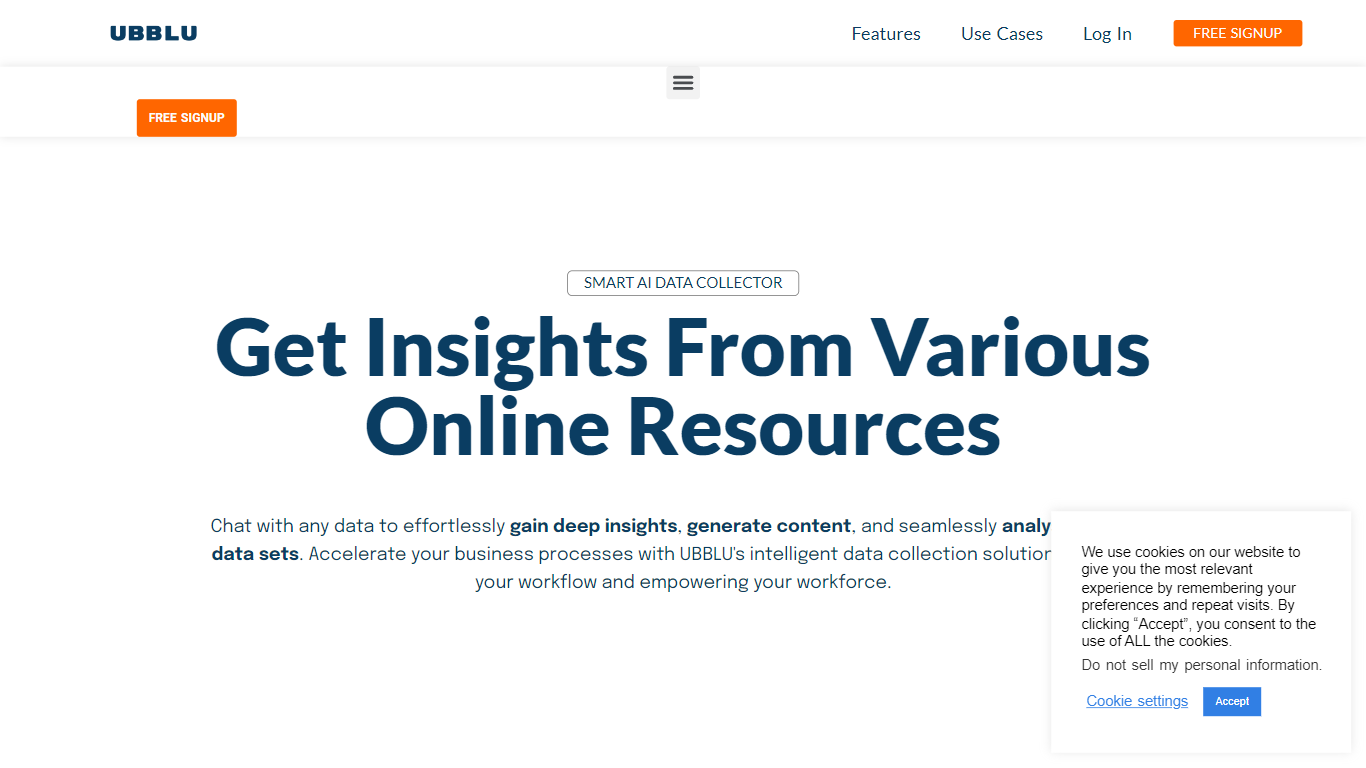
What is UBBLU?
UBBLU stores notes, cards, folders, and tags on desktop, then lets you query that archive through Ask instead of scrolling folders. Type a question and pull back meeting facts, project details, or study notes from one knowledge base.
The product splits quick captures into Notes and longer structured writing into Cards, with tags linking related items. Pricing page states the app is free today with unlimited notes, cards, folders, and up to 5 uploaded documents in Ask, while a paid tier around $4.99 is planned.
Ubblu is desktop-only with a mobile version listed as coming soon. That limits on-the-go capture compared to phone-first note apps, but the Ask search layer is the differentiator for people drowning in their own archives.
Native AI Upvotes
UBBLU Upvotes
Native AI Top Features
Universal AI Interface: Manage all your apps through a single AI-powered interface.
Fast Interactions: Enjoy super quick interactions with apps, utilizing typing, speaking, and clicking methods.
Simple UI: Benefit from a minimal user interface that's easy to navigate, with context-based AI suggestions.
Effortless Automations: Automate tasks within your workflows using natural language commands.
Security and Privacy: Native AI ensures the security and privacy of your interactions.
UBBLU Top Features
Ask feature queries notes, cards, folders, and tags in natural language
Free plan includes unlimited notes, cards, folders, and attached files
Upload up to 5 documents into Ask on the free tier
Cards structure long-form ideas separate from quick Notes
Planned paid tier priced around $4.99 with advanced plans from $10.99
Desktop-only app with mobile version listed as coming soon
Native AI Category
- All In One
UBBLU Category
- All In One
Native AI Pricing Type
- Freemium
UBBLU Pricing Type
- Freemium