
Last updated 08-15-2026
Category:
Overall Rating:
5.0 🏆
Reviews:
Privacy and Your Privacy Choices
Join thousands of AI enthusiasts in the World of AI!
UBBLU
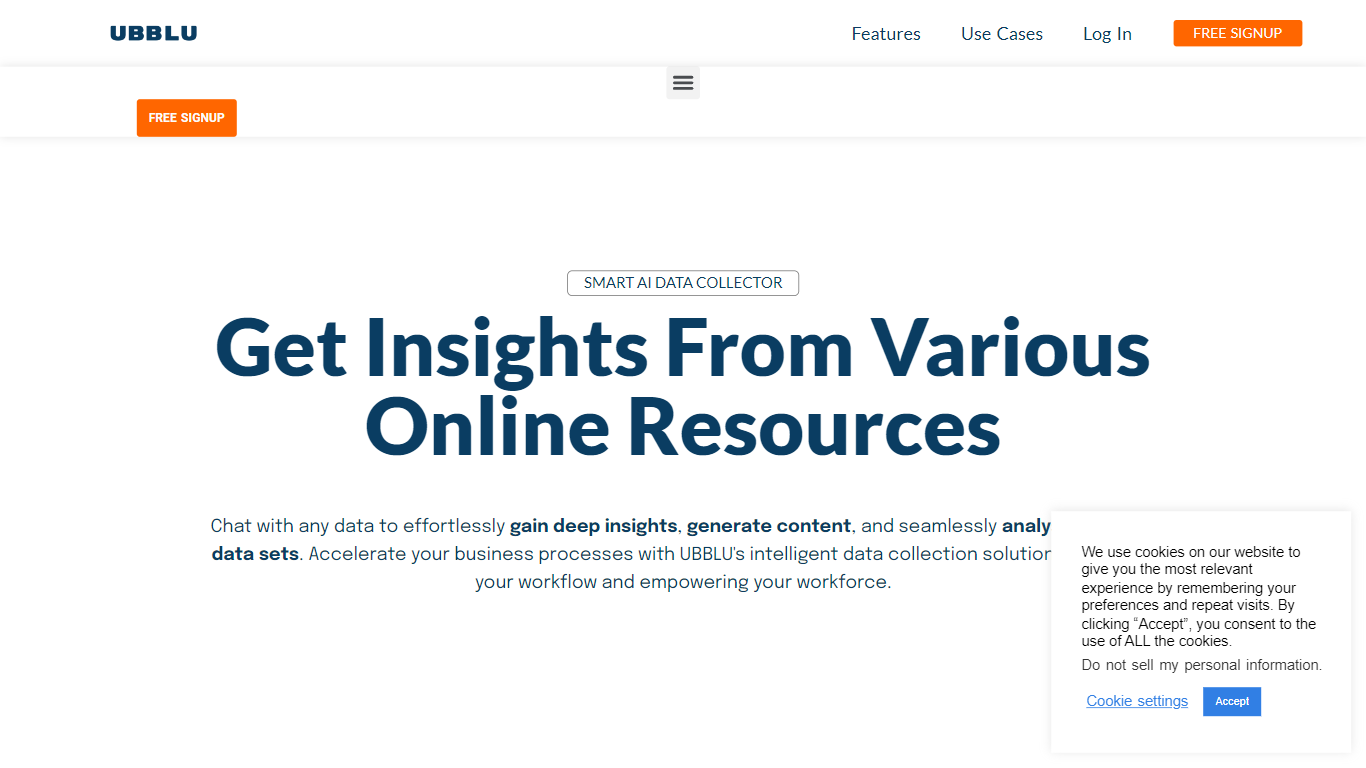
UBBLU stores notes, cards, folders, and tags on desktop, then lets you query that archive through Ask instead of scrolling folders. Type a question and pull back meeting facts, project details, or study notes from one knowledge base.
The product splits quick captures into Notes and longer structured writing into Cards, with tags linking related items. Pricing page states the app is free today with unlimited notes, cards, folders, and up to 5 uploaded documents in Ask, while a paid tier around $4.99 is planned.
Ubblu is desktop-only with a mobile version listed as coming soon. That limits on-the-go capture compared to phone-first note apps, but the Ask search layer is the differentiator for people drowning in their own archives.
Ask feature queries notes, cards, folders, and tags in natural language
Free plan includes unlimited notes, cards, folders, and attached files
Upload up to 5 documents into Ask on the free tier
Cards structure long-form ideas separate from quick Notes
Planned paid tier priced around $4.99 with advanced plans from $10.99
Desktop-only app with mobile version listed as coming soon
Ask queries across notes, cards, folders, tags, and uploaded files
Free tier includes unlimited notes, cards, folders, and attachments
No credit card required for current free access
Cards and tags support structured long-form knowledge bases
Desktop-only with no mobile app available yet
Ask document uploads capped at 5 files on the free plan
Paid pricing is announced but not yet live on the site
What is UBBLU?
UBBLU is a desktop note-taking app that stores notes, cards, folders, and tags, then lets you query that knowledge base through an Ask feature instead of manual search.
How much does UBBLU cost?
UBBLU is free today with no credit card required. The pricing page states a paid version is planned around $4.99, with more advanced plans starting at $10.99.
What can I store in UBBLU?
UBBLU supports quick Notes, longer Cards, folders, tags, reminders, pinned notes, attached files, and up to 5 uploaded documents that Ask can search.
How does UBBLU Ask work?
UBBLU Ask lets you type a question or keyword and retrieves answers from notes, cards, folders, tags, and uploaded documents without scrolling through folders manually.
Is UBBLU available on mobile?
UBBLU is desktop-only today. The homepage and features pages state a mobile version is coming soon.
Who is UBBLU for?
UBBLU targets students, product managers, writers, and researchers who capture lots of notes and need faster recall across meetings, studies, and project research.
Category:
Pricing:
Tags:
Tech used:
Overall Rating:
5.0 🏆
Reviews:
Privacy and Your Privacy Choices