
Last updated 08-03-2026
Category:
Reviews:
Join thousands of AI enthusiasts in the World of AI!
Booltool
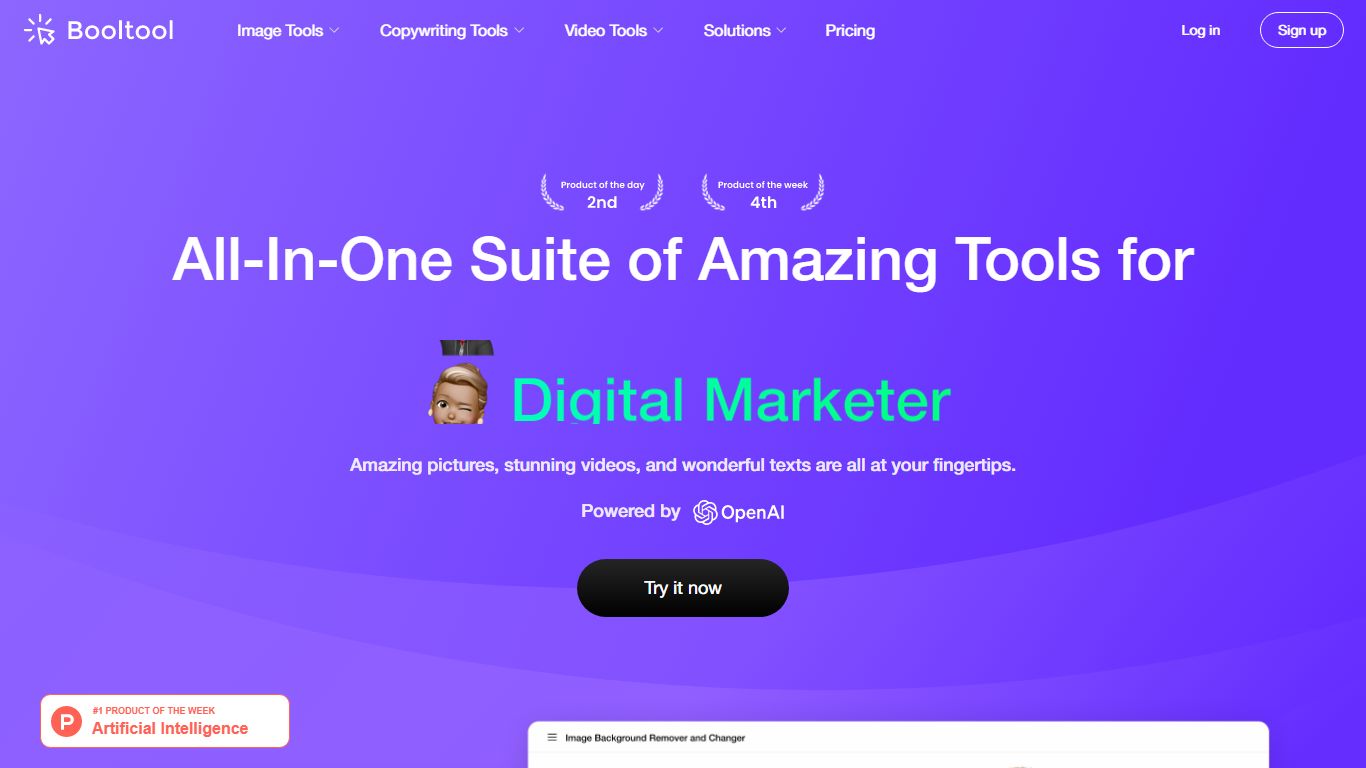
Booltool bundles image editing, AI copywriting, and video enhancement into one browser-based toolkit from Boolv Tech. Online shop owners and content creators get portrait and product background removal, object erasing, 2x image upscaling, and photo animation effects without switching between separate apps. Copywriting tools include an AI paraphraser, positive comment generator, and photo storytelling writer.
Canva handles design templates and Figma targets UI work, but Booltool narrows in on e-commerce visuals and quick marketing copy in a single tab. You get 10-plus image tools, three writing helpers, and video upscaling aimed at product photos and social posts rather than full design projects. Some video features like background removal are still marked as upgrading on the site.
E-commerce sellers polishing product shots, social media managers batching comment replies, and small marketing teams who need background removal plus caption writing in one session are the core users. Booltool ranked on Product Hunt and targets shop owners who previously jumped between separate photo editors and copywriting apps.
Portrait and product background removers with one-click precision on uploaded images
Object eraser removes watermarks, defects, and unwanted people with a simple swipe
Image enhancer upscales photos by 2x to meet resolution requirements instantly
AI paraphraser rewrites text to eliminate duplicated content across marketing copy
Sugar Comments generator creates positive social media reply suggestions
Video enhancer upscales footage by 2x while improving color balance and sharpness
Combines 10-plus image tools, copywriting, and video enhancement in one browser tab.
One-click background removal for both portraits and product photos.
No desktop software install required; runs entirely in the browser.
Sugar Comments and photo storytelling tools speed up social media workflows.
Video background remover and some video features still marked as upgrading.
Paid plan pricing not listed on the official pricing page at time of research.
Heavy SPA site may load slowly compared to lightweight single-purpose tools.
What is Booltool?
Booltool is an all-in-one AI toolkit by Boolv Tech for image editing, copywriting, and video enhancement in your browser. It bundles background removal, object erasing, image upscaling, AI paraphrasing, and video enhancement into one platform.
Who is Booltool designed for?
Booltool targets online shop owners, content creators, digital marketers, and graphic designers who need product photos, marketing copy, and social content without switching between multiple editing apps.
What image tools does Booltool include?
Booltool offers portrait and object background removers, an object eraser, 2x image enhancer, photo filters, image resizer, compressor, animation effects, and background blur. All run in the browser without desktop software.
Does Booltool have copywriting features?
Yes, Booltool includes an AI paraphraser for rewriting text, a Sugar Comments tool for positive social replies, and a Photo Storytelling generator that writes narratives for your images.
Can Booltool edit videos?
Booltool includes a video enhancer that upscales footage by 2x and improves color balance and sharpness. A video background remover is listed on the site with a feature upgrading status.
Is Booltool free to try?
Booltool offers a free tier you can start from the homepage with sign-up. Paid plans unlock unlimited usage on premium tools like batch processing and extended video enhancement.